

Your personal settings
The Settings area is all about you as a person, not your company. Here you change your name, photo, language and theme, and the email address and password you sign in with. Nothing you change here touches your colleagues or your company profile.
Open it from the user menu at the right end of the top bar: select your email address, then Settings.
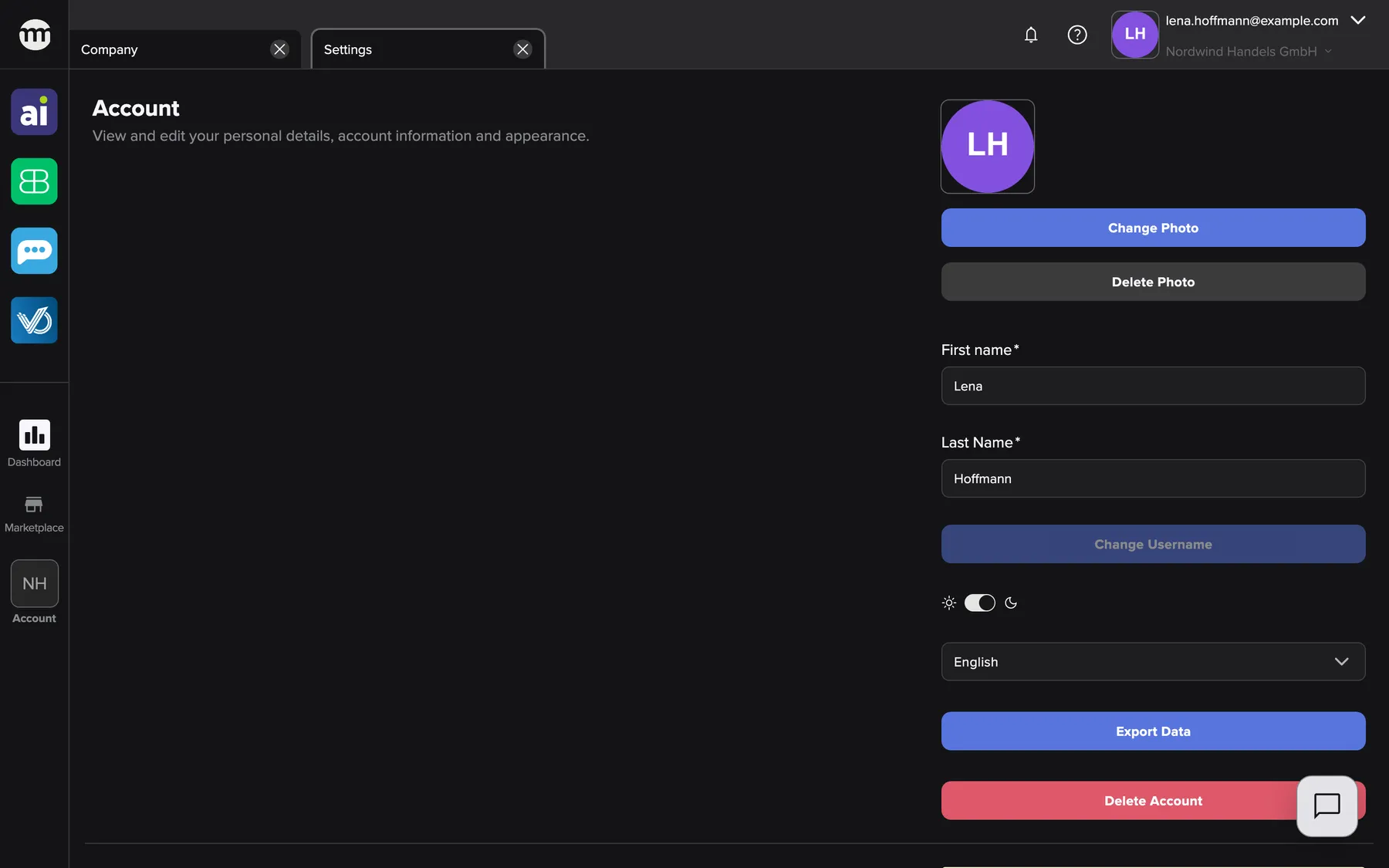
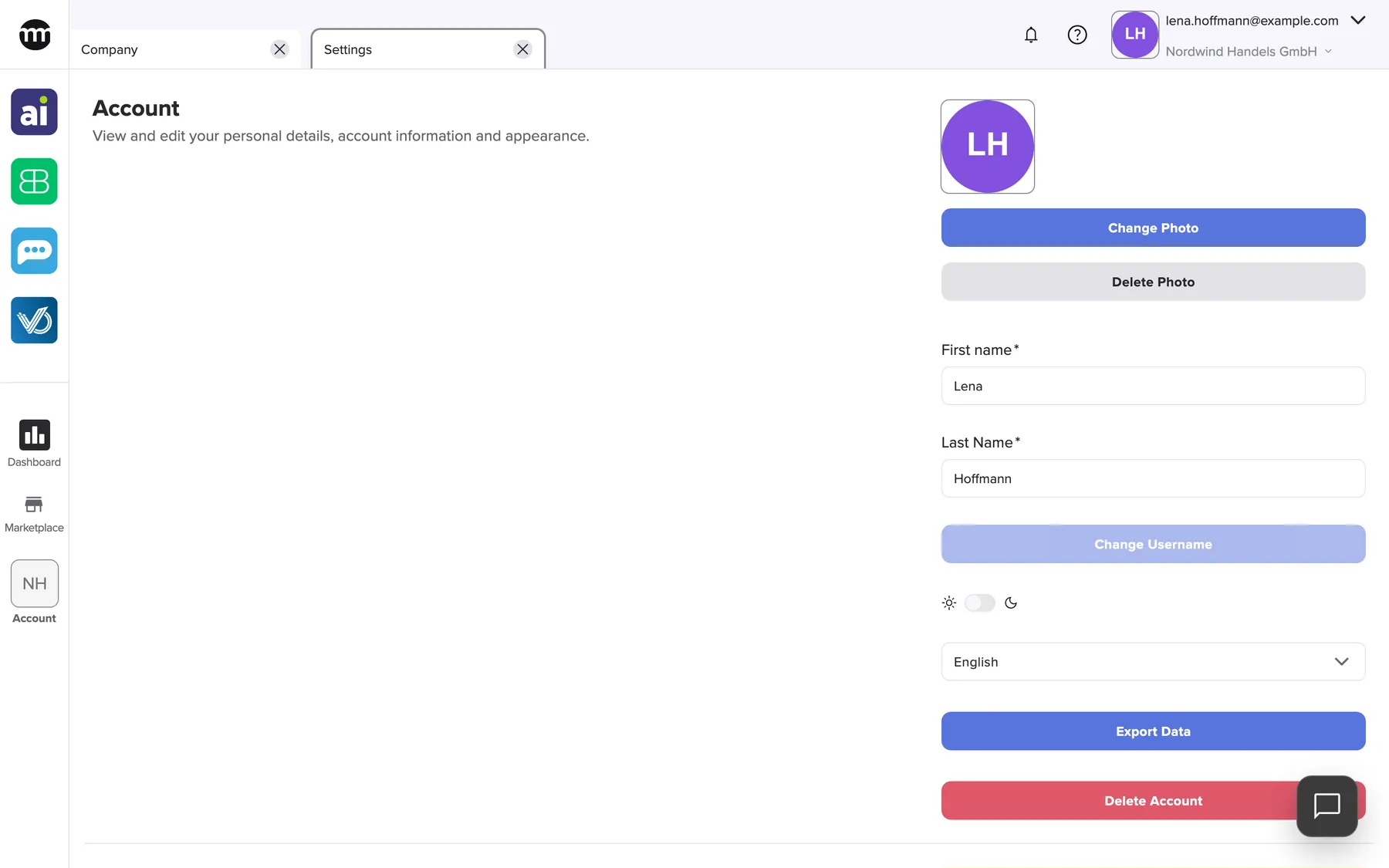
What this screenshot shows
- Screen
- Settings
- Highlighted
- “Account”: the first section of your personal settings
- Also visible
- Profile photo with Change Photo and Delete Photo; First and last name; Theme switch and language list; Export Data and Delete Account
- Purpose
- what the Settings area is about
The page at a glance
Section titled “The page at a glance”| Page | What it is for |
|---|---|
| The Settings tab | Your profile, language, theme, sign-in email, password, data export, service PIN and the legal links, on one tab |
| Confirm a new email address | The page the link in the confirmation email opens, where you make an email change final |
What you can do here
Section titled “What you can do here”- Keep your profile up to date. Change your name and photo, which colleagues see in the user list. Change your name and photo
- Change the email you sign in with. The new address works once you confirm a link sent to it. Change the email you sign in with · Confirm a new email address
- Change your language and how comrce Hub looks. The language follows your account, and the theme stays in your browser. Change your language and how comrce Hub looks
- Let comrce support look into your account. Your service PIN lets support see what you see, and you can end their session any time. Support access with your service PIN
- Get a copy of your personal data. Export Data downloads a ZIP file with your personal data. Get a copy of your personal data
- Delete your account. You send the request, confirm it by email, and comrce completes it. Deleting your account
Concepts
Section titled “Concepts”- Personal, not company-wide. Nothing here changes your company’s profile, users or permissions. Those live under Your company account.
- Confirmation by email. An email change and an account deletion each take effect only after you confirm a link sent by email.
- Two-factor authentication. The Settings tab shows whether it is on. comrce Hub offers the setup after you sign in. See Two-factor authentication.
Who can use this
Section titled “Who can use this”Everyone who can sign in to comrce Hub can use the Settings tab, with or without a company. You don’t need any permission for it. A few parts only appear once you belong to a company, such as the service PIN. The Settings tab lists them.