

Cloudprint
Cloudprint is a service in the Operations, Automations and Connectors section of the comrce Marketplace. It is offered by comrce cloudprint. This entry quotes its catalog description and shows where you find the service in comrce Hub.
How to activate comrce cloudprint, set it up and connect it to Billbee is in the comrce cloudprint documentation.
What it offers
Section titled “What it offers”The full description, as the service’s tile and page show it:
An automated printing solution designed for modern e-commerce within the comrce software hub, seamlessly bridging software applications and warehouse or office hardware.
| Detail | In the catalog |
|---|---|
| Section | Operations, Automations and Connectors |
| Tags | CCP |
| Partners | comrce cloudprint |
| Partner category | – |
| Partners work with | – |
Where you find it
Section titled “Where you find it”Open Marketplace in the left sidebar. In the section Operations, Automations and Connectors, select Find provider on the tile Cloudprint. The service opens in a tab of its own and lists its partners under All partners. The search field of the Marketplace finds the tile too.
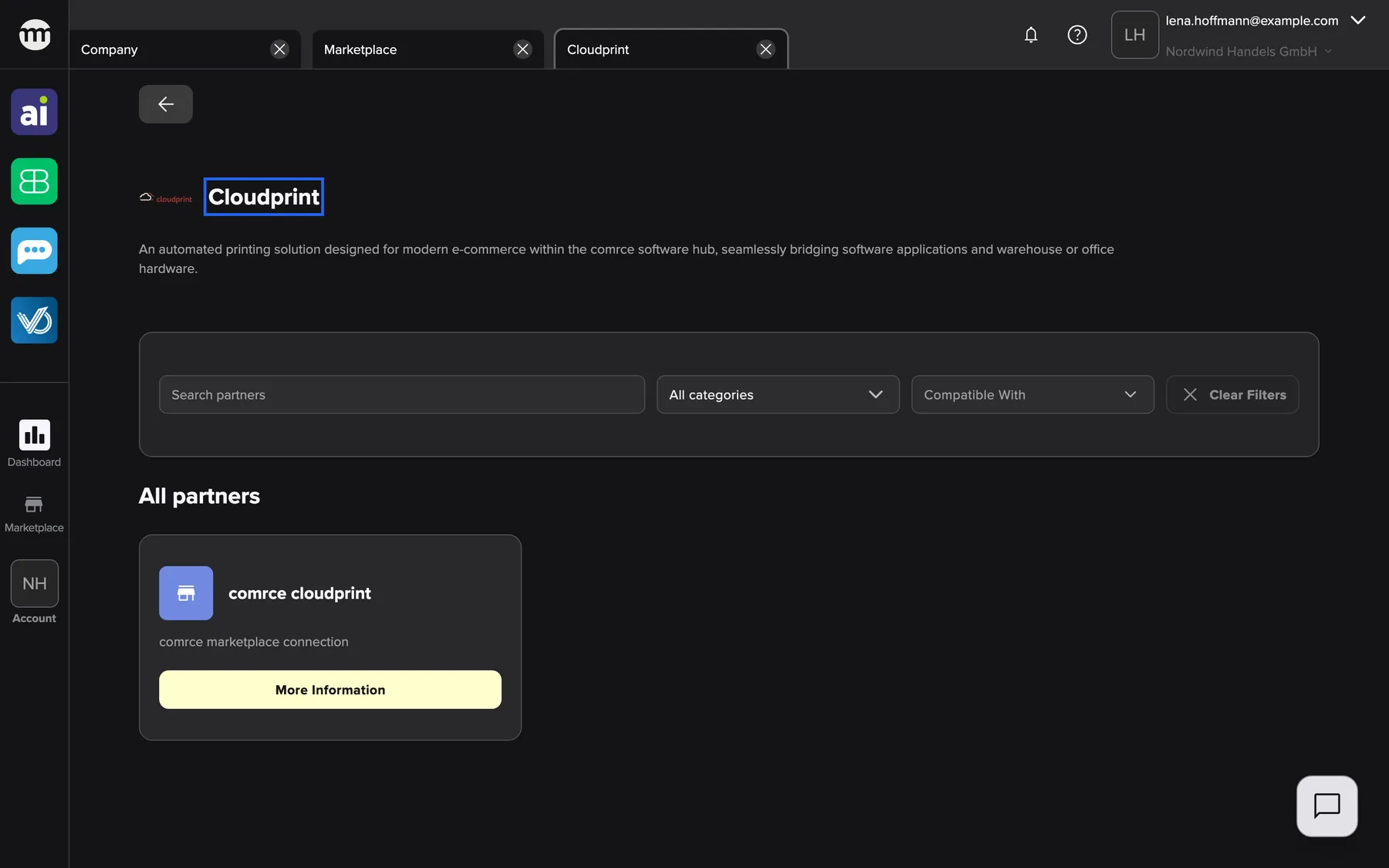
What this screenshot shows
- Screen
- Cloudprint
- Highlighted
- “Cloudprint”: names the service. Its partners are listed below.
- Also visible
- 1 partner tile under All partners; Filter bar: search, category, compatible with, clear filters; All partners
- Purpose
- catalog entry for the service Cloudprint (section Operations, Automations and Connectors)
Select More information on a partner’s tile to open the partner’s page with its contact details. The Back button at the top left returns to the Marketplace. Anyone can open the service, signed in or not, and it needs no permission. The Marketplace without an account
Related
Section titled “Related”- comrce cloudprint documentation – activate, set up, processes and connections
- comrce cloudprint – comrce marketplace connection
- A service in the Marketplace – how a service page and its filters work
- Browse the Marketplace – sections, search and filters
- Marketplace catalog – every service and partner