

Sign in
Type your email address and password, or select Continue with Google. If your account uses two-factor authentication, enter your code next. If you belong to several companies, choose the one to work in. Too many wrong passwords lock the account, so reset your password when you are unsure.
What you can do here
Section titled “What you can do here”- Sign in with your email and password. This is the way in for everyone who registered or accepted an invitation. Sign in with your email and password · Passwords and sign-in
- Sign in with Google. Use the Google account with the same email address as your comrce Hub account, without typing a password. Sign in with Google
- Confirm the sign-in with your second factor. Enter a 6-digit code from your authenticator app or your email, or a recovery code. Enter your two-factor code · Two-factor authentication
- Choose the company to work in. People in two or more companies pick one from a list before the workspace opens. Choose a company
- Browse the Marketplace first. Marketplace at the left of the top bar opens the Marketplace without an account. If you came from a Marketplace page, you return to it after you sign in. The Marketplace without an account
- Get back into your account. Forgot password? starts a password reset. Sign Up opens the registration form. When you can’t sign in · Reset your password · Create an account
The screen at a glance
Section titled “The screen at a glance”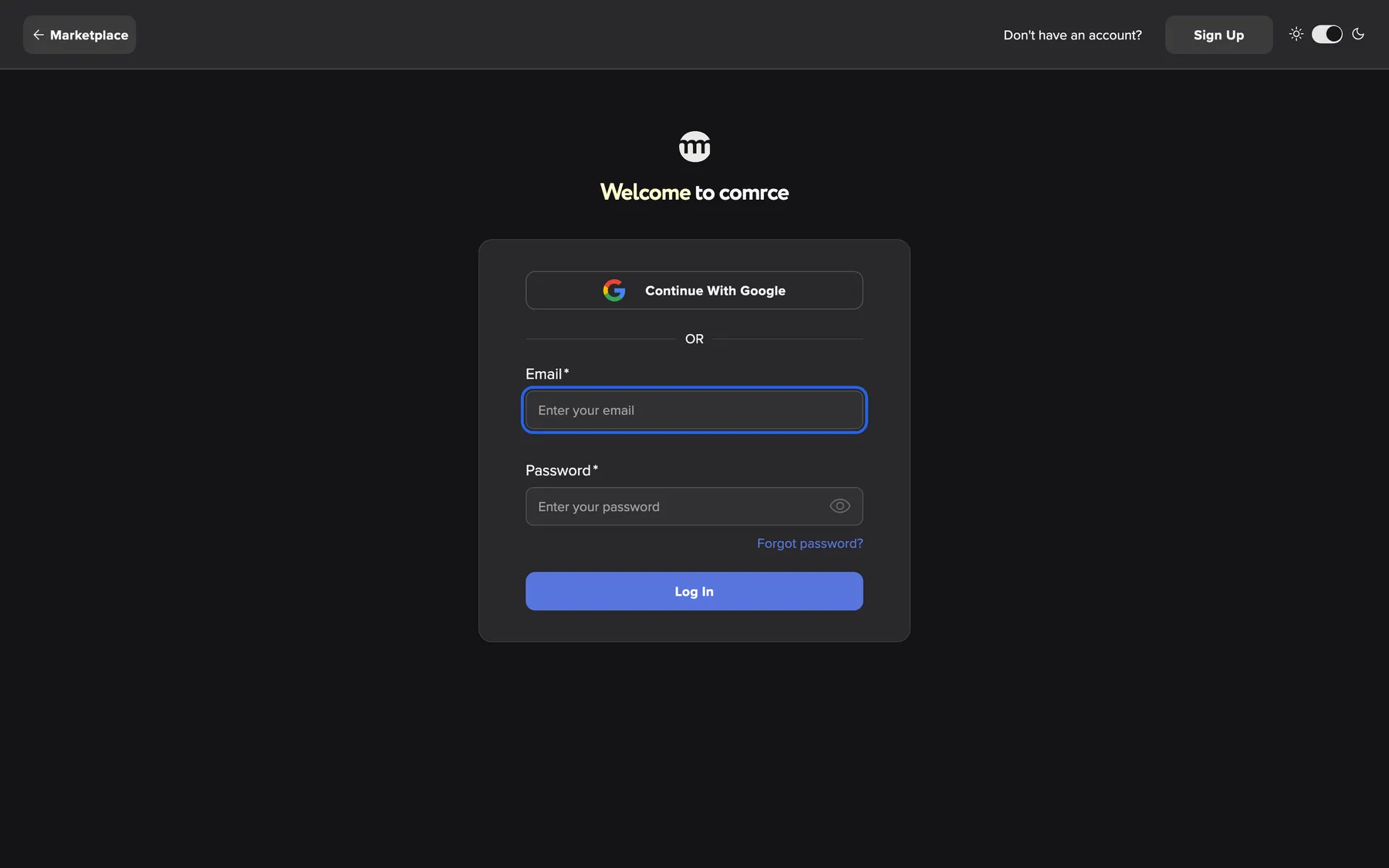
What this screenshot shows
- Highlighted
- “Email”: takes the email address of your account
- Also visible
- Marketplace button at the left of the top bar; Sign Up and the theme switch at the right of the top bar; Continue with Google button; Email and Password fields; Forgot password? link; Log In button
- Purpose
- the sign-in screen as it opens
| Region | What it shows | What you do there |
|---|---|---|
| Top bar, left | Marketplace with a back arrow. On the two-factor step and the company list, an arrow only. | Open the Marketplace, or cancel a sign-in in progress |
| Top bar, right | Don't have an account?, Sign Up and a switch with a sun and a moon | Open the registration form, or switch between light and dark |
| Heading | Welcome to comrce and the comrce logo | Check you are on the comrce Hub sign-in page |
| Message above the card (sometimes) | A green confirmation after you confirmed or changed your email, or reset your password | Read it, then sign in |
| Sign-in card | Continue with Google, Email, Password, Forgot password?, Log In | Sign in |
| Messages, top right | A short message that disappears by itself | Read why a sign-in did not work |
The same card also shows the two-factor step and the company list.
Sign in with your email and password
Section titled “Sign in with your email and password”-
Enter the email address of your comrce Hub account in Email.
-
Type your password in Password. Select the eye icon at the right end of the field to see what you typed.
-
Select Log In. The button reads Logging In... while comrce Hub checks your details.
What happens next depends on your account:
| Your account | What you see next |
|---|---|
| Two-factor authentication is set up | The two-factor step in the same card (Enter your two-factor code) |
| You belong to one company | The workspace of that company |
| You belong to two or more companies | Select an organization (Choose a company) |
| You belong to no company | A reduced workspace with your Settings only (The comrce Hub workspace) |
| You came from a Marketplace page | That Marketplace page, once the steps above are done |
If something is wrong, a message appears at the top right and you stay on the sign-in screen. Invalid credentials. is the most common message. It appears for an unknown email address and for a wrong password alike. That way nobody can find out which addresses have an account.
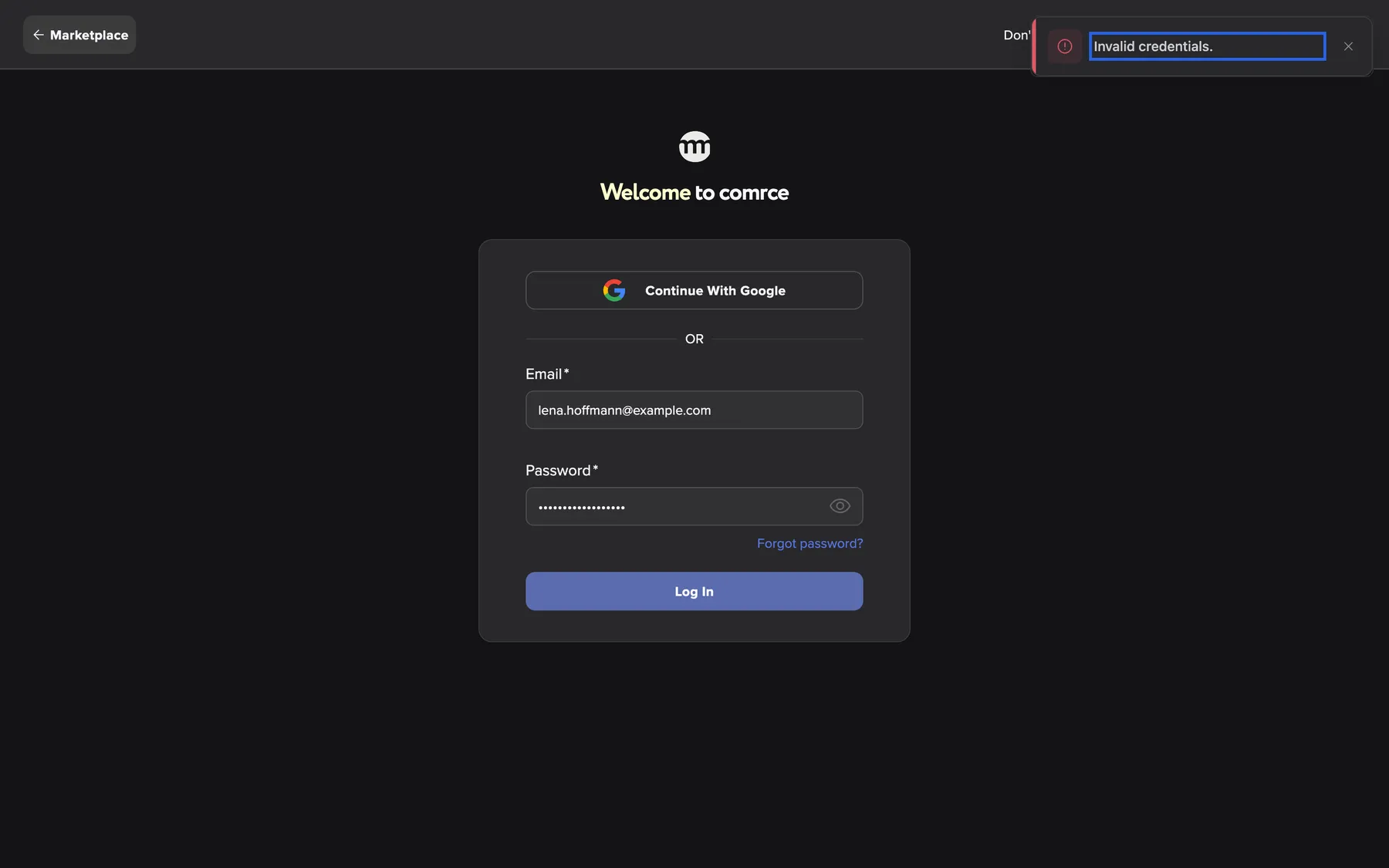
What this screenshot shows
- Highlighted
- “Invalid credentials.”: explains why the sign-in failed
- Also visible
- Email filled with lena.hoffmann@example.com; Password filled
- Purpose
- the most common sign-in error
Sign in with Google
Section titled “Sign in with Google”-
Select Continue with Google. Your browser opens the Google sign-in page.
-
Choose the Google account with the email address you use in comrce Hub, and allow the sign-in.
-
Google sends you back to comrce Hub. You see the two-factor step, the company list or the workspace, as after a password sign-in.
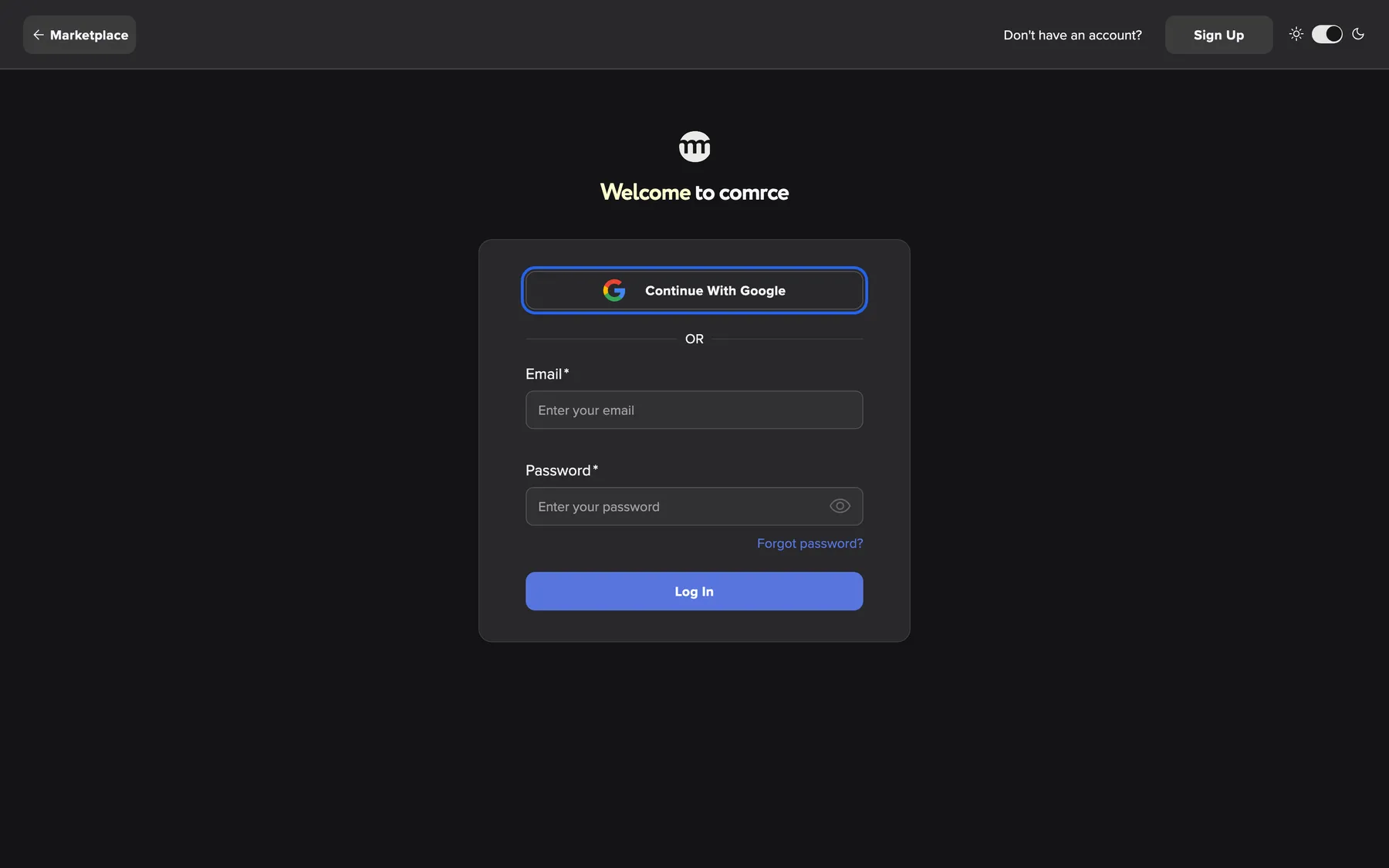
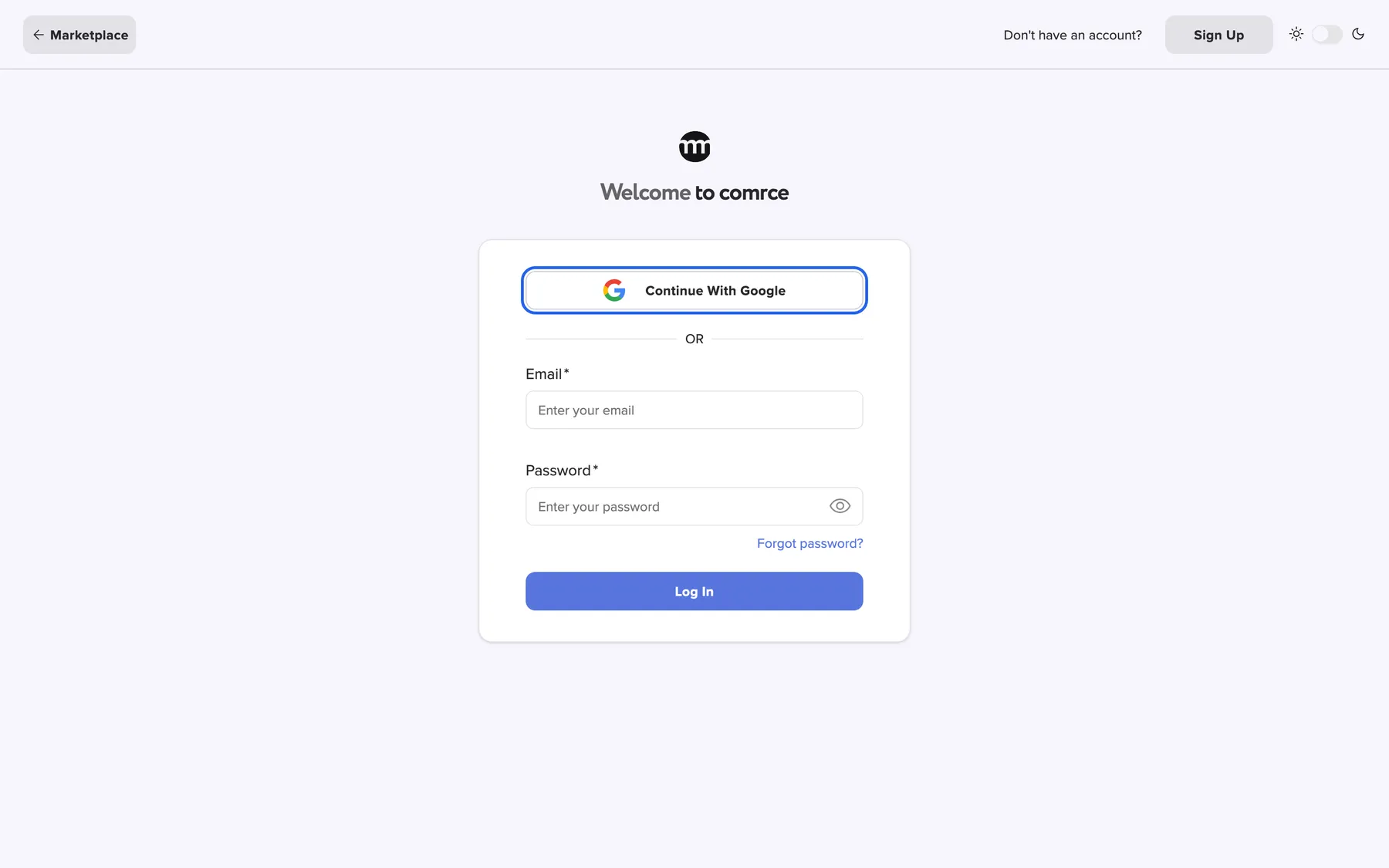
What this screenshot shows
- Highlighted
- “Continue with Google”: opens Google sign-in
- Also visible
- Email and Password fields empty; Log In button
- Purpose
- entry point of Google sign-in
comrce Hub matches the email address of your Google account with the email address of your comrce Hub account. There is nothing to connect beforehand. Two rules apply:
- The email address must be verified at Google. An unverified Google address is refused.
- If no comrce Hub account uses that address, the registration form opens with your name and email filled in. It shows the hint You will need to register before you can log in with your Google account. Finish the registration and confirm your email. From then on, Google sign-in works. See Create an account.
Signing in with Google does not skip two-factor authentication. When it is set up, the code step follows.
Enter your two-factor code
Section titled “Enter your two-factor code”With two-factor authentication set up, the card then shows Please enter your 2FA code..
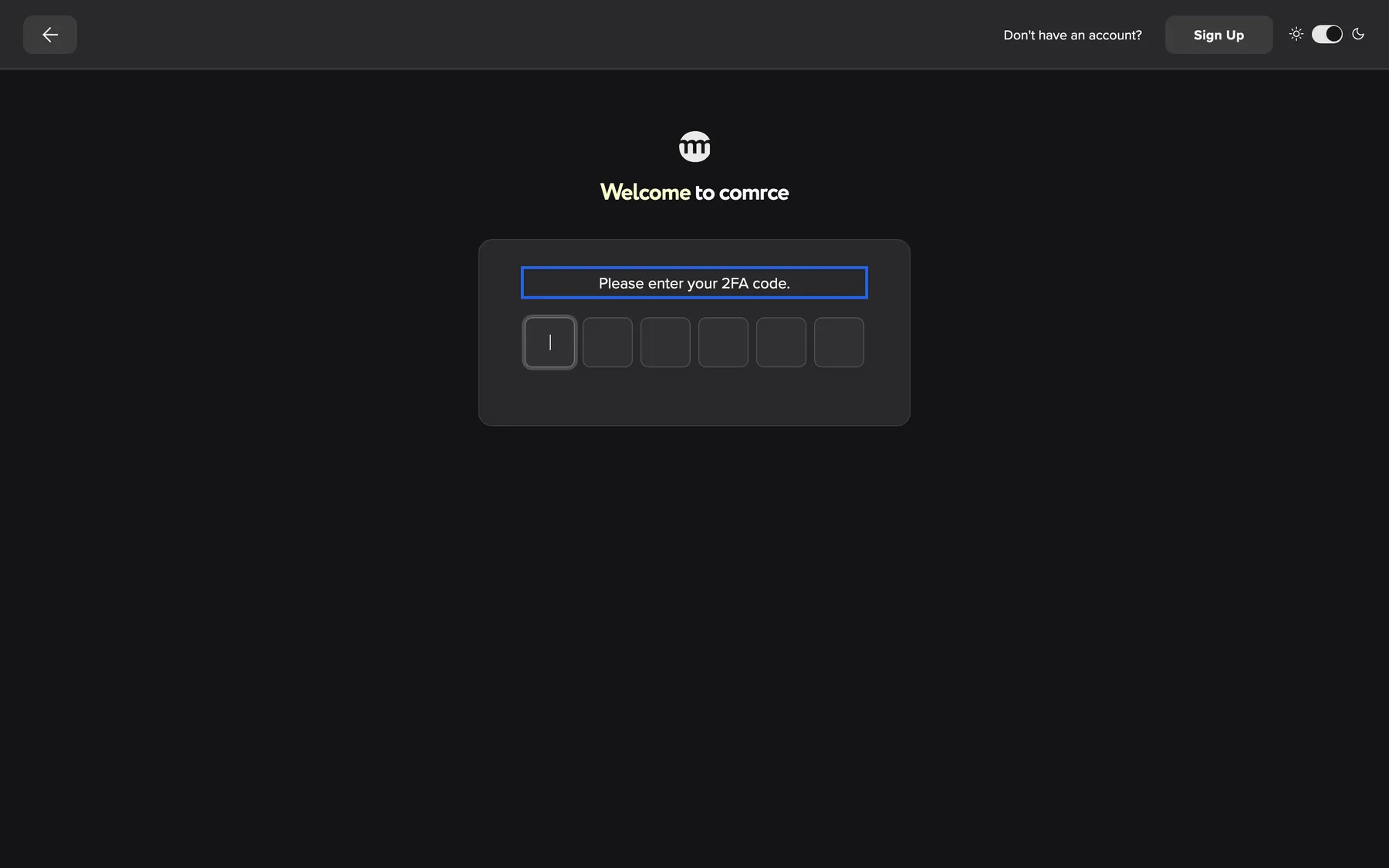
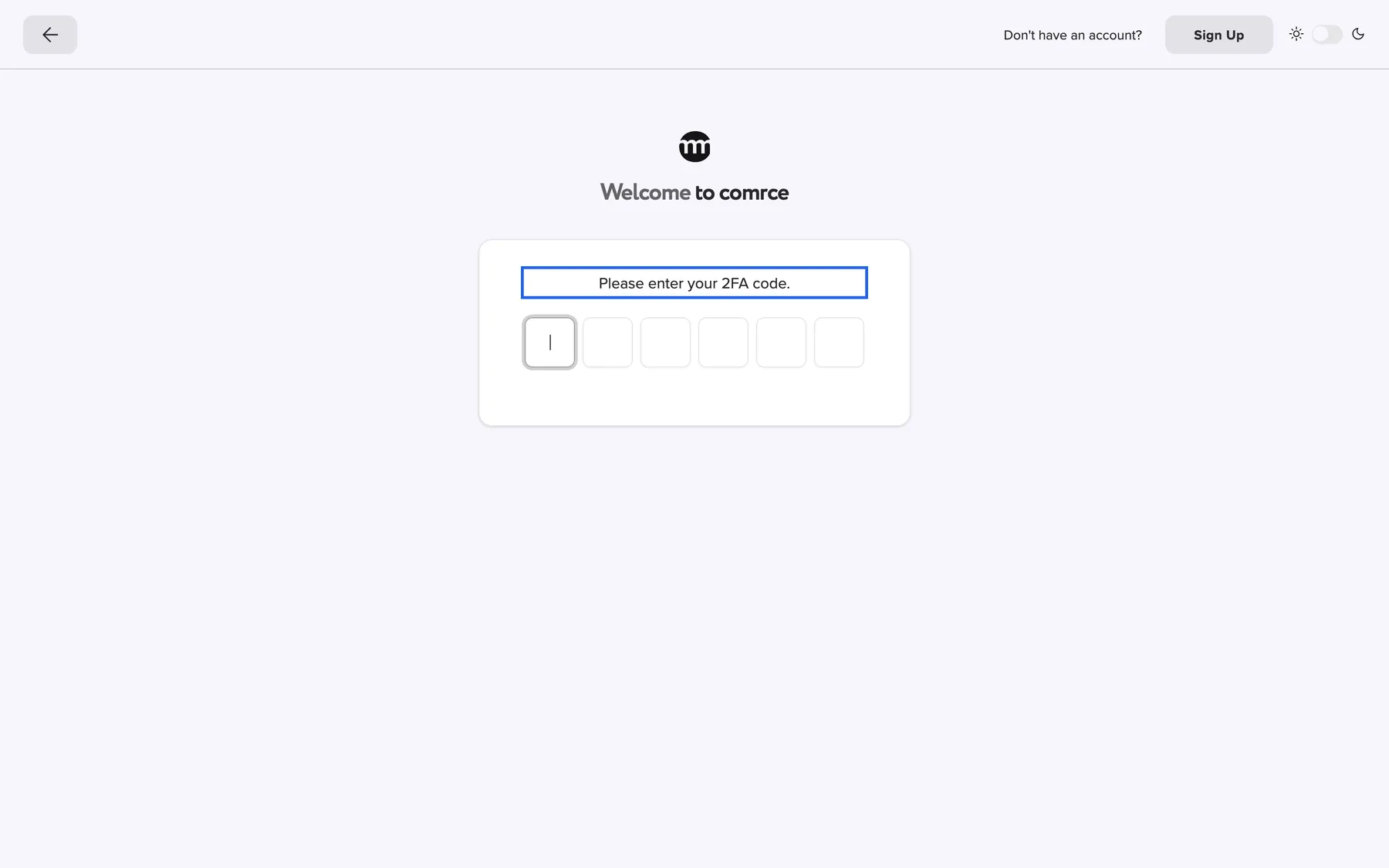
What this screenshot shows
- Highlighted
- “Please enter your 2FA code.”: asks for the code from your app or email
- Also visible
- Six empty code boxes; Back arrow at the left of the top bar
- Purpose
- the two-factor step of sign-in
-
Find your code. With an authenticator app, read the current 6-digit code for comrce Hub in the app. With email codes, comrce Hub has just sent a code to your email address.
-
Type or paste the 6 digits into the boxes. The code is checked as soon as the last digit is in. There is no button to press.
-
If the code is accepted, you continue to the company list or the workspace.
If a code is wrong, the field shows Invalid code. Please try again.. The button Use recovery code then appears below it. Use it when you cannot reach your authenticator app or your email. Codes, recovery codes and setup are explained in Two-factor authentication.
Choose a company
Section titled “Choose a company”People who belong to two or more active companies see Select an organization after the password and code steps.
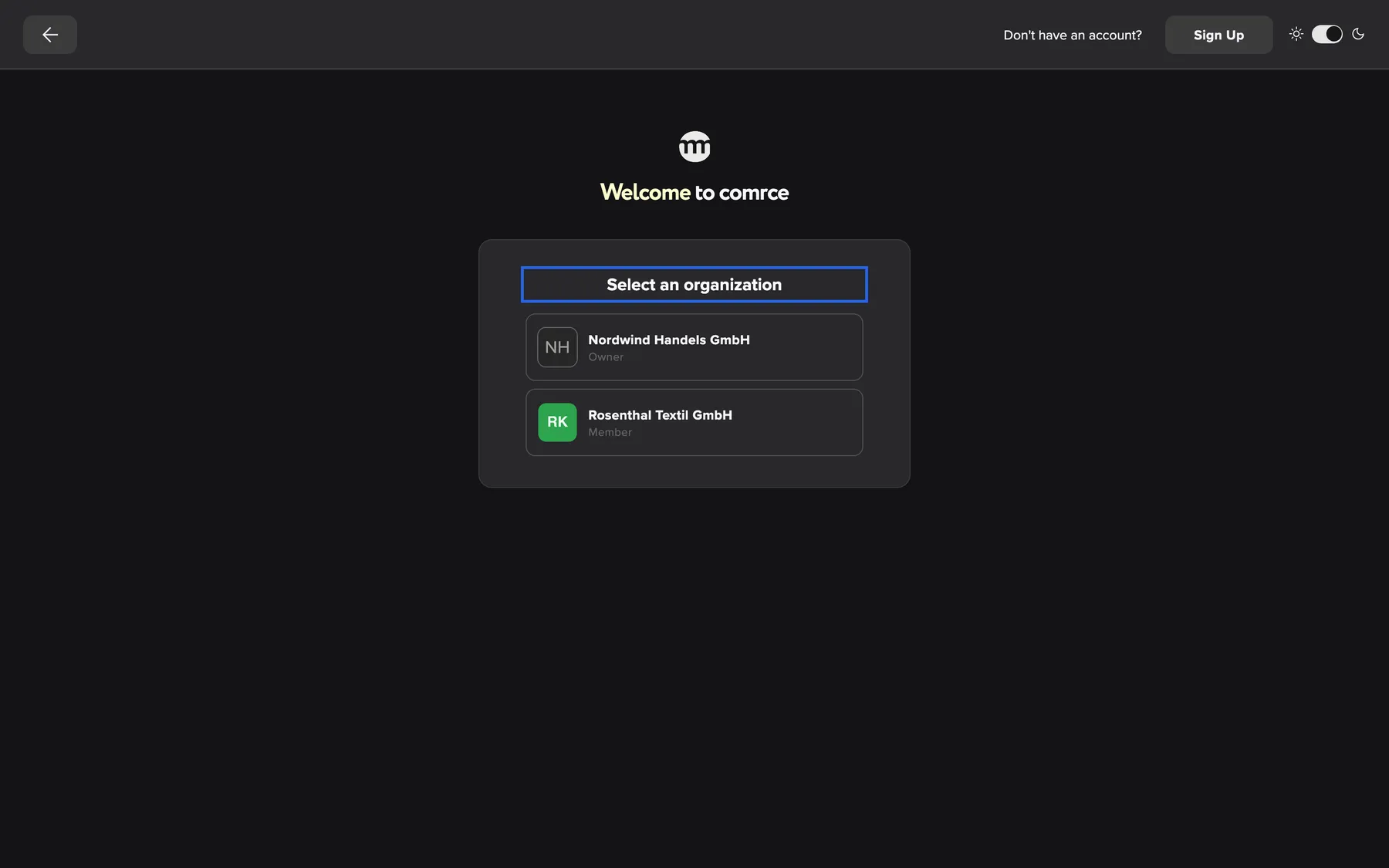
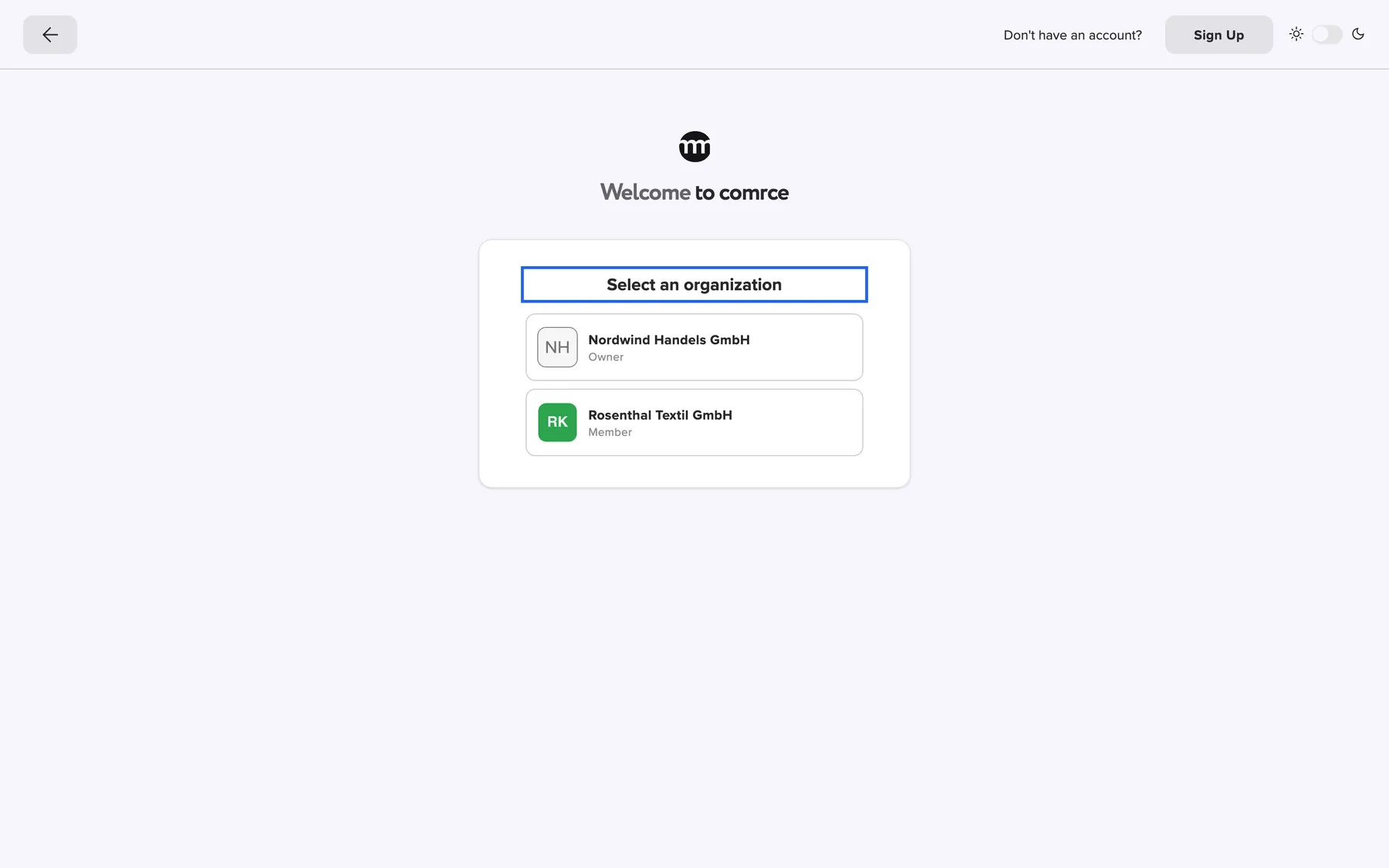
What this screenshot shows
- Highlighted
- “Select an organization”: heads the list of your companies
- Also visible
- Nordwind Handels GmbH, Owner; Rosenthal Textil GmbH, Member
- Purpose
- the company picker at sign-in
Each company is a button with its logo, its name and your role in it: Owner, Member or Partner. Where you are Partner, wider screens also show the icons of the company’s tools. Select a company and its workspace opens.
The list shows only companies where your membership is active. A company you were removed from is not offered. Neither is a company whose owner account is no longer active. To change companies later, you do not need to sign out. See Working with several companies.
Messages above the sign-in card
Section titled “Messages above the sign-in card”A green message above the card tells you that an action from an email link worked:
| Message | Shown after |
|---|---|
| Email confirmed, you may now login. | You confirmed the email address of a new account |
| Email updated, please sign in with your new email address. | You confirmed a new email address. Sign in with the new one. |
| Password reset, you may now login. | You set a new password from a reset link |
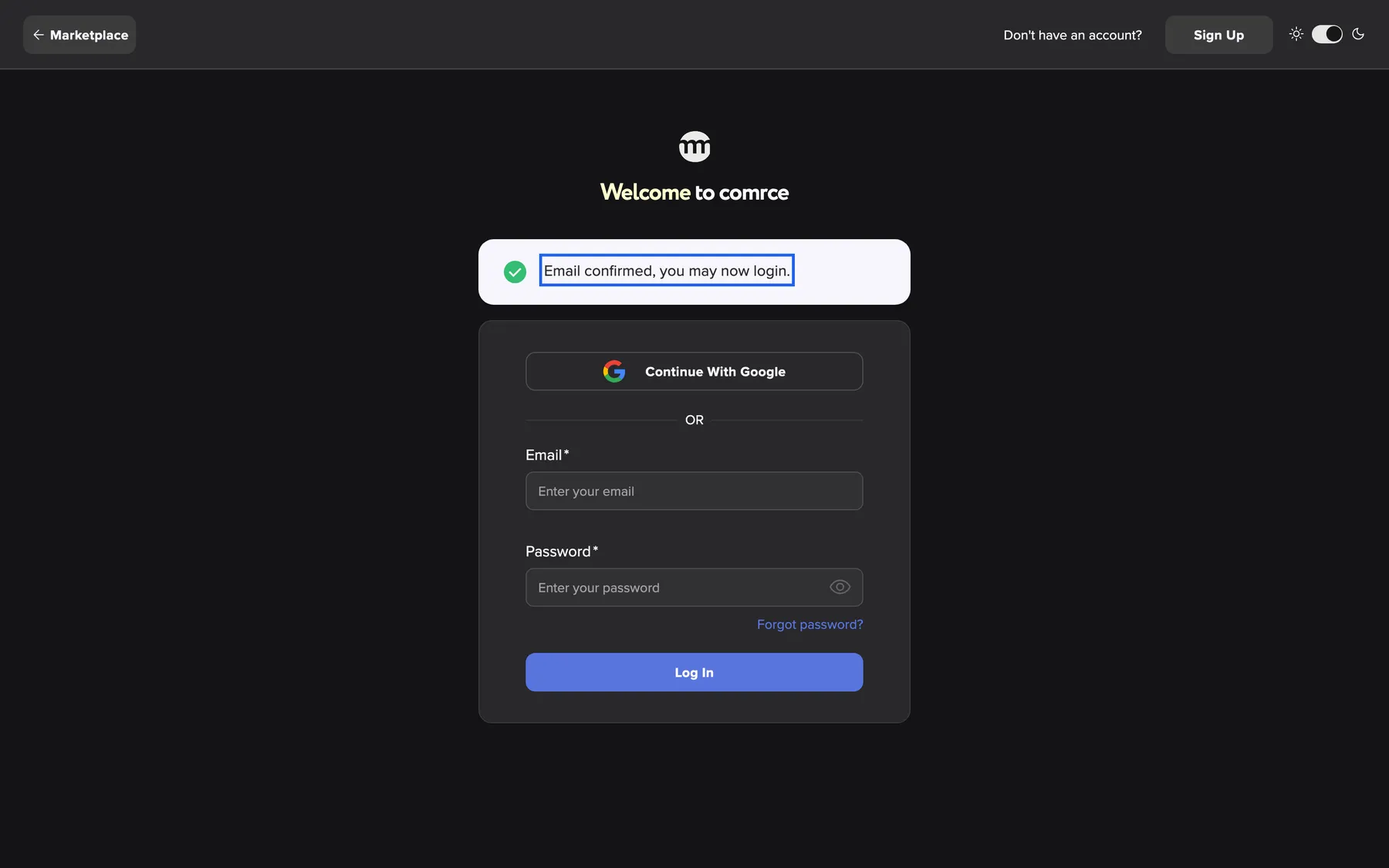
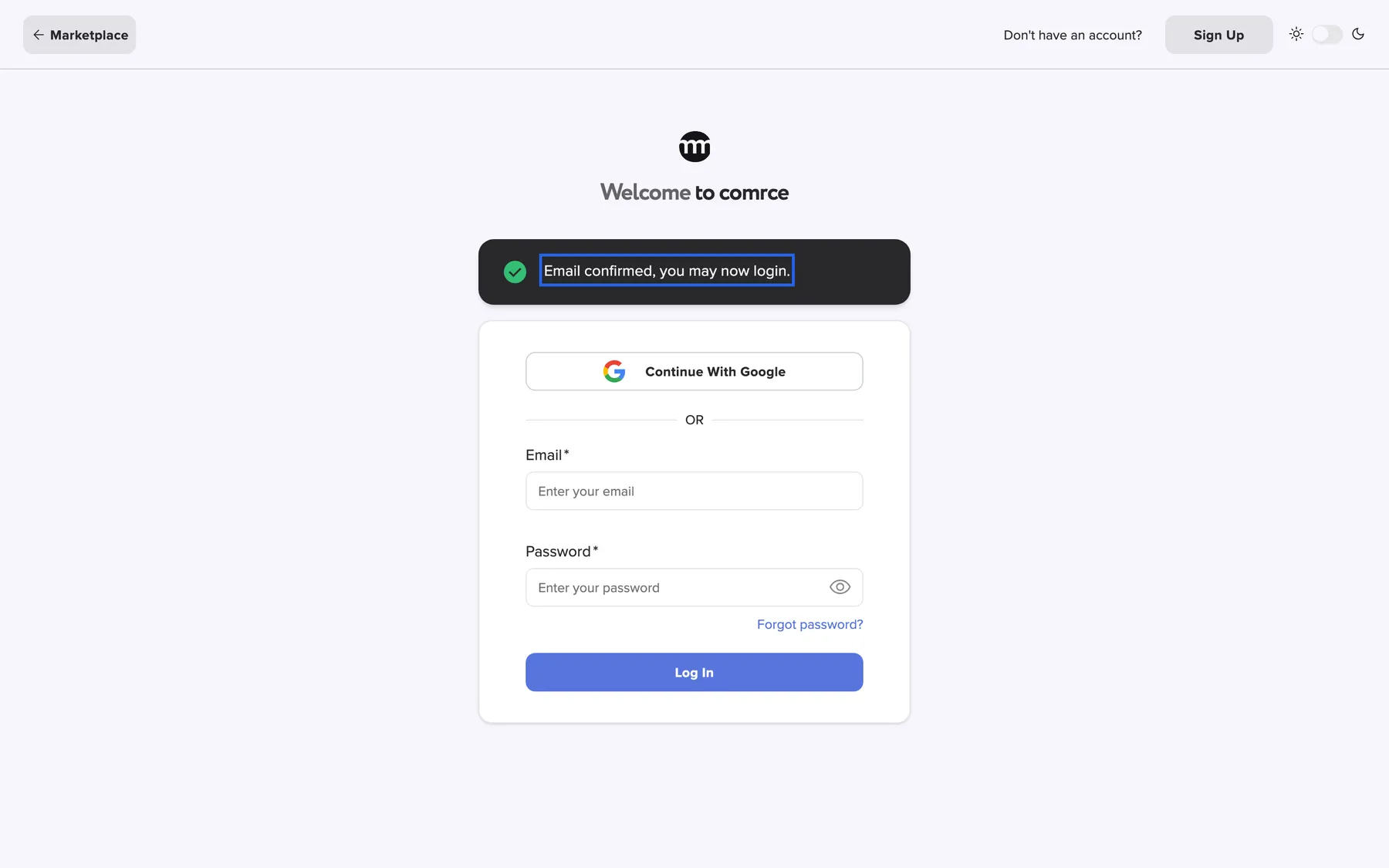
What this screenshot shows
- Highlighted
- “Email confirmed, you may now login.”: confirms the email link worked
- Also visible
- Sign-in card below
- Purpose
- success message after an email link
When you can’t sign in
Section titled “When you can’t sign in”Locked out happens to everyone sooner or later, and most cases you fix yourself. Find what you see, then follow the link:
| What you see or what happened | What gets you back in |
|---|---|
| Invalid credentials., or you forgot your password | Reset your password. See Reset your password. |
| Too many invalid verification attempts. Your account has been temporarily locked. Please try again later. | A reset ends a password lock straight away. A lock after wrong codes ends by itself. See Wrong passwords and locks. |
| The code is not accepted, or your phone is gone | Use a recovery code. Without one, comrce support can switch two-factor authentication off for you. See Recovery codes. |
| Email not confirmed. | Confirm your address, or ask for a new email. See Get a new confirmation email. |
| Only your settings open after sign-in | You belong to no company. See When you belong to no company. |
| Please change your password right after sign-in | Your password expired. Choose a new one in the dialog. See Passwords and sign-in. |
Nothing on this list deletes your data or your companies. Your account waits for you until you’re back in.
Every control, explained
Section titled “Every control, explained”
Every control, explained
Section titled “Every control, explained”Two-factor code and recovery code
Section titled “Two-factor code and recovery code”The row of boxes on the two-factor step, under Please enter your 2FA code..
6 boxes for a code from your authenticator app or your email. After a wrong code, Use recovery code switches to 10 boxes for a recovery code. Use authenticator code switches back. Switching clears what you typed. The code is checked when the last box is filled.
The second factor proves it is you, even if somebody knows your password.
Continue with Google
Section titled “Continue with Google”The first button in the sign-in card, labelled Continue with Google.
Sends you to Google to sign in, then back to comrce Hub. You are signed in to the account with the same email address. If no account has that address, the registration form opens prefilled.
One password less to remember when your work email is a Google account.
Company buttons
Section titled “Company buttons”The list under Select an organization, one button per company.
Each button shows the company logo, name and your role. Selecting it finishes the sign-in into that company.
Your permissions are set per company, so comrce Hub needs to know which company you are working in.
Back and Marketplace
Section titled “Back and Marketplace”The left end of the top bar. On the first step, the button reads Marketplace. On the two-factor step and the company list, it shows an arrow only.
Marketplace opens the Marketplace without signing in. If you came from a Marketplace page, it takes you back to that page. The arrow alone cancels the sign-in in progress and returns to the empty email and password form.
You can look around the Marketplace before you sign in. The arrow lets you sign in as somebody else, or restart with the right account.
Sign Up
Section titled “Sign Up”The right end of the top bar: Don't have an account? followed by the button Sign Up. Narrow screens hide the question but always show the button.
Opens the registration form, where you create an account for yourself and a company. If you came from a Marketplace page, the registration remembers it. See Create an account.
If a colleague invited you, do not register here. Use the link in the invitation email so that you join the right company. See Accept an invitation.
Theme switch
Section titled “Theme switch”The right end of the top bar: a switch between a sun and a moon.
Switches comrce Hub between a light and a dark look. Dark is the default. This browser keeps the choice, also after you sign in. You can change it later in your Settings.
Some people read better on a light background, especially on a bright screen.
Other controls on this page
| Control | What it does | Why |
|---|---|---|
| The email address of your account. Required: an empty field shows Email is required. Upper and lower case do not matter. | Your email address is your user name in every company you belong to. | |
| Password | The password of your account. Required: an empty field shows Password is required. The eye icon shows or hides what you typed. | Showing the password helps you catch a typo before it counts as a wrong attempt. |
| Forgot password? | Opens the page where you request a reset link by email. See Reset your password. | A reset also ends a lock after too many wrong passwords. |
| Log In | Sends your email and password. The button reads Logging In... while comrce Hub checks them. | Starts a password sign-in. |
What you need to know
Section titled “What you need to know”
What you need to know
Section titled “What you need to know”| Topic | Fact |
|---|---|
| Wrong codes | 5 wrong two-factor codes lock the account for 5 minutes. |
| Unconfirmed email | A password sign-in is refused with Email not confirmed. until you have confirmed your email address. |
| Accounts being deleted | An account with a deletion request, or a deleted account, cannot sign in. comrce Hub shows No active organizations found. Your access may have been removed or the organization deleted.. |
| How long you stay signed in | comrce Hub keeps you signed in in this browser for up to 14 days, also after you close it. Sign out from the user menu on a shared computer. |
| Display language | Before you sign in, the screen follows your browser’s language, or English when comrce Hub does not offer it. After you sign in, comrce Hub uses the language in your Settings. |
Frequently asked questions
Section titled “Frequently asked questions”
Frequently asked questions
Section titled “Frequently asked questions”Signing in
Section titled “Signing in”Why does comrce Hub say “Invalid credentials” when my email address is right?
Section titled “Why does comrce Hub say “Invalid credentials” when my email address is right?”comrce Hub shows Invalid credentials. for a wrong password and for an unknown email address alike. That way the message never confirms which addresses exist. Check the password with the eye icon in the Password field, including upper and lower case. If you are unsure, reset the password with Forgot password?.
My account is locked. How long do I have to wait?
Section titled “My account is locked. How long do I have to wait?”After 5 wrong passwords in a row, your account is locked for 24 hours. The sign-in screen shows Too many invalid verification attempts. Your account has been temporarily locked. Please try again later.. You do not have to wait.
Reset your password with Forgot password? on the sign-in screen, and the lock ends when the new password is saved. After 5 wrong two-factor codes, the lock lasts 5 minutes.
Why can’t I sign in right after I registered?
Section titled “Why can’t I sign in right after I registered?”A new account cannot sign in with a password until its email address is confirmed. Until then, comrce Hub shows Email not confirmed.. Open the confirmation email, follow the link and select the confirm button. The sign-in screen then shows Email confirmed, you may now login. and you can sign in.
Do I need to sign in again every day?
Section titled “Do I need to sign in again every day?”No. comrce Hub keeps you signed in in the same browser for up to 14 days, even after a restart. After that, or after you sign out from the user menu, you sign in again with your password or Google.
What does “No active organizations found” mean?
Section titled “What does “No active organizations found” mean?”This message means that your account is marked for deletion or has been deleted. You cannot sign in with it any more. If you did not ask for the deletion, contact comrce support from the account’s email address.
How do I get back to the Marketplace from the sign-in page?
Section titled “How do I get back to the Marketplace from the sign-in page?”Select Marketplace at the left of the top bar on the sign-in page. It opens the Marketplace without signing in, or the Marketplace page you came from. If you sign in instead, comrce Hub also takes you back to that Marketplace page afterwards.
Do I need to connect my Google account first?
Section titled “Do I need to connect my Google account first?”No. Select Continue with Google, and comrce Hub looks for an account with your Google email address. It signs you in to that account. The Google address must be verified at Google. Nothing is linked in advance.
I selected Continue with Google and ended up on the registration form. Why?
Section titled “I selected Continue with Google and ended up on the registration form. Why?”No comrce Hub account uses the email address of the Google account you chose. The registration form then opens with your name and email filled in. It shows the hint You will need to register before you can log in with your Google account. Either register, or go back and choose the Google account with your comrce Hub address.
Does Google sign-in skip the two-factor code?
Section titled “Does Google sign-in skip the two-factor code?”No. If two-factor authentication is set up, comrce Hub asks for the code after Google sends you back. With email codes, you receive a new code by email at that moment. With an authenticator app, you read the code in the app.
Companies
Section titled “Companies”Why do I have to pick a company every time I sign in?
Section titled “Why do I have to pick a company every time I sign in?”comrce Hub shows Select an organization when you belong to two or more active companies. Your role and permissions differ per company. With one company, you go straight in. To change companies later without signing out, use the company name under your email address in the top bar.
A company is missing from the list. Why?
Section titled “A company is missing from the list. Why?”The list shows only companies where your membership is active and whose owner account is active. If you were removed or deactivated there, or the company was closed, it no longer appears. Ask the company owner to invite you again if you still need access.
Troubleshooting
Section titled “Troubleshooting”
Troubleshooting
Section titled “Troubleshooting”| Symptom | What to check |
|---|---|
| Invalid credentials. | The email address of your account, then the password with the eye icon. If you are not sure of the password, use Forgot password?. |
| Too many invalid verification attempts. Your account has been temporarily locked. Please try again later. | Too many wrong passwords or codes in a row. Reset your password to end a password lock straight away. After wrong codes, wait 5 minutes. |
| Email not confirmed. | Find the confirmation email from comrce Hub, also in your spam folder, and confirm. To get a new one, see Create an account. |
| Too many authentication attempts. Please try again later | Too many sign-in attempts came from your network in a short time, for example from colleagues in the same office. Wait a minute, then try again. |
| No active organizations found. Your access may have been removed or the organization deleted. | The account has a deletion request or was deleted. Contact comrce support. |
| The code step shows Invalid code. Please try again. | For authenticator codes, your phone must set its time automatically. Email codes are valid only for a short time. Go back and sign in again for a new one. |
| Google sends you to the registration form | You chose a Google account with a different email address than your comrce Hub account. |