

Leave comrce Hub and hand over your company
Hand over your company to a colleague before you leave, so your team keeps working. In comrce Hub this is the ownership transfer. Then export your data and delete your account, or leave just one company.
A company you own does not survive the deletion of your account. It is anonymized, and every member loses access. The transfer must finish within 48 hours, and the deletion link in your email is valid for one day.
Before you start
Section titled “Before you start”| You need | Where it lives |
|---|---|
| The Owner role | AccountCompany |
| A new owner: an Active member who owns no company | AccountUsers. Invite them first if needed. |
| Both mailboxes | You and the new owner each receive one email |
| Time with the new owner on the same day | Your calendars |
The transfer and the deletion are free. A member who owns no company skips the transfer and starts with exporting their data.
-
Agree on a day with the new owner. The transfer takes three steps by two people. Doing them on one day keeps it inside its time limit. Transferring company ownership explains every rule.
-
Request the transfer. Open AccountCompany and select Transfer Ownership. Pick the new owner and select Confirm transfer. Transfer ownership shows the dialog.
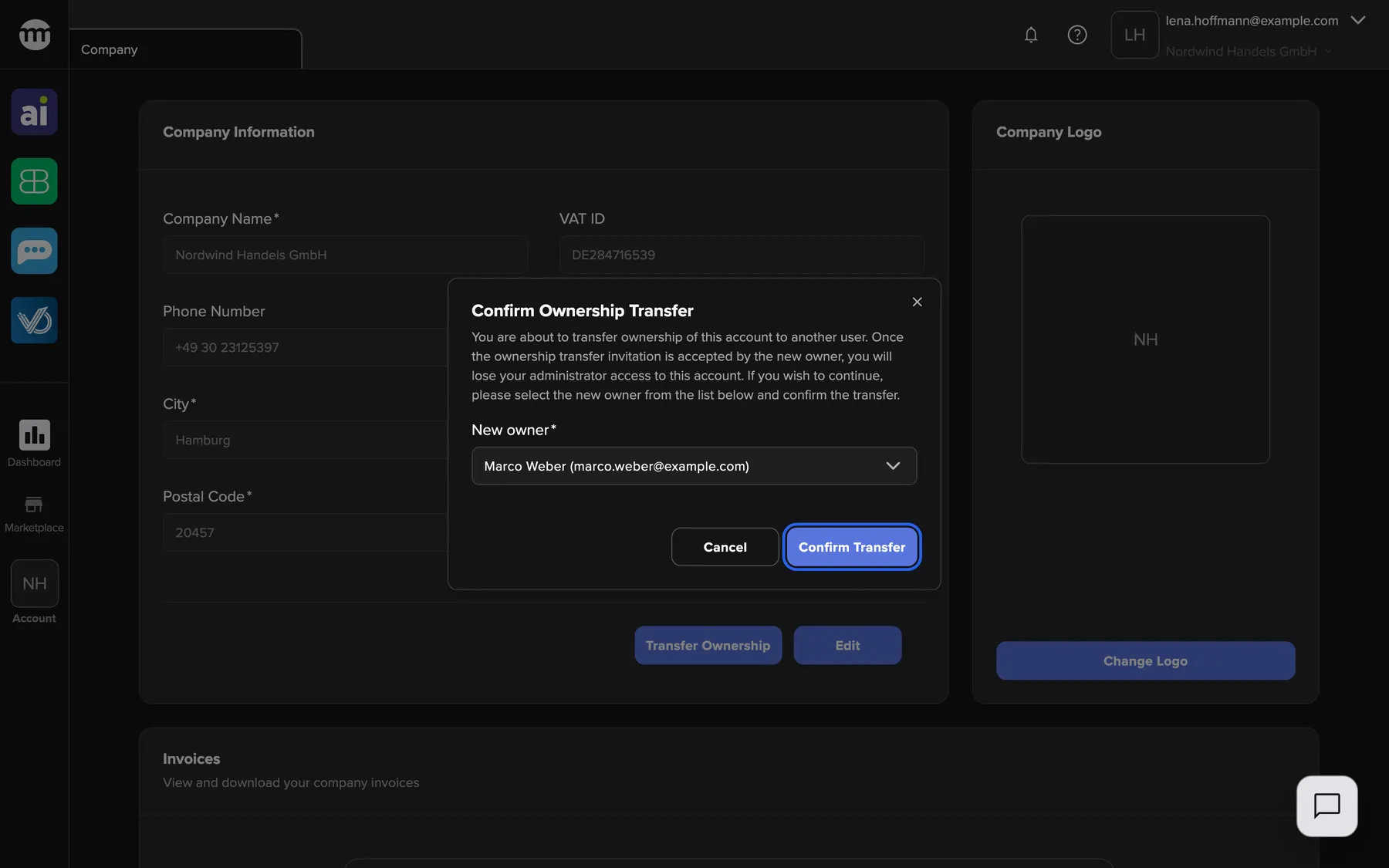
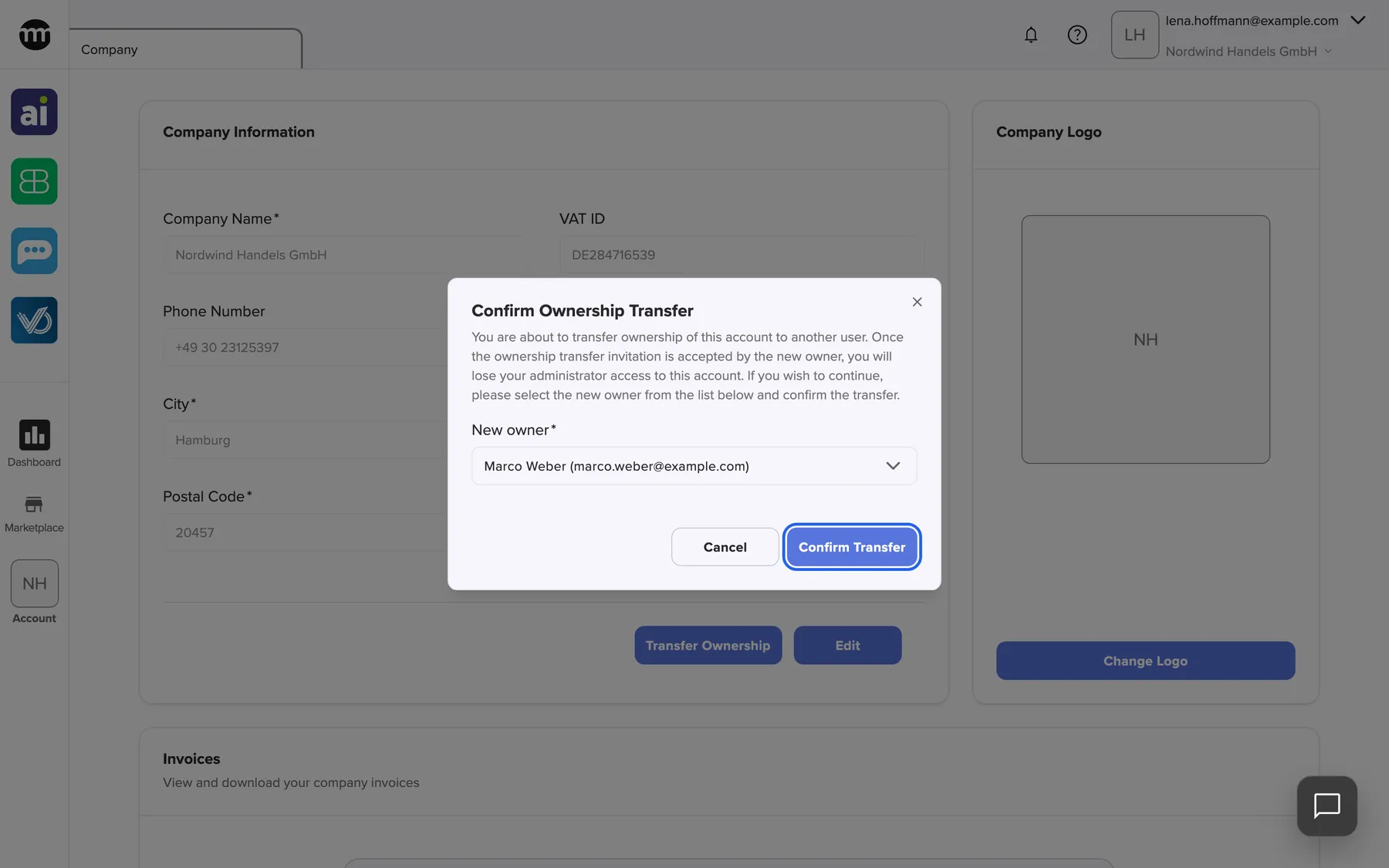
Only the owner can start a transfer. The chosen member must be active and own no company. What this screenshot shows
- Screen
- Company
- Highlighted
- “Confirm transfer”: requests the ownership transfer
- Also visible
- Marco Weber chosen as the new owner; Cancel button
- Purpose
- choose who takes over your company
-
Confirm from your email. Open the email comrce Hub sent you and select the link. On Confirm ownership transfer, select Confirm. The new owner now receives their invitation. Confirm or accept an ownership transfer covers both pages.
-
The new owner accepts. They open their email and sign in with their own account if asked. On Accept company ownership, they select Confirm. Ownership moves at once, and you become a Member.
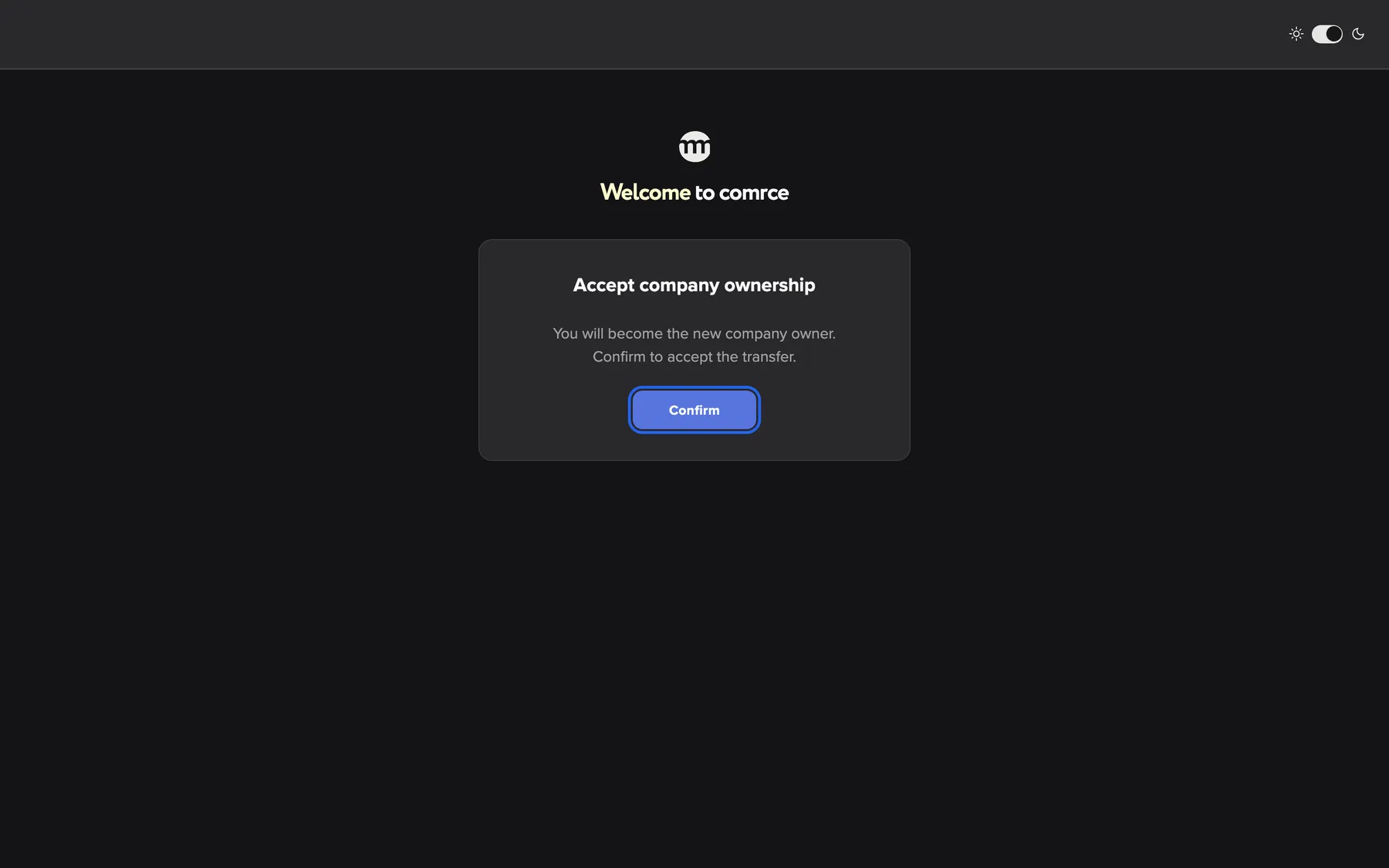
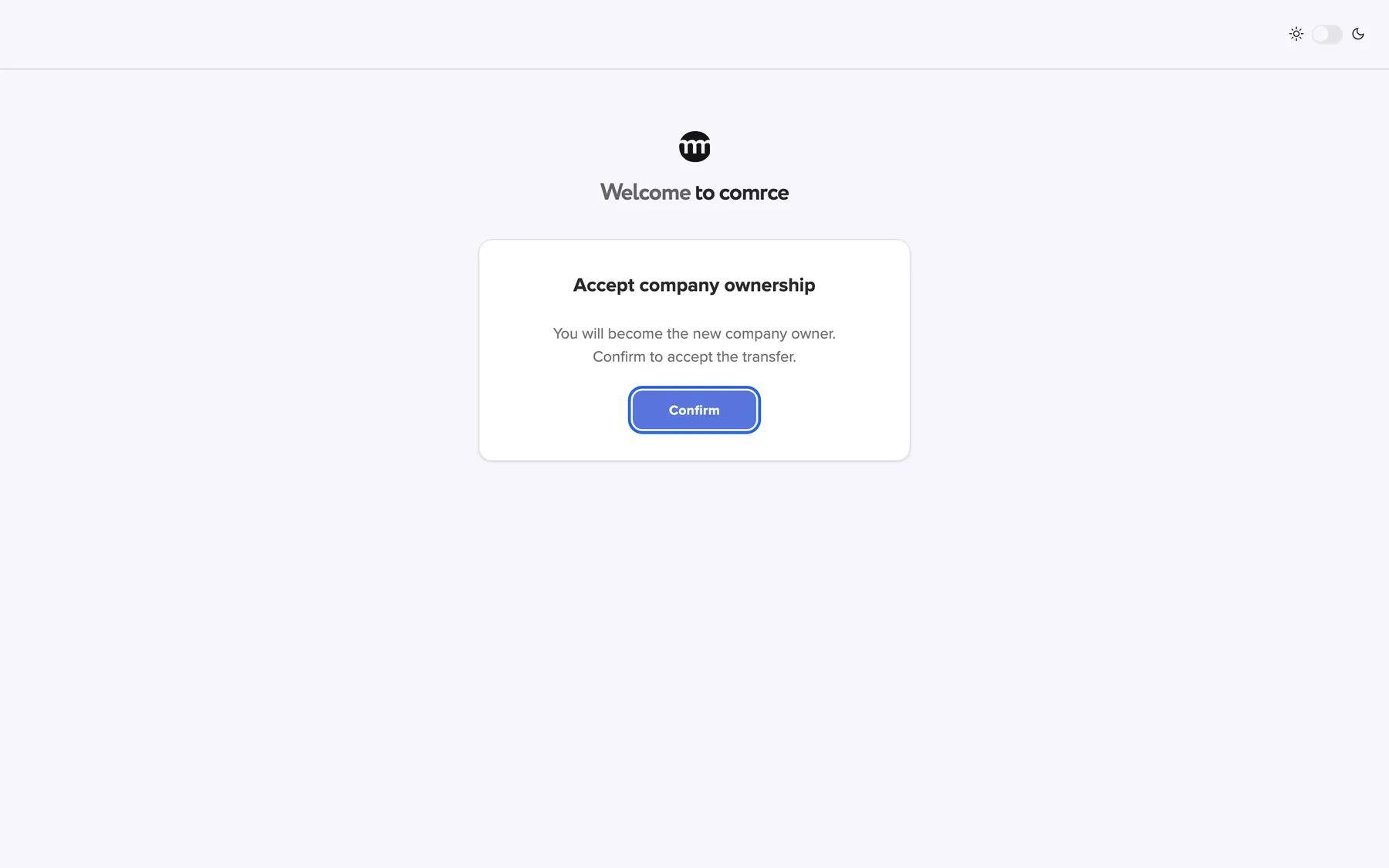
Step three, the new owner accepts. The previous owner becomes a Member. What this screenshot shows
- Screen
- Accept company ownership
- Highlighted
- “Confirm”: accepts the ownership
- Also visible
- The card for accepting the company ownership
- Purpose
- the new owner completes the transfer
-
Export your data (optional). Open Settings and select Export Data. Your browser downloads a ZIP file with your profile, your companies and your events. Get a copy of your personal data lists what it contains.
-
Delete your account. In your settings, select Delete Account and then Yes, delete my account. Open the email within one day and select Confirm request on the page it opens. Deleting your account explains each stage.
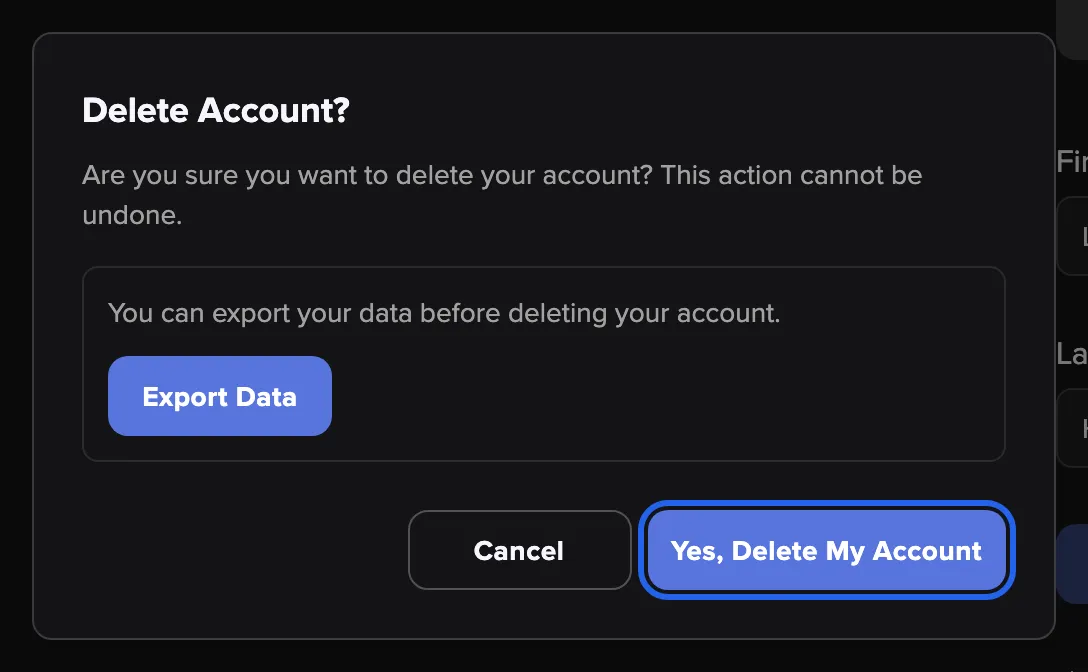
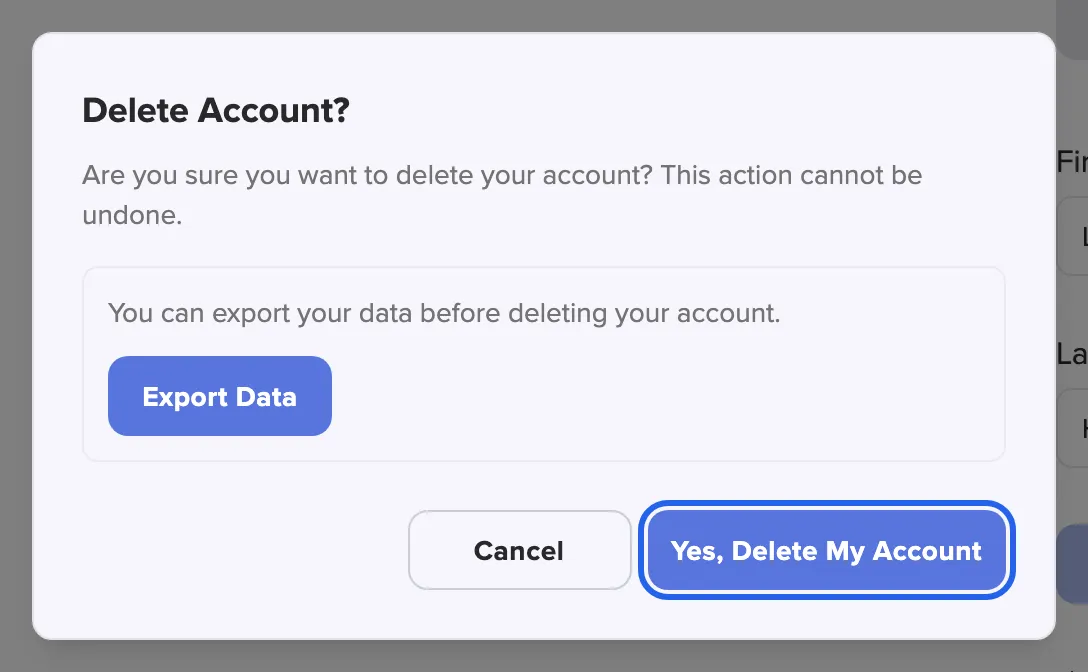
Export your data first if you need it, then send the request with Yes, delete my account. What this screenshot shows
- Screen
- Settings
- Highlighted
- “Yes, delete my account”: sends the email that confirms your deletion request
- Also visible
- Warning text; Export Data box; Cancel button
- Purpose
- request the deletion of your account
What happens next
Section titled “What happens next”Your company carries on under its new owner, with all its data, tools and members. Confirming the deletion signs you out on every device. comrce then approves the request. Your personal data is removed 21 days after that.
To check the handover, ask the new owner to open AccountCompany. They now see Transfer Ownership, which only the owner sees. Your entries in Logs stay, with your name and email replaced.
Options
Section titled “Options”| Choice | When to pick it | Effect |
|---|---|---|
| Leave one company only | You keep working for other companies | Select Leave on My companies. It cannot be undone, and owners must transfer first. |
| Delete your account | You stop using comrce Hub altogether | Every membership ends. Accounts in Amainvoice, Billbee, Replyco or VentoryOne stay, so contact those services yourself. |
| Ask comrce support to start the transfer | You cannot run the transfer yourself | comrce starts it at your request. You cannot replace a transfer comrce started. |
- Wait until the new owner has accepted before you send the deletion request. A transfer that is still pending does not protect the company.
- Staying on as a member? After the transfer, the new owner checks your permissions on your member tab. You now have the Member preset.
If something goes wrong
Section titled “If something goes wrong”| Symptom | What to check | Fix |
|---|---|---|
| The colleague is not offered as new owner | Are they Active? Do they already own a company? | Pick another member, or have them hand over their own company first |
| The transfer expired | The time limit passed before the new owner accepted | Start a new transfer |
| A link asks you to sign in with another account | Each link only works for the person it was sent to | Sign out, then open the link with the right account |
| Leave is greyed out | You own that company | Transfer the ownership first |
| The deletion link shows Unfortunately, this link has expired | The link is older than one day | Have a new one sent from that page |
| You changed your mind after confirming | Your data has not been removed yet | Contact comrce support to cancel the deletion |