

Getting started with comrce Hub
Start here when you’re new to comrce Hub. In comrce Hub you manage your company, your team and your access to Amainvoice, Billbee, Replyco and VentoryOne. This section is about your personal account. You create it, sign in and find your way around.
You either register yourself with a new company, or you accept a colleague’s invitation. Then you sign in with your password and a two-factor code, pick a company and start working. One account can belong to several companies.
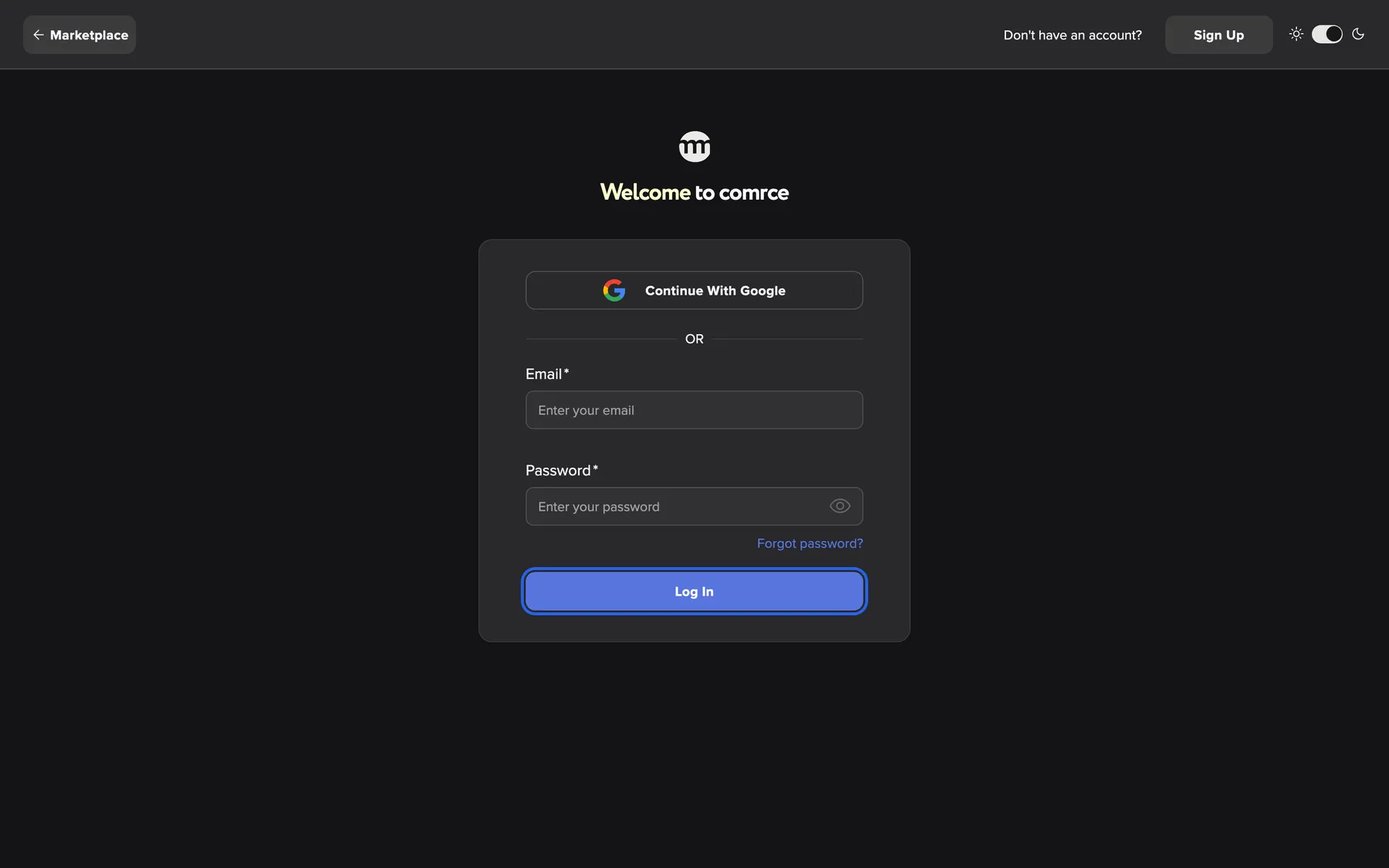
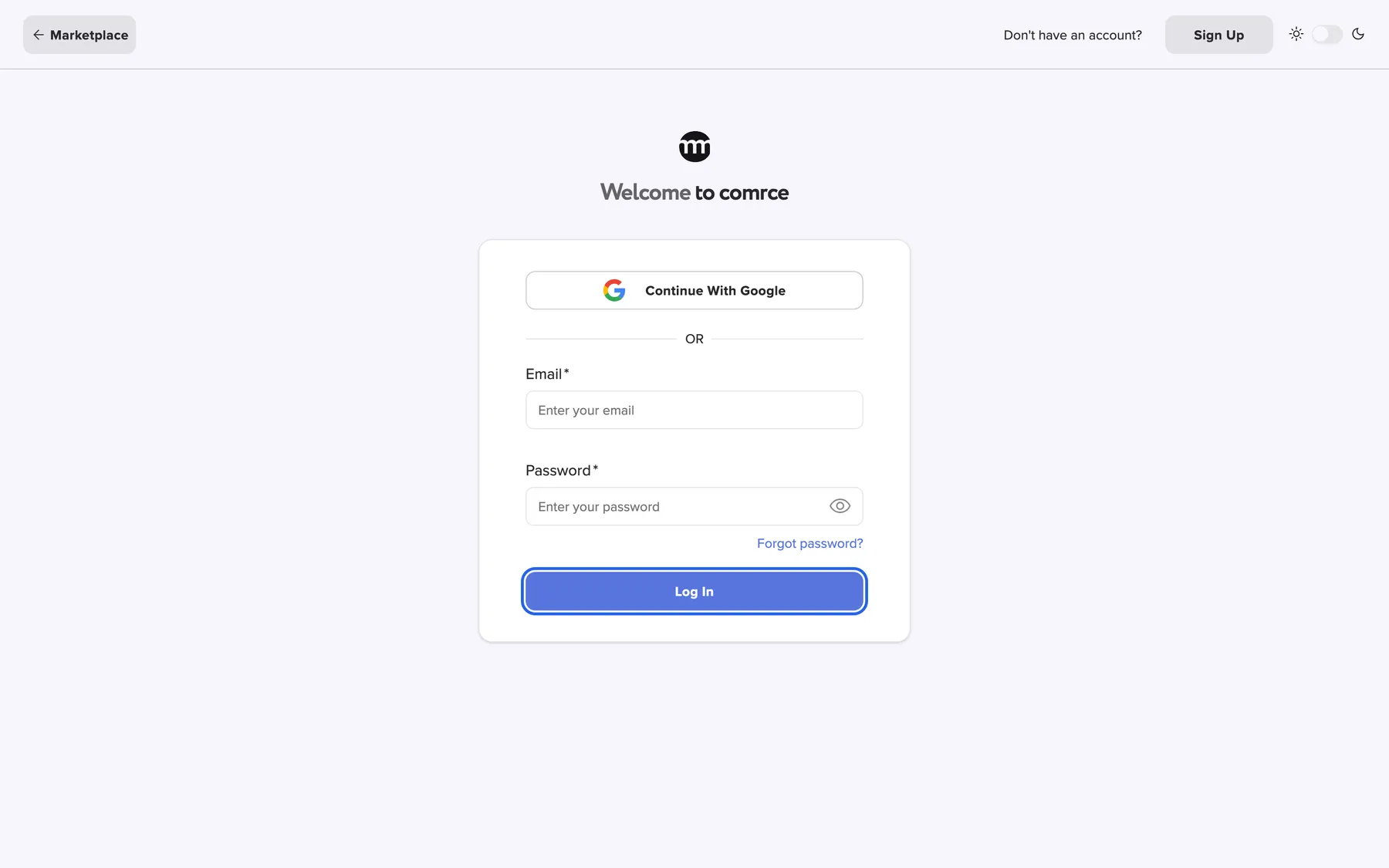
What this screenshot shows
- Highlighted
- “Log In”: signs you in with your email address and password
- Also visible
- Marketplace button at the left of the top bar; Sign Up and the theme switch at the right of the top bar; Continue with Google button; Email and Password fields; Forgot password? link
- Purpose
- the page where every first day in comrce Hub starts
The page at a glance
Section titled “The page at a glance”Everything in this section starts on the sign-in page. From there you get started with comrce Hub:
| Page | What it is for |
|---|---|
| Sign in | Email and password or Google, the two-factor step and the company list |
| Create an account | Register yourself and your company, then confirm your email address |
| Reset your password | Request a reset link and set a new password |
| Accept an invitation | Join a colleague’s company from the invitation email |
| The comrce Hub workspace | Sidebar, tabs, top bar, notifications, help and the first-sign-in dialogs |
What you can do here
Section titled “What you can do here”- Create your account. Register with Sign Up when you’re new, or follow the link in your invitation email. Create an account · Accept an invitation
- Look around before you sign in. The Marketplace opens without an account, and the sign-in page has a button back to it. The Marketplace without an account
- Sign in with a second step. Use your password or Google, then your two-factor code. Sign in · Two-factor authentication
- Choose a new password. Read the password rules, change your password, or reset it when you’ve forgotten it. Passwords and sign-in · Reset your password
- Find your way around. Screens open as tabs, your tools’ notifications arrive in one place, and help is one click away. The comrce Hub workspace
Good to know before you start
Section titled “Good to know before you start”- One account, several companies. Your account belongs to you, not to a company. You can be a member of several companies and switch between them. See Working with several companies.
- Roles and permissions decide what you see. The Owner of a company sees everything. Everyone else sees the screens their permissions allow. See Permissions and roles.
- Two-factor authentication is part of signing in. comrce Hub asks you to set it up at your first sign-in. See Two-factor authentication.
Who can use this
Section titled “Who can use this”Anyone can use these pages, and you need nothing to start:
- New to comrce Hub: register, and you get a new company with the Owner role.
- Invited by a colleague: open the invitation email. You join their company with the role they chose for you.
- Already have an account: sign in. You need your password, or your Google account, and your two-factor code.