

The Marketplace without an account
You can browse the comrce Marketplace without an account. A link to the Marketplace, a service or a partner opens without signing in. You see the same catalog as signed-in customers, so you know what comrce offers before you sign up. Only installing a partner needs an account.
Log In in the top bar signs you in and brings you back to the page you were on.
What you can do here
Section titled “What you can do here”- Open a shared Marketplace link to a service or partner, without signing in. See what comrce offers before you sign up.
- Browse, search and filter the whole catalog, exactly as customers do. Every section, service, partner and text is the same. What you see without an account.
- Read a partner’s page with its contact details, facts and description. What you see without an account.
- Sign in and return to the same page, for example to install a partner for your company. Sign in from the Marketplace.
- Create an account from a Marketplace visit, and go back to the Marketplace from registration at any time. Create an account from the Marketplace.
The screen at a glance
Section titled “The screen at a glance”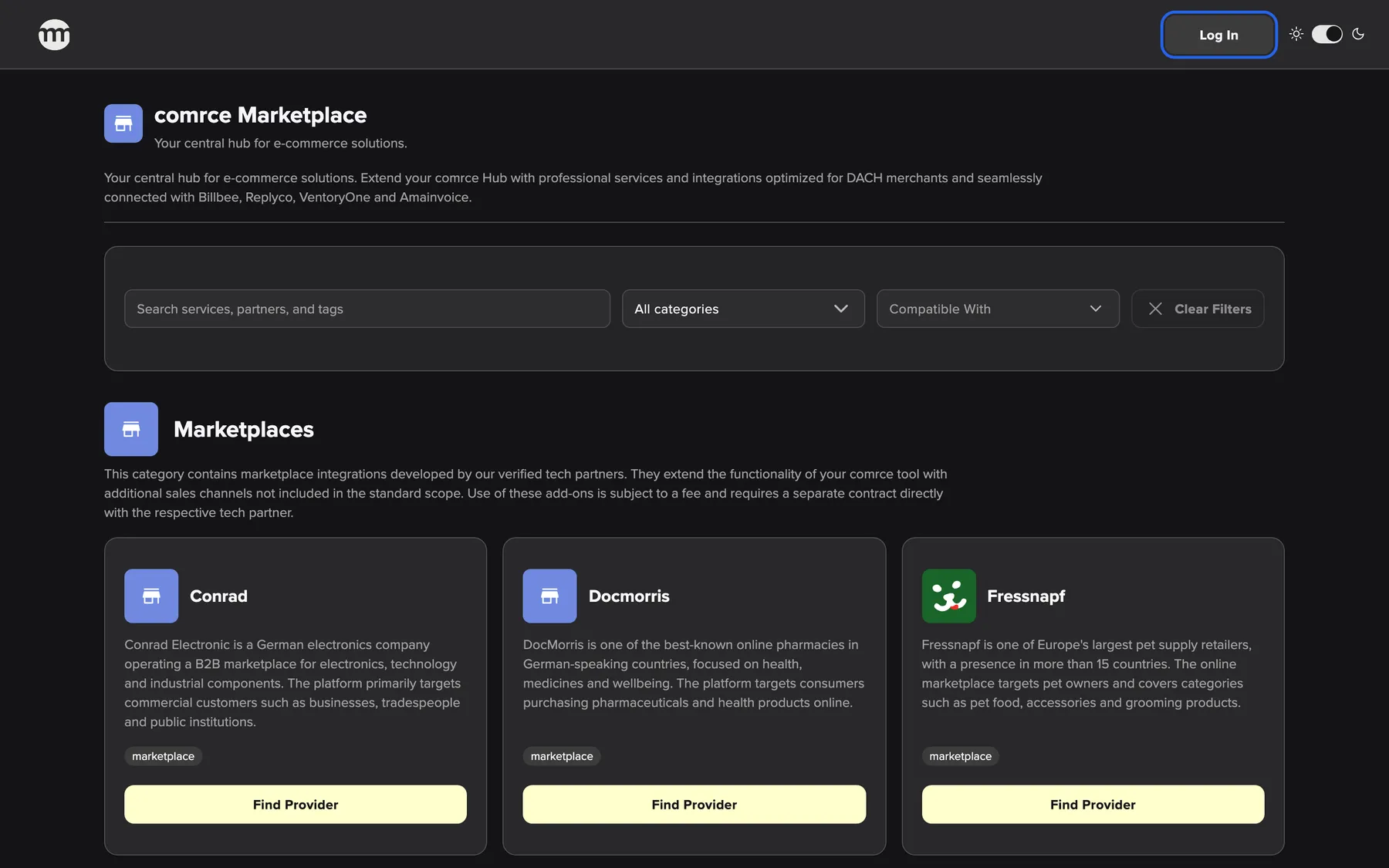
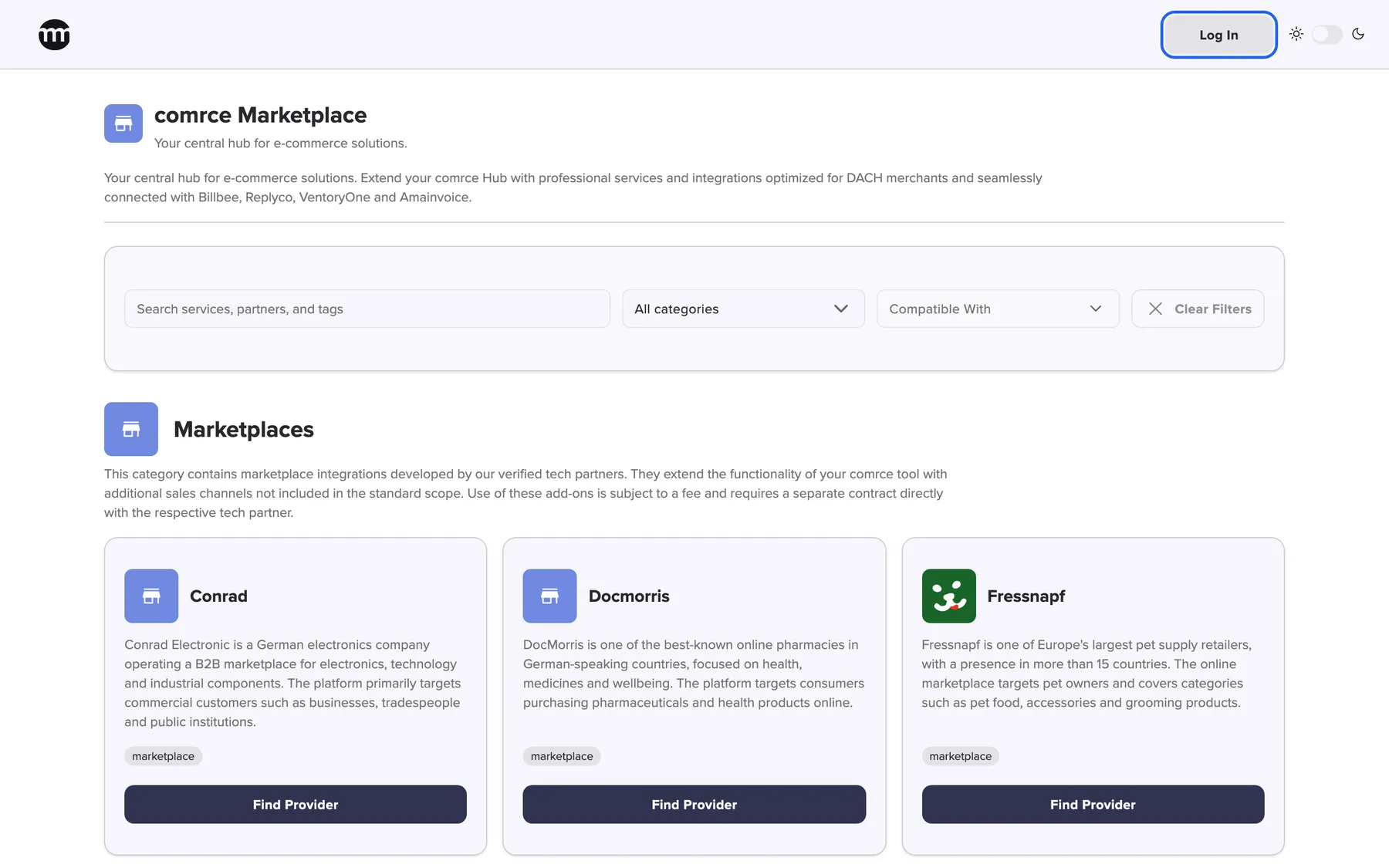
What this screenshot shows
- Screen
- comrce Marketplace
- Highlighted
- “Log In”: opens the sign-in page and returns to this Marketplace page after sign-in
- Also visible
- Top bar: comrce logo, Log In, light/dark switch; Filter bar: search, category, compatible with, clear filters; Section Marketplaces with the service tiles Conrad, Docmorris and Fressnapf; No sidebar, no tabs, no Installed section
- Purpose
- the public Marketplace for visitors without an account
| Region | What it shows | What you do there |
|---|---|---|
| Top bar | The comrce logo at the left. Log In and the light/dark switch at the right. | Sign in, or switch the color theme |
| Header | comrce Marketplace, Your central hub for e‑commerce solutions. and an introduction | – |
| Filter bar | The search field, All categories, Compatible with and Clear filters | Narrow the catalog |
| Sections | A title, a description and a grid of service tiles per section | Open a service with Find provider |
There is no left sidebar and there are no tabs. A service or partner opens in the same browser tab.
See what comrce offers before you sign up
Section titled “See what comrce offers before you sign up”You can look at the whole Marketplace before you create an account. Nothing you open here signs you up or reaches a partner.
There are two ways in:
- A Marketplace link. Someone sends you a link to the Marketplace, a service or a partner. It opens directly, without the sign-in page.
- The sign-in page. Select Marketplace at the top left of the sign-in page. The Marketplace opens.
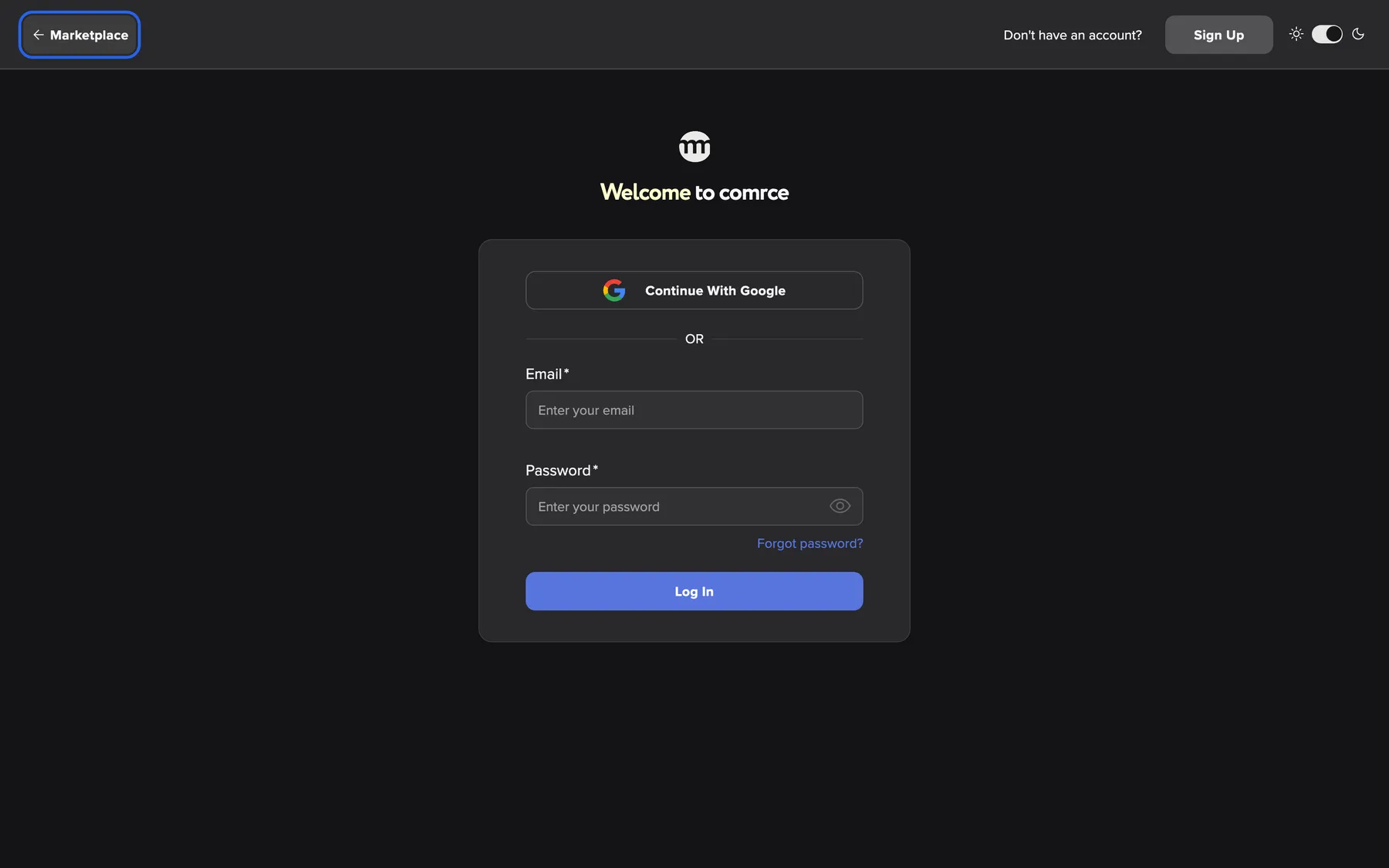
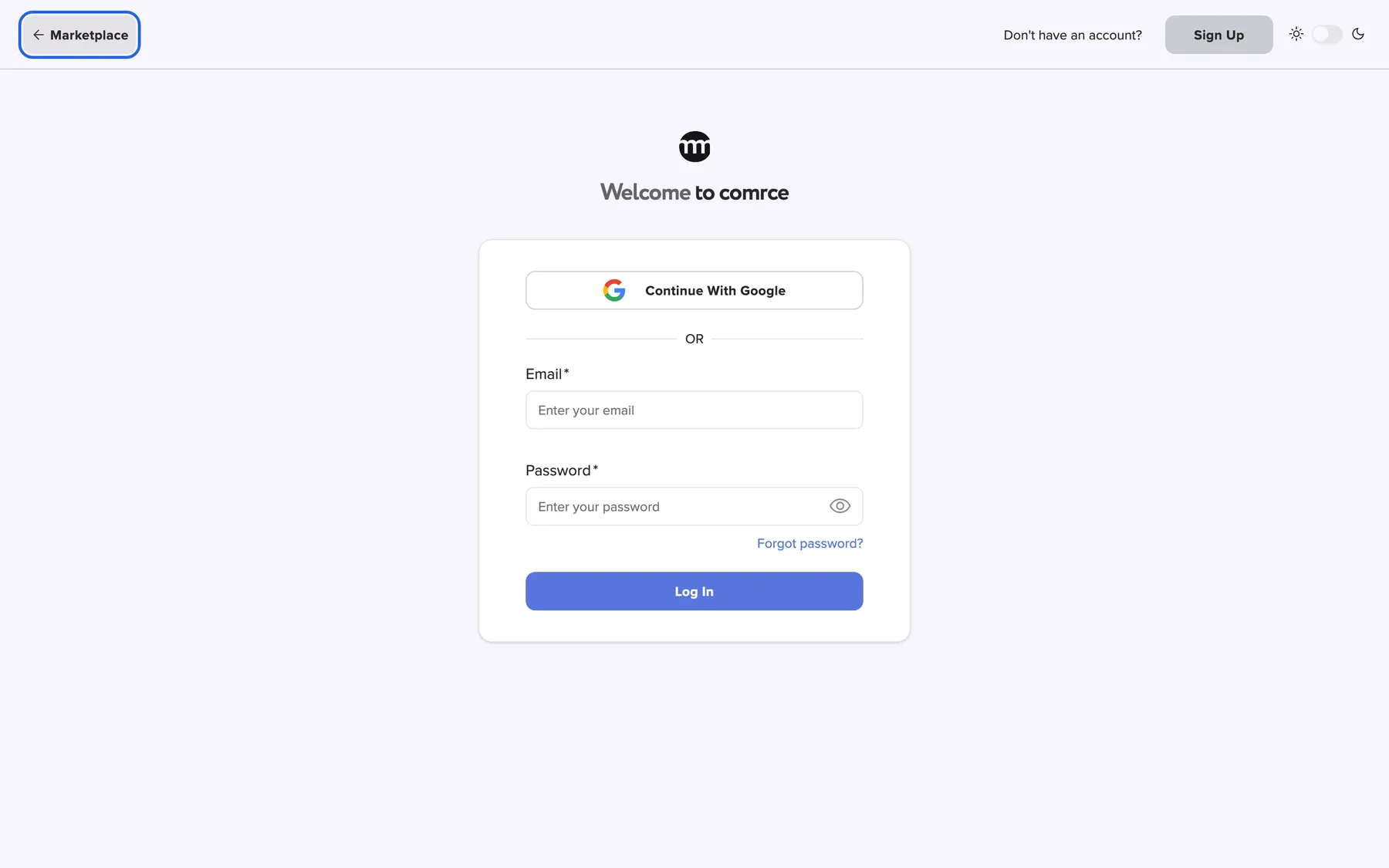
What this screenshot shows
- Screen
- Log In
- Highlighted
- “Marketplace”: opens the Marketplace page you came from, or the catalog
- Also visible
- Top bar: Marketplace back button, Don't have an account?, Sign Up, light/dark switch; Welcome to comrce and the sign-in form
- Purpose
- the way between the sign-in page and the public Marketplace
The comrce Hub start page itself still shows the sign-in page when you are signed out. Only Marketplace links skip it.
A link with search words or filters opens with them already set.
When a Marketplace link does not open
Section titled “When a Marketplace link does not open”Some links can’t open a page. The link is incomplete, or the service or partner no longer exists. You then see This marketplace page is unavailable, with a Marketplace button below it. The button opens the catalog.
Signed in, the same link opens a Marketplace tab with this message. A Marketplace link does not open lists each case and what to do.
What you see without an account
Section titled “What you see without an account”The Marketplace shows the same catalog to everyone: the same sections, services, partners, texts, search and filters. Browse the Marketplace explains the search and the filters. Two things differ for you:
- No Installed section. It lists the partners a company installed, so it needs an account.
- No Install or Uninstall. A partner’s page shows Log in to install in their place.
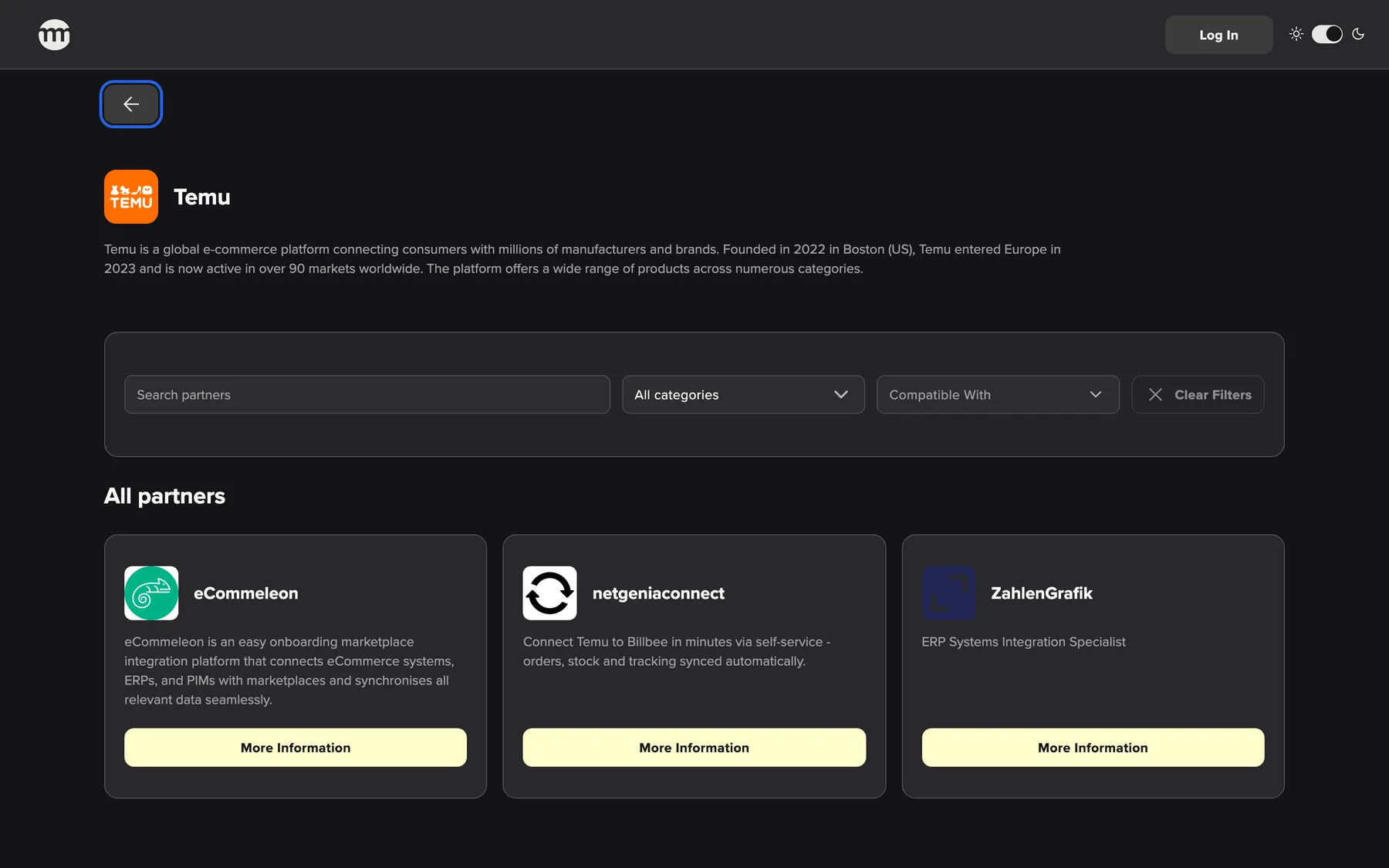
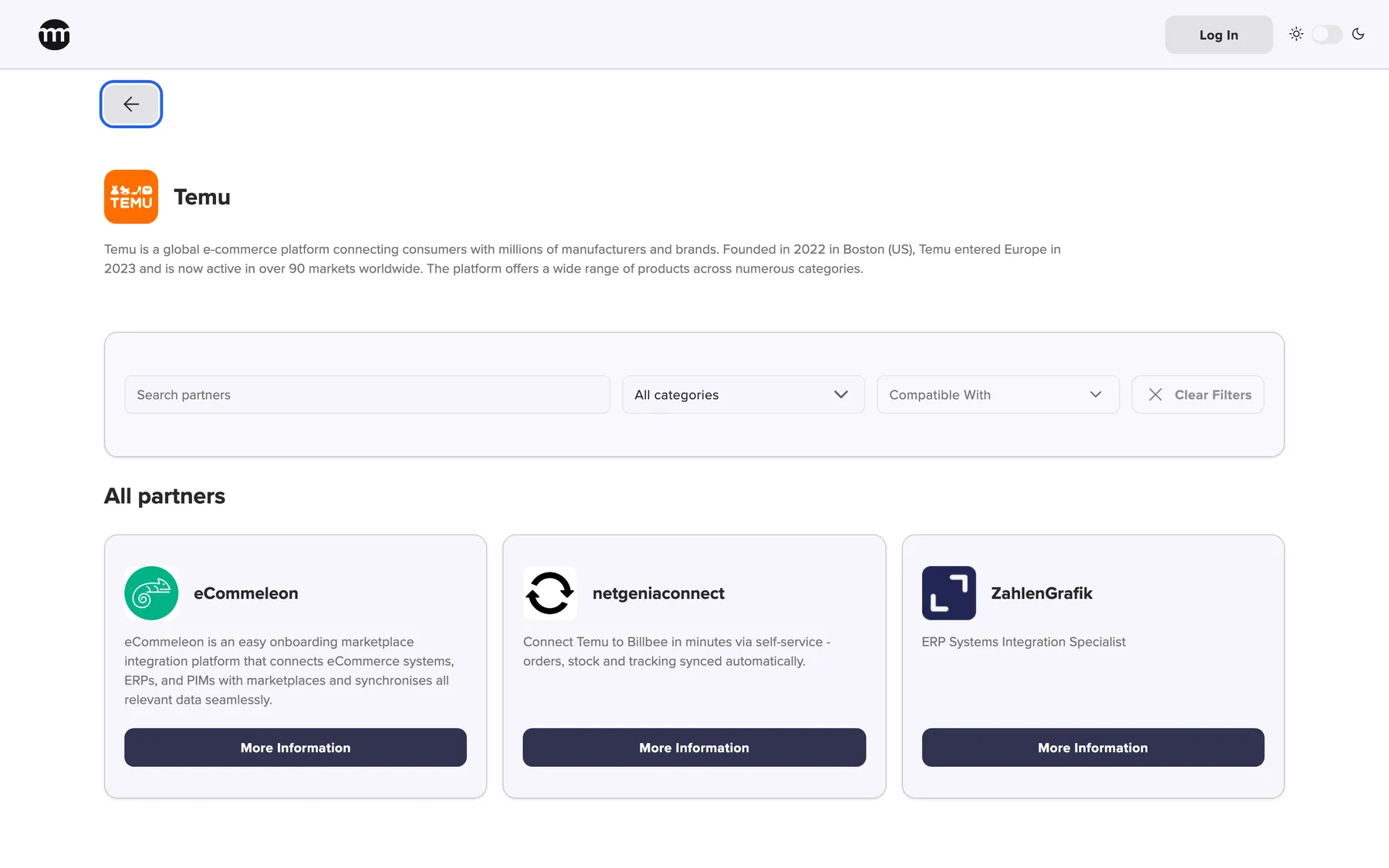
What this screenshot shows
- Screen
- Temu
- Highlighted
- “Go back”: returns to the previous Marketplace page, or to the catalog
- Also visible
- Top bar: comrce logo, Log In, light/dark switch; Service title Temu with its description; Partner tiles: eCommeleon, netgeniaconnect, ZahlenGrafik
- Purpose
- a service page in the public Marketplace
A service page lists every partner that offers the service, as described in A service in the Marketplace. The Back button at its top left returns to the page you came from.
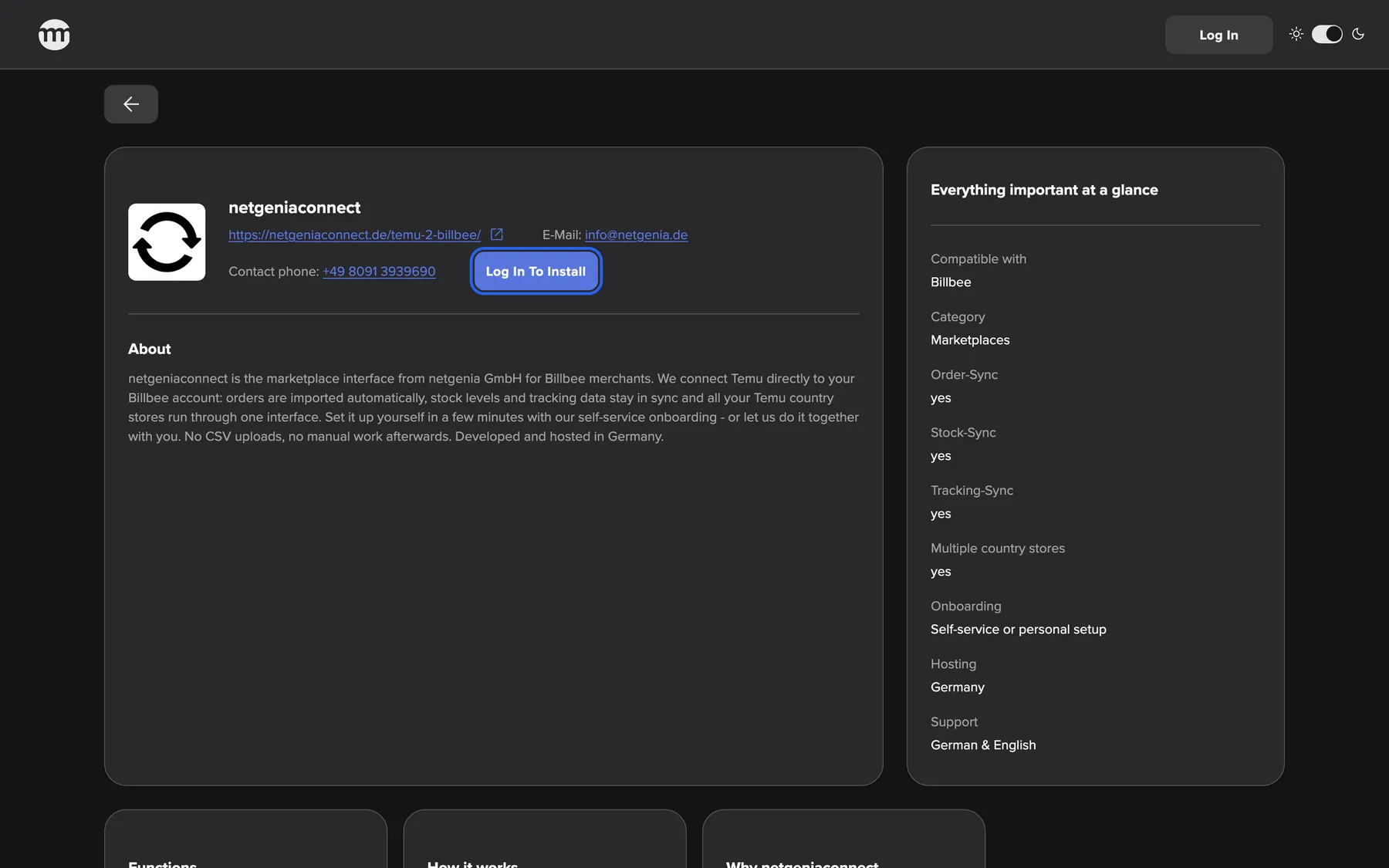
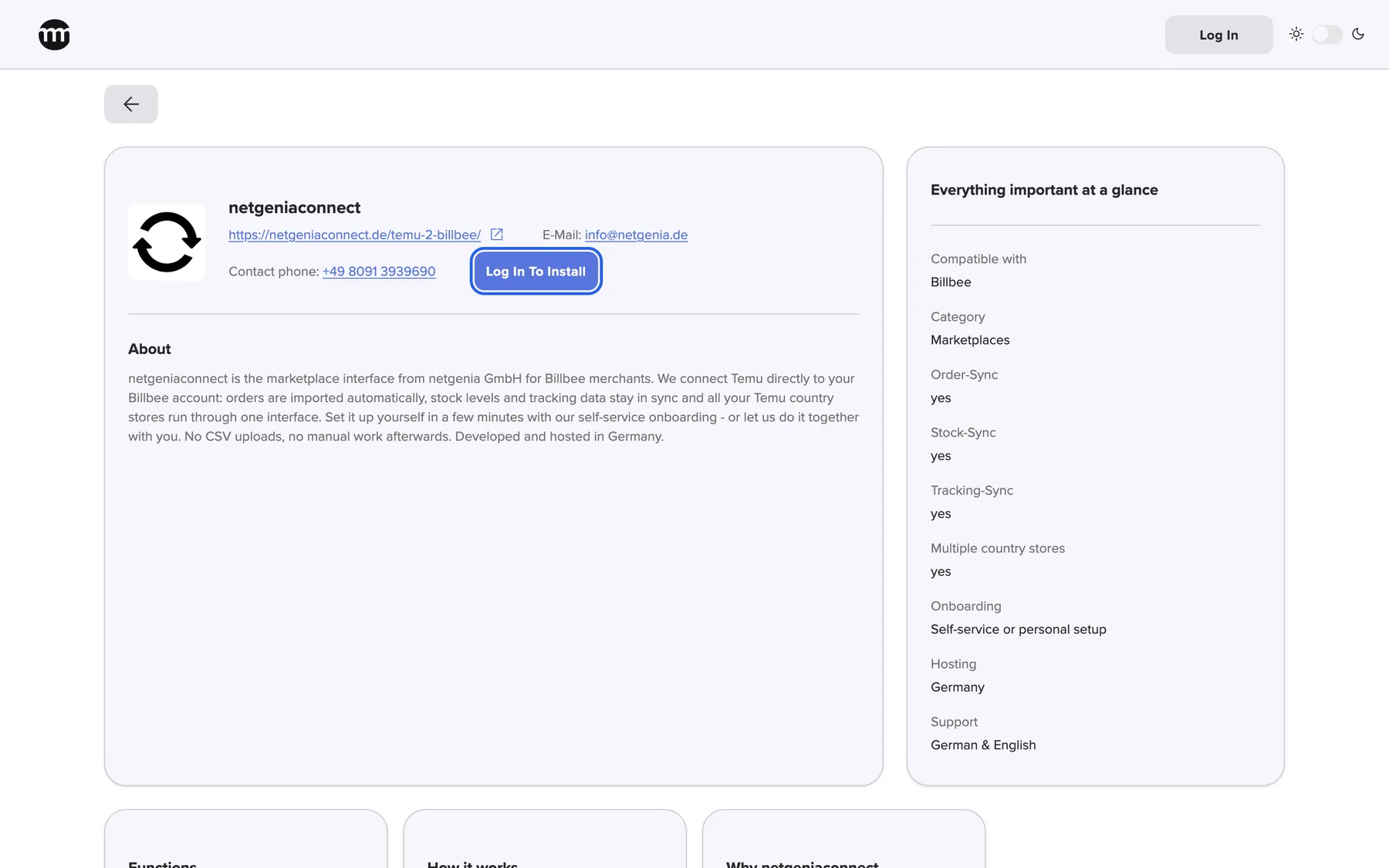
What this screenshot shows
- Screen
- netgeniaconnect
- Highlighted
- “Log in to install”: opens the sign-in page and returns to this partner's page after sign-in
- Also visible
- Logo, name, website link, email and phone; About; Everything important at a glance
- Purpose
- a partner's page for a visitor without an account
A partner’s page shows the logo, name, contact details, description, facts and information cards. A partner’s page explains each part. Some partners have an app that signs in with comrce Hub. Their website link stays hidden until you sign in and your company installs the partner. Their email address and phone number are shown.
Sign in from the Marketplace
Section titled “Sign in from the Marketplace”-
Select Log In in the top bar. On a partner’s page, Log in to install does the same.
-
Sign in as usual, with your password or with Google. Sign in describes every step.
-
comrce Hub opens the page you were on, now as a tab in your workspace. On a partner’s page you now see Install, if your role allows it.
One case differs. You opened the catalog with Marketplace on the sign-in page and then sign in from the catalog. Then comrce Hub opens your usual start page. From a service page, a partner’s page or a Marketplace link, you always return to that page.
To leave the sign-in page without signing in, select Marketplace at its top left. It opens the Marketplace page you came from.
Create an account from the Marketplace
Section titled “Create an account from the Marketplace”Select Log In in the top bar, then Sign Up at the top right of the sign-in page. Registration remembers the Marketplace page you came from. On the first registration step, the Back button at the top left returns to that page. On later steps, it goes one step back. Create an account describes registration.
Every control, explained
Section titled “Every control, explained”
Every control, explained
Section titled “Every control, explained”The public Marketplace has the controls of the catalog plus a few for signing in. The ones that behave differently from the signed-in Marketplace come first.
Install button for visitors
Section titled “Install button for visitors”Log In
Section titled “Log In”Marketplace on the sign-in page
Section titled “Marketplace on the sign-in page”Back on a service or partner page
Section titled “Back on a service or partner page”Other controls on this page
| Control | What it does | Why |
|---|---|---|
| Light/dark switch | Switches the color theme of the page | Read comfortably |
| Search field and filters | Work as in the signed-in Marketplace. Browse the Marketplace | Find a service or partner |
| Find provider and More information | Open a service page or a partner’s page in the same browser tab | Compare partners |
Who sees what
Section titled “Who sees what”
Who sees what
Section titled “Who sees what”| Part | Without an account | Signed in to a company |
|---|---|---|
| Sections, services, partners and their texts | Yes | Yes |
| Search and filters | Yes | Yes |
| Installed section | No | Yes, once your company installed a partner |
| Install and Uninstall | No, Log in to install instead | With the Managing API connections permission |
| Website link of a partner whose app signs in with comrce Hub | No | Yes, once your company installed the partner |
What you need to know
Section titled “What you need to know”
What you need to know
Section titled “What you need to know”| Topic | Fact |
|---|---|
| Same catalog | Everyone sees the same sections, services, partners and texts, with or without an account |
| Nothing is saved | Your search and filters are part of the page’s link. Nothing is stored in an account. |
| Start page | The comrce Hub start page shows the sign-in page to signed-out visitors. Only Marketplace links open without it. |
| Signed in already | A Marketplace link opens as a tab in your workspace |
Frequently asked questions
Section titled “Frequently asked questions”
Frequently asked questions
Section titled “Frequently asked questions”General
Section titled “General”Do I need an account to see the comrce Marketplace?
Section titled “Do I need an account to see the comrce Marketplace?”No. Anyone can browse the comrce Marketplace without an account. Open a Marketplace link, or select Marketplace at the top left of the comrce Hub sign-in page. You need an account only to install a partner.
Do visitors see the same Marketplace as customers?
Section titled “Do visitors see the same Marketplace as customers?”Yes. The sections, services, partners, texts, search and filters are the same for everyone. Visitors do not see the Installed section or the Install button. A partner’s page shows Log in to install instead.
Can I send a colleague without an account a link to a partner?
Section titled “Can I send a colleague without an account a link to a partner?”Yes. Copy the link from your browser’s address bar while the partner’s page is open. Your colleague opens it without signing in and sees the partner’s page.
Why does the comrce Hub start page ask me to sign in?
Section titled “Why does the comrce Hub start page ask me to sign in?”The comrce Hub start page always shows the sign-in page when you are signed out. To browse without an account, select Marketplace at its top left. A link to a Marketplace page also opens without signing in.
Signing in
Section titled “Signing in”Where do I land after I sign in from the Marketplace?
Section titled “Where do I land after I sign in from the Marketplace?”comrce Hub opens the Marketplace page you were on, as a tab in your workspace. One case differs. You opened the catalog with Marketplace on the sign-in page and then sign in from the catalog. Then you land on your usual start page.
Does returning to the Marketplace page also work with Google sign-in?
Section titled “Does returning to the Marketplace page also work with Google sign-in?”Yes. Select Log In on a Marketplace page and sign in with Google. comrce Hub opens the same Marketplace page afterwards, as with a password.
How do I get back to the Marketplace from the sign-in page?
Section titled “How do I get back to the Marketplace from the sign-in page?”Select Marketplace at the top left of the sign-in page. It opens the Marketplace page you came from, or the catalog. On the two-factor and organization steps, the arrow at the top left goes back one sign-in step instead.
Installing
Section titled “Installing”Why can’t I install a partner without an account?
Section titled “Why can’t I install a partner without an account?”Installing switches a partner on for a whole company, so comrce Hub needs to know your company. Select Log in to install on the partner’s page. After you sign in, the partner’s page opens again with Install.
I signed in from a partner’s page, but I see no Install button. Why?
Section titled “I signed in from a partner’s page, but I see no Install button. Why?”Install needs the Managing API connections permission. Company owners have it. Members and partners do not have it by default. Ask the owner of your company to install the partner or to give you the permission.
Why is there no website link on a partner’s page?
Section titled “Why is there no website link on a partner’s page?”Some partners have an app that signs in with comrce Hub. Their website link appears only after you sign in and your company installs the partner. A partner without a website in the catalog never shows a link.
Creating an account
Section titled “Creating an account”Can I create an account from the Marketplace?
Section titled “Can I create an account from the Marketplace?”Yes. Select Log In, then Sign Up on the sign-in page. Registration remembers the Marketplace page you came from. The Back button on the first registration step returns to it.
Troubleshooting
Section titled “Troubleshooting”
Troubleshooting
Section titled “Troubleshooting”| Symptom | What to check |
|---|---|
| The start page shows the sign-in page | Expected when you are signed out. Select Marketplace at its top left. |
| A Marketplace link shows an error message | The service or partner no longer exists, or the link is incomplete. A Marketplace link does not open |
| No Installed section | Expected without an account. Sign in to see your company’s installed partners. |
| No Install after signing in | Your role lacks the Managing API connections permission. Ask your company owner. |
| After signing in you see your start page, not the Marketplace | You signed in from the catalog after opening it from the sign-in page. Open Marketplace in the sidebar. |
Related
Section titled “Related”- Browse the Marketplace
- A service in the Marketplace
- A partner’s page
- A Marketplace link does not open
- Sign in
- Create an account
- Add a partner’s service to your company – the guide from finding a partner to using their app