

More Efficient
More Efficient is a partner in the comrce Marketplace with 3 listings, one per service. Its listing under Setup Partners reads: “Billbee setup, support and troubleshooting for online sellers”.
What it offers
Section titled “What it offers”More Efficient has its own listing under each of these services, each with its own page in the Marketplace:
| Service | What More Efficient offers there |
|---|---|
| Setup Partners | Billbee setup, support and troubleshooting for online sellers |
| E-Commerce Consultants | Business consulting for online sellers: processes, supply chain and sales |
| Tech Partners | Billbee interfaces, data migrations and ERP integrations |
Setup Partners
Section titled “Setup Partners”Under About the page says:
More Efficient helps online sellers get Billbee up and running and keep it running smoothly. We set up your Billbee account from scratch or take over an existing one: shops and marketplaces, e-mail (SMTP), API access, carriers including customer numbers and franking, as well as rules and automations that save you time every day. When something goes wrong – orders stuck, imports failing, labels not printing – we help quickly by phone, messenger or video call and handle the communication with Billbee and other partners for you. Besides Billbee we also support Xentral and weclapp. You always have one direct contact person who knows your setup.
The card Everything important at a glance and the rest of the page list:
| Detail | In the catalog |
|---|---|
| Compatible with | Billbee |
| Category | Service Partners |
| Specialised in | Billbee |
| Also supporting | Xentral, weclapp |
| Support via | phone, messenger, video call |
| Pricing | hourly or monthly support packages |
| Information cards | Billbee setup, Support & troubleshooting, Optimisation |
| Contact | website, email address, phone number |
E-Commerce Consultants
Section titled “E-Commerce Consultants”Under About the page says:
More Efficient supports online sellers who want to professionalise their business or take it to the next level. We look at your business as a whole – from purchasing and supply chain to warehouse, shipping, sales and marketing – and identify where processes can become leaner and more efficient. Our background is hands-on: we know the daily routines of e-commerce companies and the tools behind them, such as Billbee, Xentral and weclapp. Together with you we define concrete next steps and support the implementation, instead of leaving you with a slide deck.
The card Everything important at a glance and the rest of the page list:
| Detail | In the catalog |
|---|---|
| Compatible with | Billbee |
| Category | Service Partners |
| Focus | supply chain, sales, marketing, management |
| Tools | Billbee, Xentral, weclapp |
| Approach | hands-on, from analysis to implementation |
| Pricing | on request |
| Information cards | Process analysis, Supply chain & operations, Sales & growth |
| Contact | website, email address, phone number |
Tech Partners
Section titled “Tech Partners”Under About the page says:
Your process needs a connection that Billbee or your ERP does not offer out of the box? More Efficient plans and implements interfaces, automations and data migrations for online sellers. Together with our technology partner beeconnect, we connect Billbee with marketplaces, carriers, ERP systems and other tools, migrate your data from previous systems to Billbee, and connect Xentral and weclapp with the systems you use. We take care of the concept, the implementation and the testing, and remain your contact person afterwards.
The card Everything important at a glance and the rest of the page list:
| Detail | In the catalog |
|---|---|
| Compatible with | Billbee |
| Category | Service Partners |
| Compatible with | Billbee, Xentral, weclapp |
| Technology partner | beeconnect |
| Services | interfaces, automations, data migration |
| Pricing | on request |
| Information cards | Custom interfaces, Data migration, ERP integration |
| Contact | website, email address, phone number |
Prices and terms are set by the partner. You agree on them with More Efficient directly. comrce Hub has no request or booking form, so looking around here commits you to nothing.
Where you find it
Section titled “Where you find it”- Open Marketplace.
- In the section Service Partners, select Find provider on the tile Setup Partners.
- On the service page, select More information on the tile More Efficient.
The partner’s page opens in a tab of its own. The Back button at its top left returns to the service page. Each of the 3 services listed above leads the same way to its own listing of More Efficient.
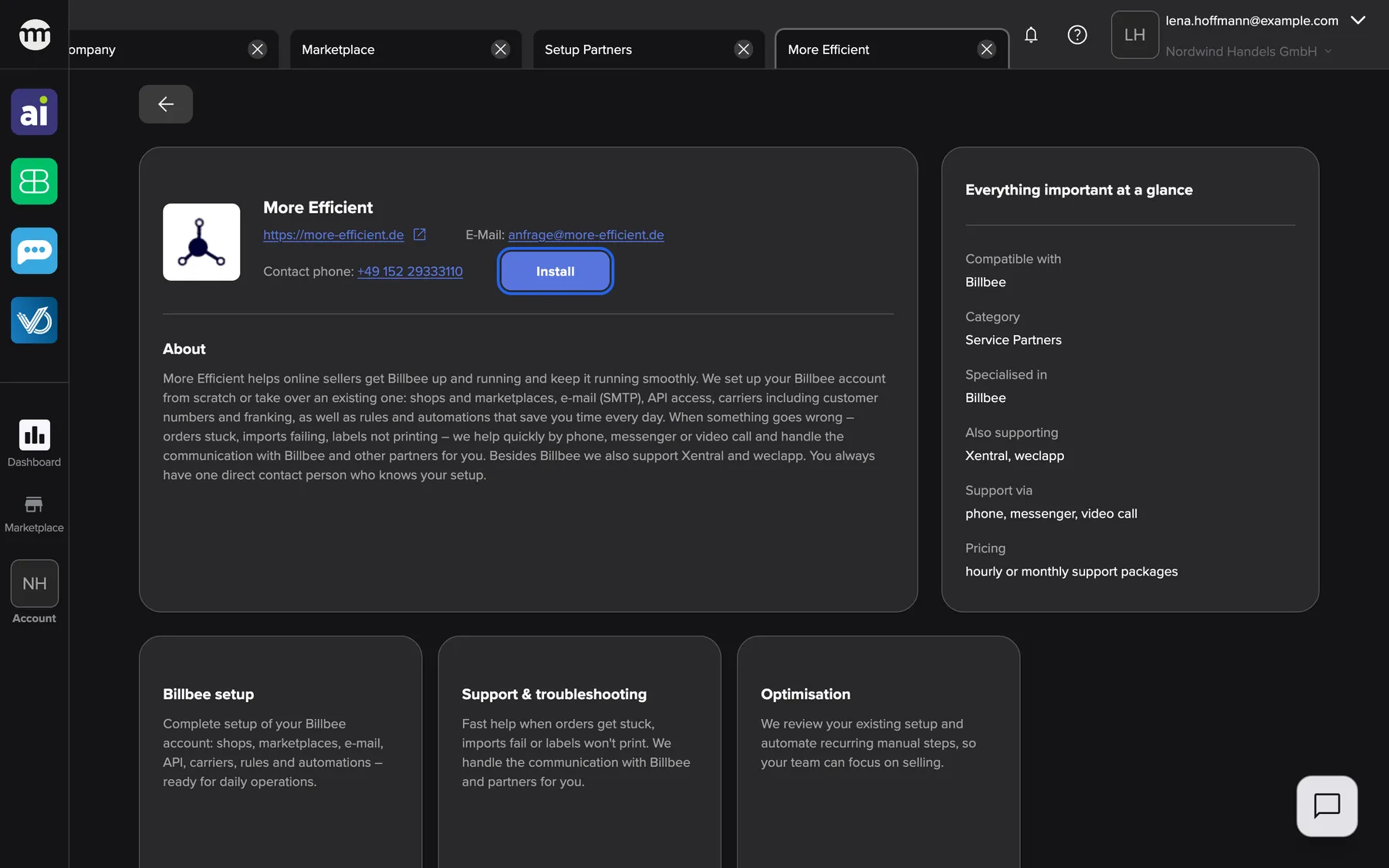
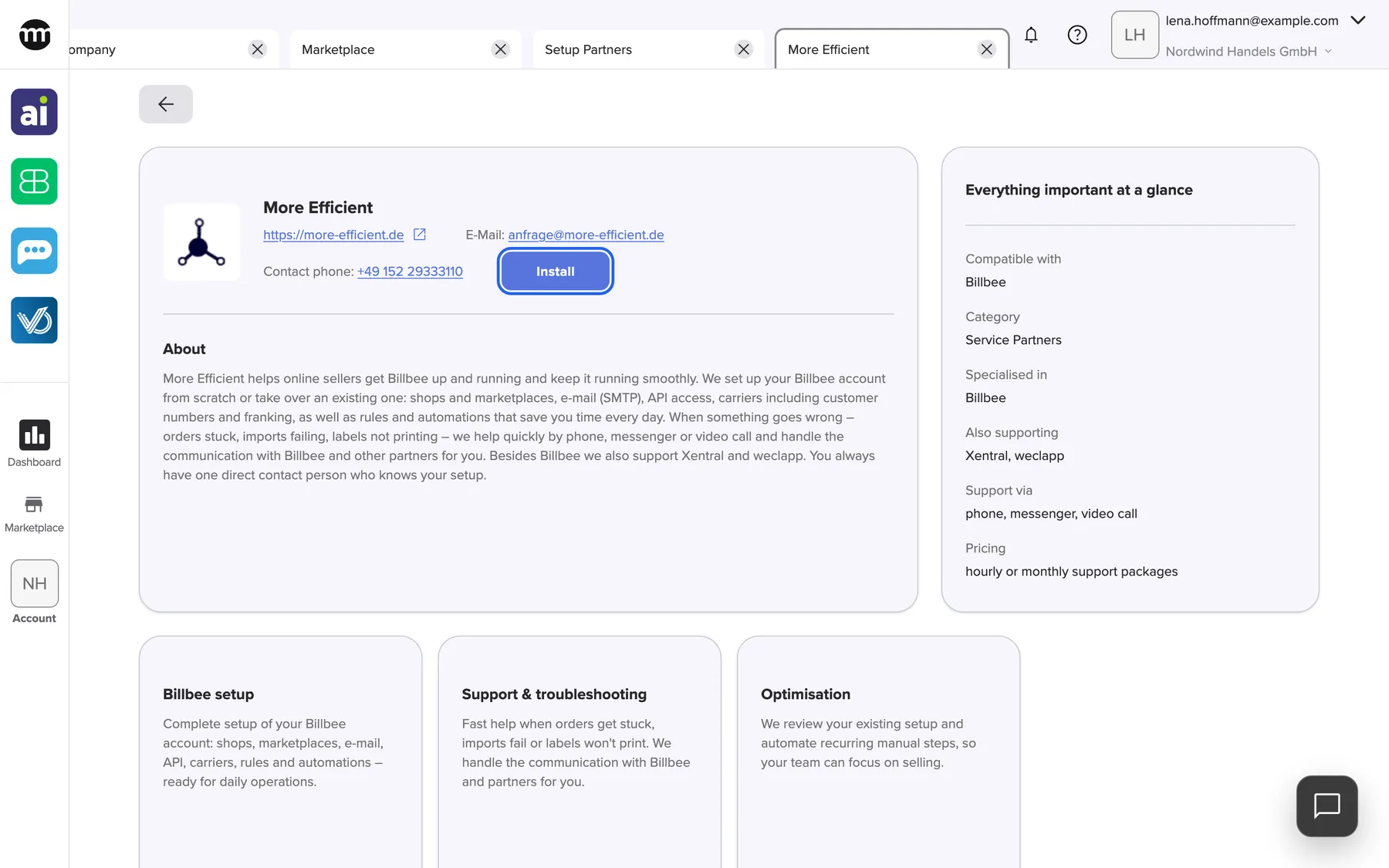
What this screenshot shows
- Screen
- More Efficient
- Highlighted
- “Install”: installs the partner for the whole company at once, without a confirmation
- Also visible
- Logo or placeholder, name and contact details; About; Everything important at a glance
- Purpose
- catalog entry for the partner More Efficient (listing under Setup Partners)
Who can install it
Section titled “Who can install it”Anyone can read this page, also visitors without an account. What you can do on it depends on your access:
- Without an account you see Log in to install in place of Install.
- With the Managing API connections permission you see Install, and once installed, Uninstall. Both act on the listing you have open, for the whole company. Each listing is installed on its own.
- Company owners have the permission. Members and partners don’t have it by default.
More Efficient has no app that signs in with comrce Hub. Installing only marks it as installed for your company and lists it under Installed at the top of the Marketplace.
Installing costs nothing in comrce Hub and doesn’t notify the partner. Uninstall takes it back for the whole company.
Related
Section titled “Related”- Setup Partners – the service entry, with every partner that offers it
- E-Commerce Consultants – Looking to professionalize your e-commerce business or take it to the next level? Our e-commerce consultants bring …
- Tech Partners – Have a specific use case or need an integration that isn’t currently available in our tools? Our tech partners develop …
- A partner’s page – contact details, Install and Uninstall
- Install a partner
- Marketplace catalog – every service and partner