

Reset your password
Select Forgot password? on the sign-in screen and enter your email address. comrce Hub emails you a link. Open it and choose a new password, which works straight away and also ends a lock. The link is valid for 1 day. Asking for a link changes nothing yet: your old password works until you save a new one.
What you can do here
Section titled “What you can do here”- Request a reset link. Enter the email address of your account, and a one-time link goes to it. Reset a forgotten password: request a link
- Send the email again. If the email does not arrive, send it again from the waiting page. Reset a forgotten password: request a link
- Set a new password. The link opens a form where you choose a new password that meets the password rules. Set a new password · Passwords and sign-in
- Recover from an expired link. An expired link opens a page where you request a fresh one with one click. When the link has expired
The screen at a glance
Section titled “The screen at a glance”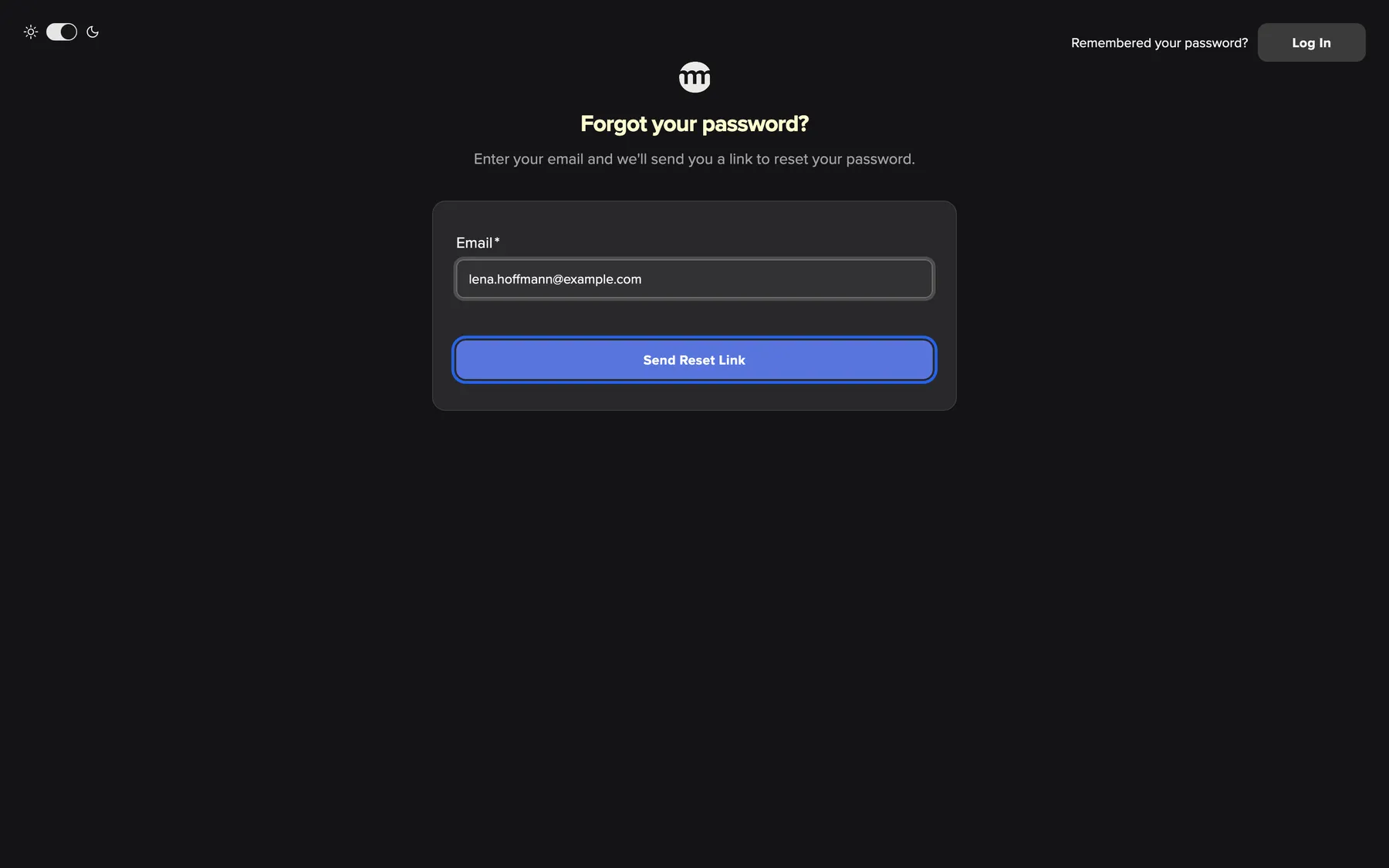
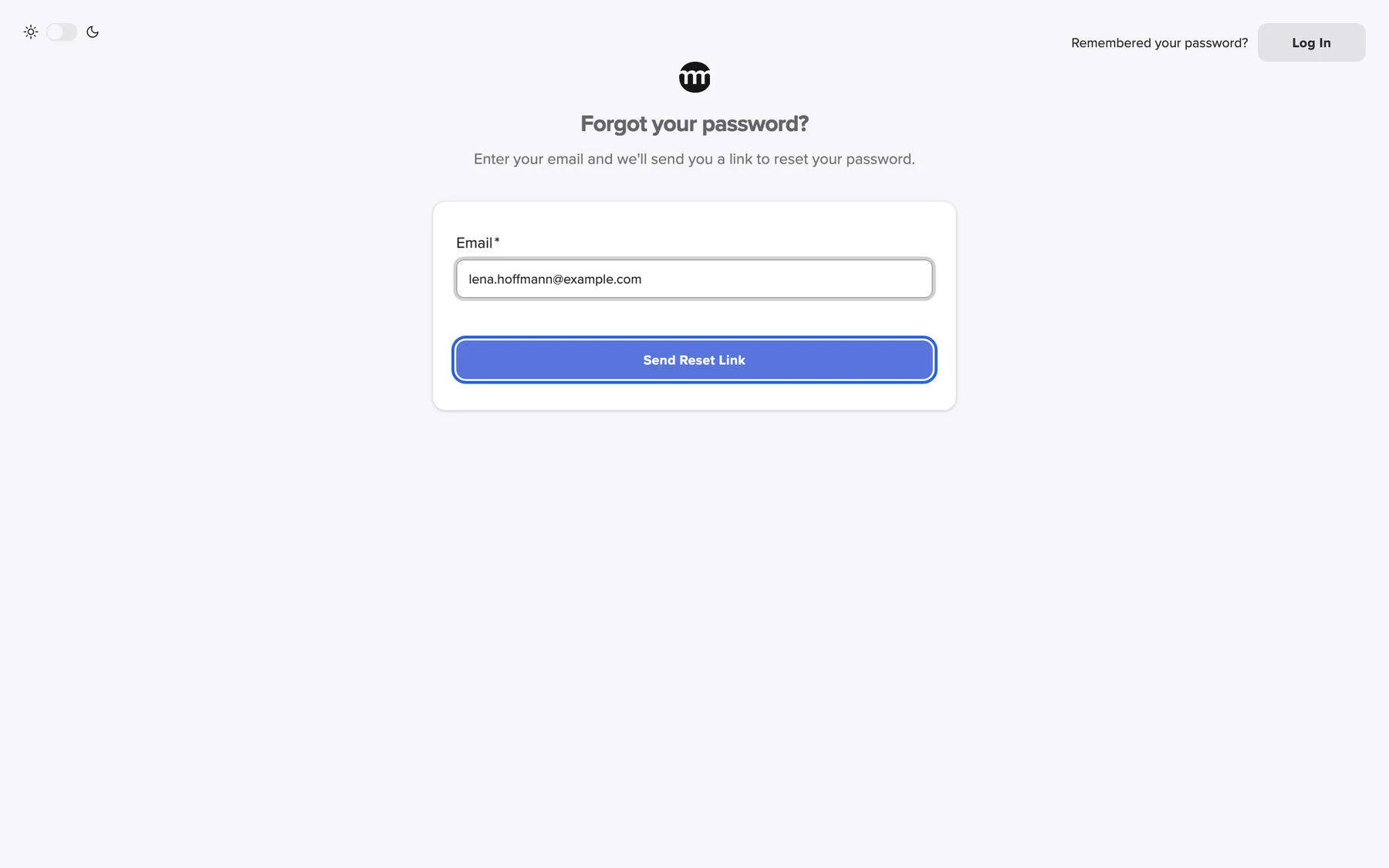
What this screenshot shows
- Highlighted
- “Send Reset Link”: emails a reset link
- Also visible
- Email: lena.hoffmann@example.com
- Purpose
- requesting a reset link
| Region | What it shows | What you do there |
|---|---|---|
| Top left | The theme switch | Switch between light and dark |
| Top right | Remembered your password? and Log In | Return to the sign-in screen |
| Heading | Forgot your password? and Enter your email and we'll send you a link to reset your password. | |
| Card | Email and Send Reset Link | Request the link |
Reset a forgotten password: request a link
Section titled “Reset a forgotten password: request a link”It happens to everyone. You reset it yourself in a few minutes, without help from your team or from support.
-
On the sign-in screen, select Forgot password?.
-
Enter the email address of your comrce Hub account in Email.
-
Select Send Reset Link. A page opens with your address and the text We've sent you a password reset email. Click the link in your inbox to continue..
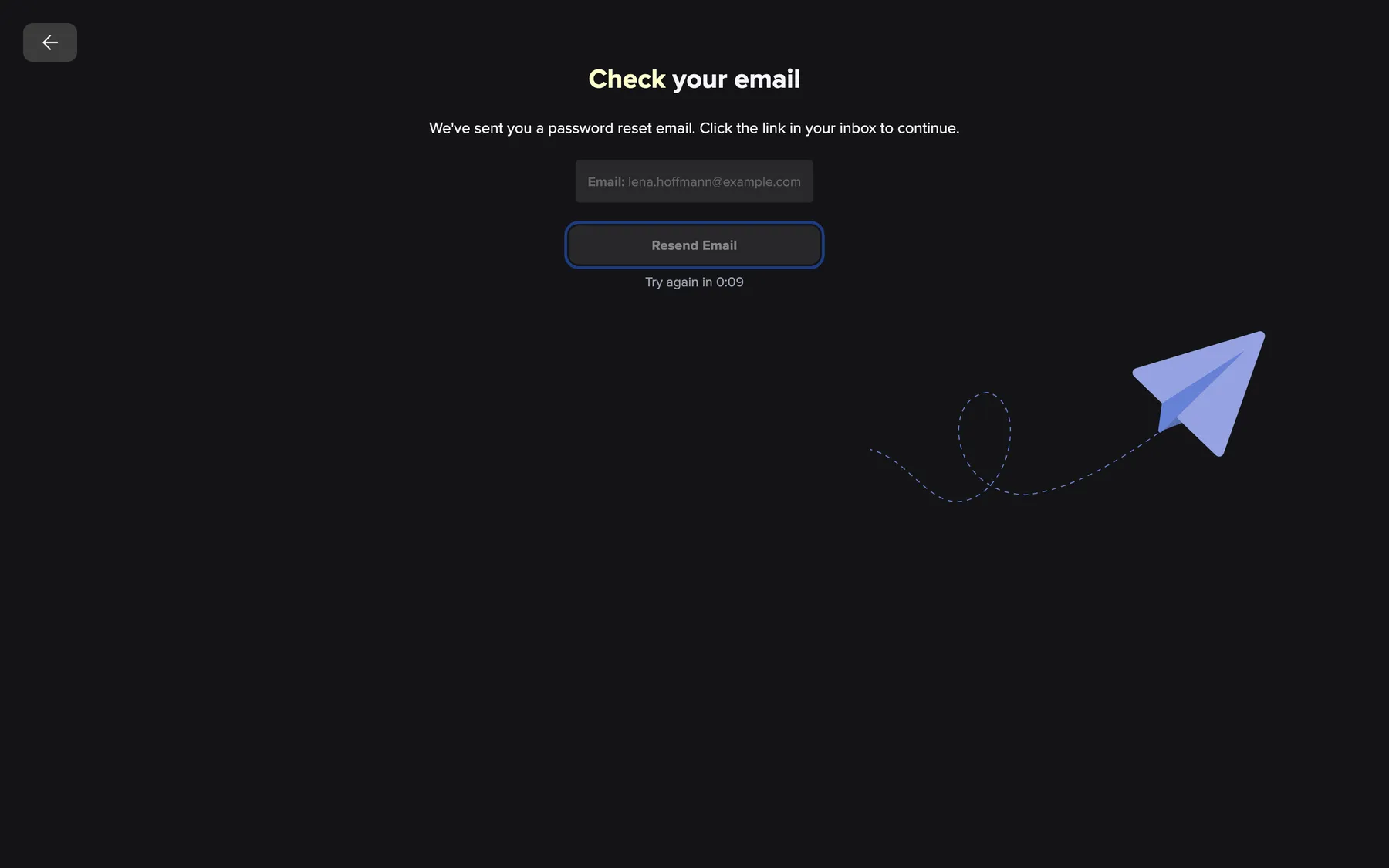
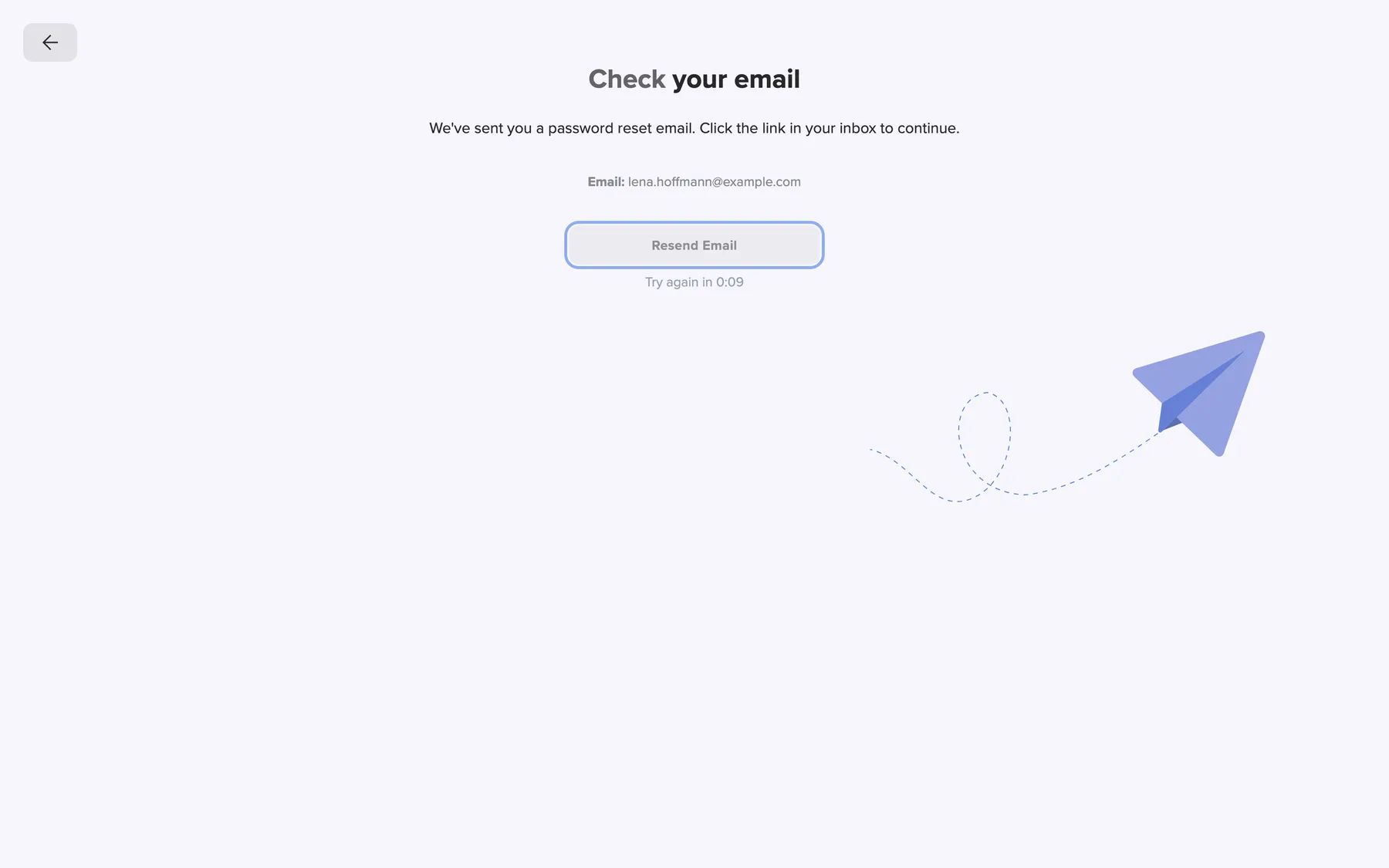
The reset email is on its way. Resend Email sends another after a short wait. What this screenshot shows
- Highlighted
- “Resend Email”: sends another reset email
- Also visible
- Email: lena.hoffmann@example.com; Try again in countdown
- Purpose
- waiting for the reset email
If the email does not arrive within a few minutes, check your spam folder. Then select Resend Email. After the page opens and after each email, the button waits a few seconds. Try again in shows the time left. When the email is on its way, the page says Email sent successfully!.
If no account uses the address you entered, the field shows This email is not associated with any account.. Nothing is sent. Check the address for typos.
Set a new password
Section titled “Set a new password”-
Open the newest reset email from comrce Hub and select the link in it.
-
The page Reset Password opens. Type the new password in New password. The list under the field turns each rule green as you type.
-
Repeat the password in Confirm new password.
-
Select Reset Password.
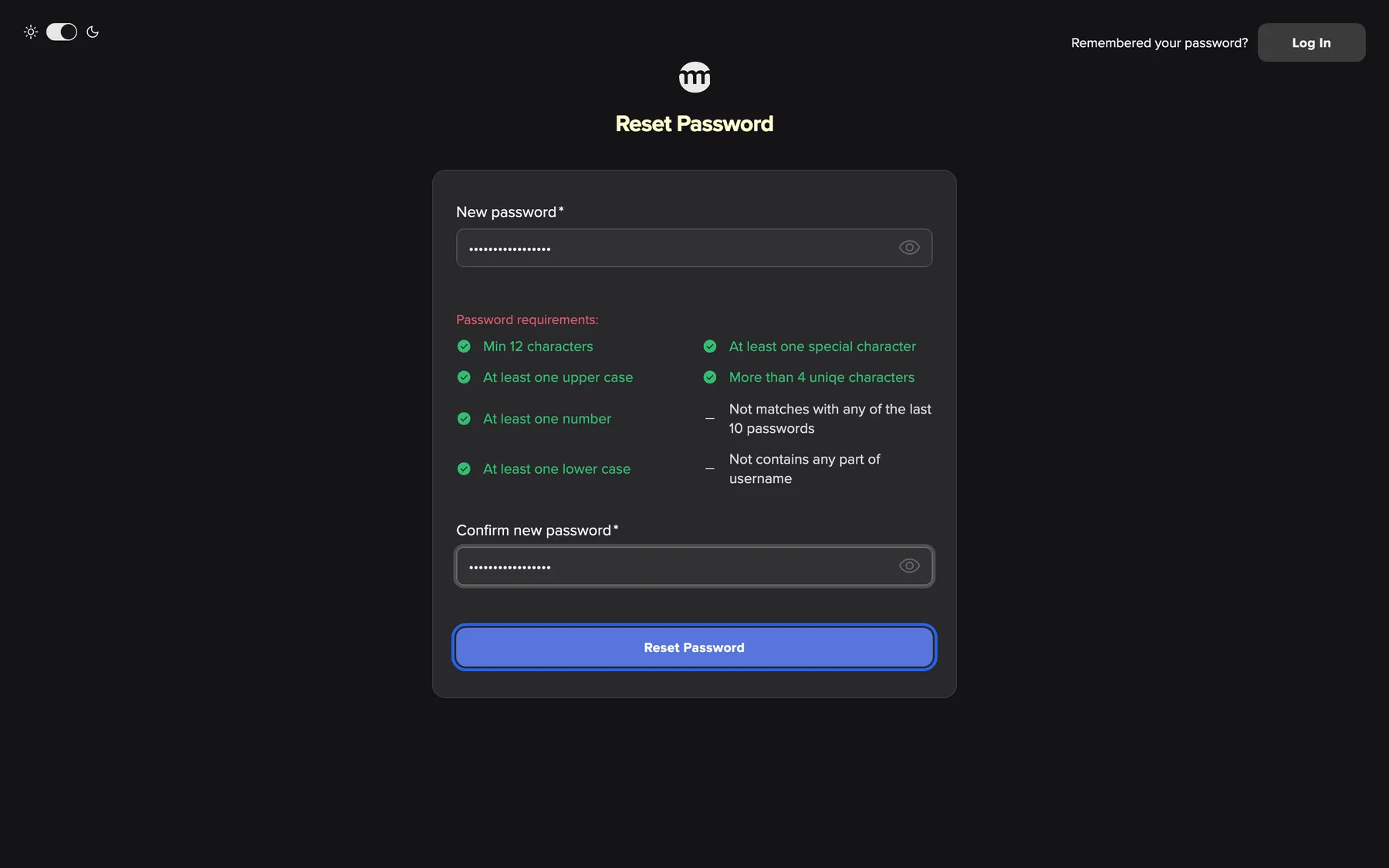
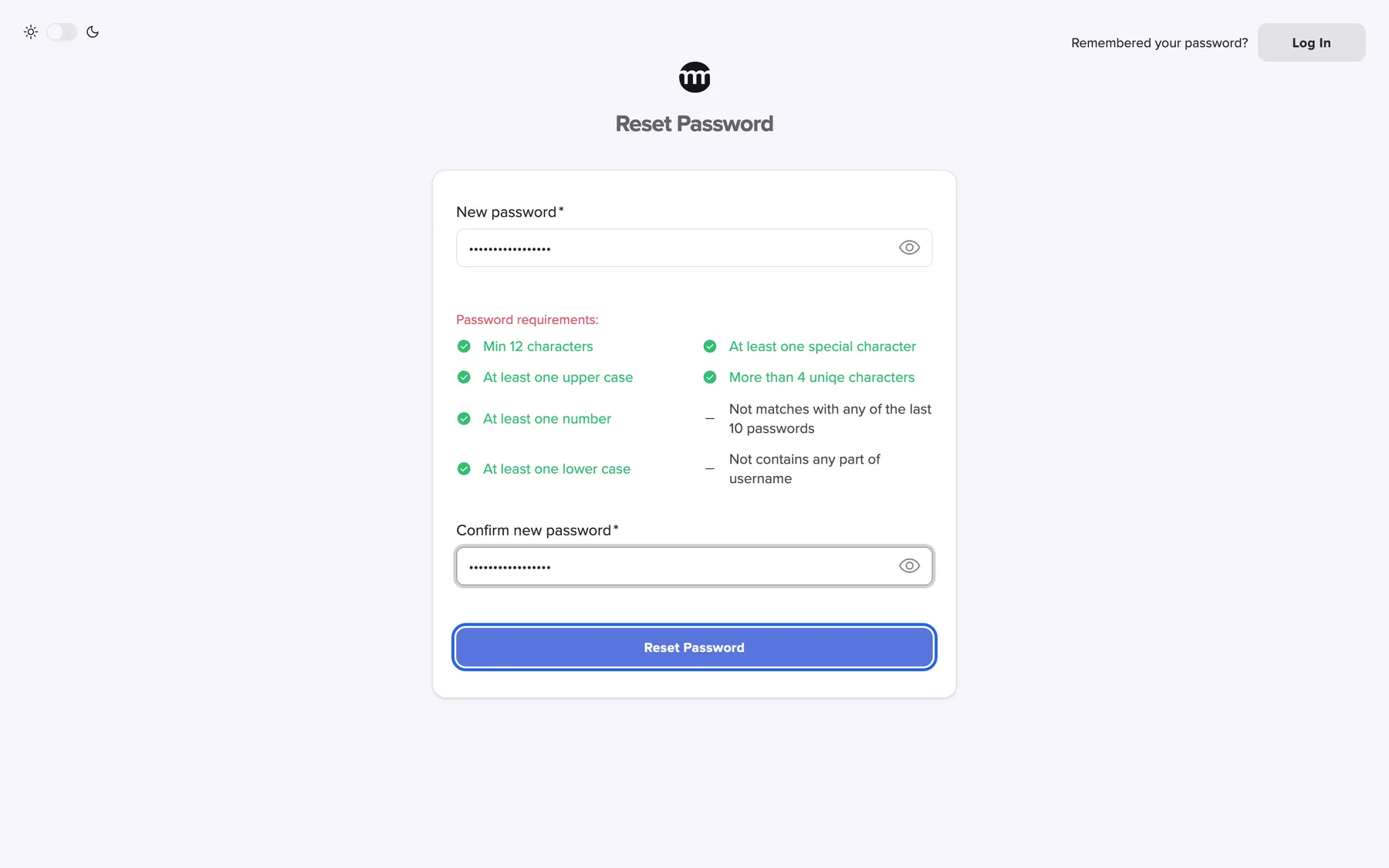
What this screenshot shows
- Highlighted
- “Reset Password”: saves the new password
- Also visible
- Checklist all green; History and username rules with dashes
- Purpose
- setting the new password
The sign-in screen then opens with Password reset, you may now login.. Sign in with your email address and the new password. If your account was locked after too many wrong passwords, the lock is gone.
This form refuses three kinds of password, with a message under the field:
| You enter | Message |
|---|---|
| Your current password | New password cannot be the same as the current password |
| A password with a 4-letter part of your name or email address | Password cannot contain parts of username. |
| One of your last 10 passwords | You have already used this password. |
When the link has expired
Section titled “When the link has expired”An expired link opens Password reset link expired. The page shows your email address and Resend Email. Select it to receive a fresh link.
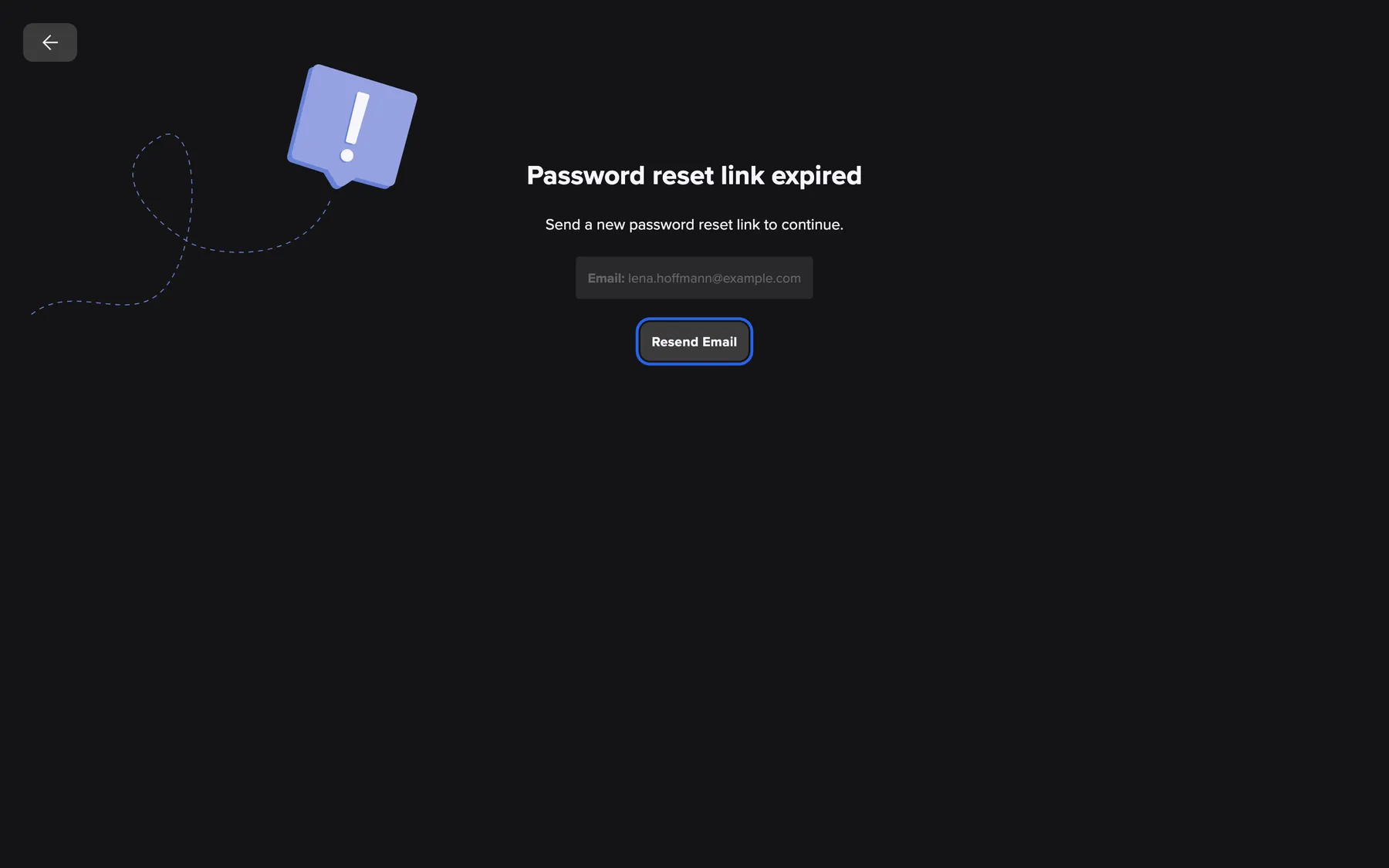
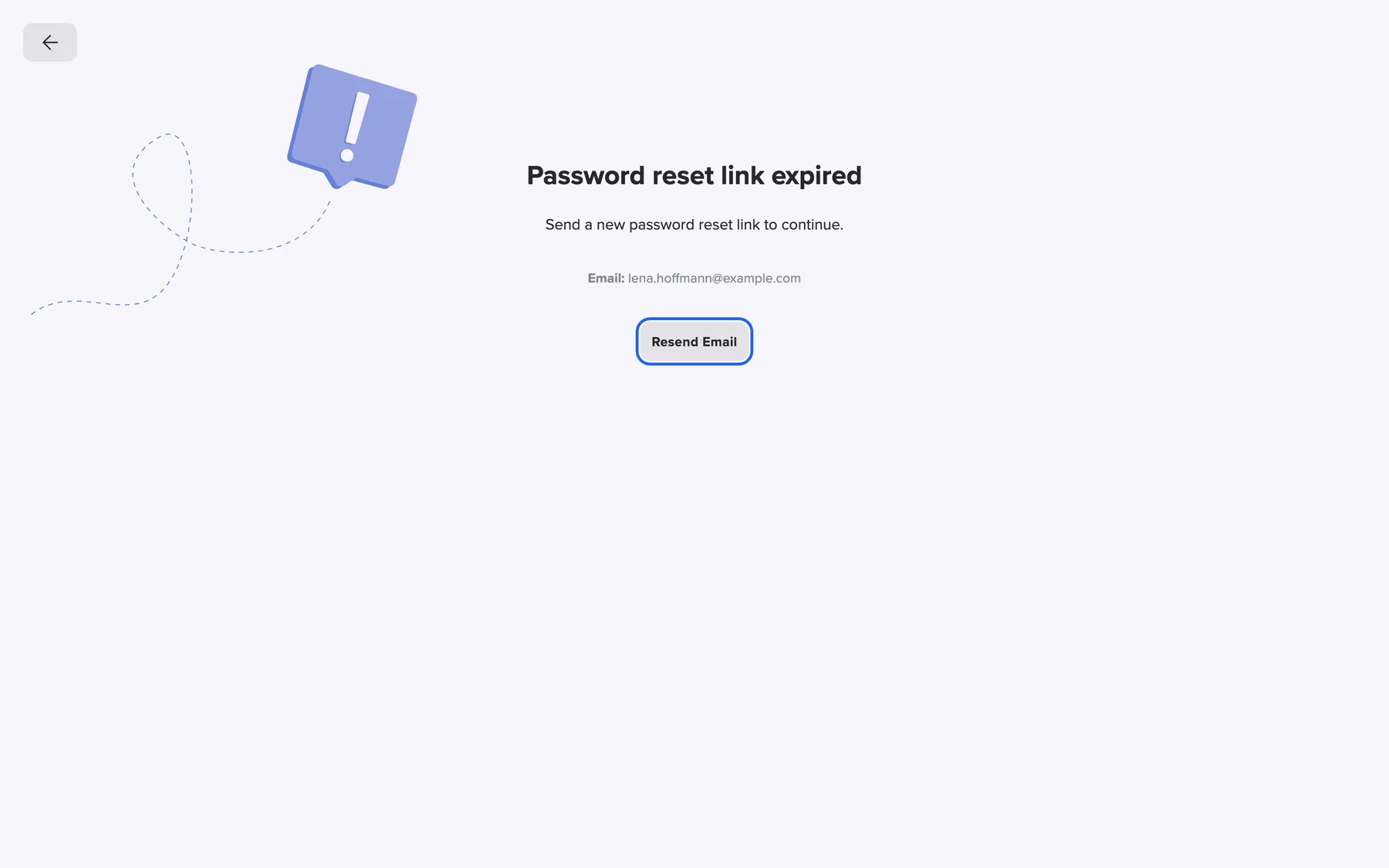
What this screenshot shows
- Highlighted
- “Resend Email”: sends a new reset link
- Also visible
- Email: lena.hoffmann@example.com
- Purpose
- recovering from an expired reset link
A used or damaged link shows a red box with Invalid or missing password reset link.. Go back to the sign-in screen and request a new link with Forgot password?.
Every control, explained
Section titled “Every control, explained”
Every control, explained
Section titled “Every control, explained”New password and Confirm new password
Section titled “New password and Confirm new password”The fields New password and Confirm new password on the page Reset Password. The requirements list is between them. The eye icon in each field shows what you typed.
The new password needs at least 12 characters, an upper-case and a lower-case letter, a digit and a special character. It also needs at least 4 different characters. Two more rules are checked when you save: see the table in Set a new password. The second field must match the first. Otherwise you see Passwords must match.
The same password rules apply everywhere in comrce Hub, so a new password is as strong as a registered one.
Resend Email
Section titled “Resend Email”The button Resend Email on the waiting page and on the expired-link page. The back arrow at the top left of these pages returns to the sign-in screen.
Sends another reset email with a new link. On the waiting page, the button waits a few seconds after each email. Sometimes the page cannot show your address, for example in another browser. It then shows a card with the field Email: to fill in first. That field shows the same messages as the first form.
Emails are sometimes delayed or filtered. A second one with a fresh link usually gets through.
Reset Password
Section titled “Reset Password”The button Reset Password at the bottom of the form.
Saves the new password and ends a lock from wrong passwords. Then the sign-in screen opens with Password reset, you may now login..
After this click, your old password no longer works.
Other controls on this page
| Control | What it does | Why |
|---|---|---|
| The email address of your account. An empty field shows Email is required. A mistyped address shows Enter a valid email address. | The link goes only to the account’s address, so only the owner of the inbox can reset. | |
| Send Reset Link | Sends the reset email and opens the waiting page. | Starts the reset without your old password. |
| Log In | Opens the sign-in screen without changing anything. A link you already requested stays valid. | For when the password comes back to you halfway through. |
What you need to know
Section titled “What you need to know”
What you need to know
Section titled “What you need to know”| Topic | Fact |
|---|---|
| Several emails | Each email has its own link. Use the newest one. |
| Locks | A successful reset ends a lock after too many wrong passwords. |
| Audit log | Requests and resets appear in your company’s logs as Reset password requested and Password has been reset. |
Frequently asked questions
Section titled “Frequently asked questions”
Frequently asked questions
Section titled “Frequently asked questions”Requesting a link
Section titled “Requesting a link”I did not receive the reset email. What can I do?
Section titled “I did not receive the reset email. What can I do?”Check your spam folder first. Make sure you typed the address of your comrce Hub account. Then select Resend Email on the waiting page. Always open the newest email, because each one contains a new link.
Does a reset end the lock after too many wrong passwords?
Section titled “Does a reset end the lock after too many wrong passwords?”Yes. After 5 wrong passwords in a row, your account is locked for 24 hours. Once you save a new password through a reset link, the lock ends. You can then sign in with the new password straight away.
Can I reset my password while I am signed in?
Section titled “Can I reset my password while I am signed in?”The reset is meant for when you cannot sign in. While signed in, use Change Password in your Settings. It asks for your current password. See Passwords and sign-in.
Can a colleague or the company owner reset my password for me?
Section titled “Can a colleague or the company owner reset my password for me?”No. The reset link always goes to your own email address. So only you can set a new password. A company owner cannot see or change your password. If you lost access to that inbox, contact comrce support.
Setting the new password
Section titled “Setting the new password”Why is my new password rejected?
Section titled “Why is my new password rejected?”The message under the field names the reason. New password cannot be the same as the current password means you entered your current password. You have already used this password. means it is one of your last 10. Password cannot contain parts of username. means it contains 4 letters in a row from your name or email.
The page says the link is invalid. What happened?
Section titled “The page says the link is invalid. What happened?”Invalid or missing password reset link. appears when a link was already used or is incomplete. An email program may have broken it across two lines. Request a new link with Forgot password? and select the link directly in the email.
How long is the reset link valid?
Section titled “How long is the reset link valid?”The link in the email is valid for 1 day. Once you open it, finish the new password within 30 minutes. An older link shows Password reset link expired and a button to send a fresh link.
Do I have to sign in again after the reset?
Section titled “Do I have to sign in again after the reset?”Yes. After Reset Password, the sign-in screen opens with Password reset, you may now login.. Sign in with your email address and the new password. If two-factor authentication is set up, enter your code as usual.
Troubleshooting
Section titled “Troubleshooting”
Troubleshooting
Section titled “Troubleshooting”| Symptom | What to check |
|---|---|
| No reset email arrives | The spam folder, the spelling of the address, then Resend Email. |
| This email is not associated with any account. after Send Reset Link | No comrce Hub account uses that address. Use the address you sign in with. |
| Enter a valid email address | Spaces, letters with accents such as ä or é, or a missing @ or domain. Type the address exactly as you sign in with it. |
| “Too many requests. Please try again later.” | Too many requests came from your network in a short time. The message is always in English. Wait a minute and try again. |
| Password reset link expired | The link has expired. Select Resend Email on that page. |
| Invalid or missing password reset link. | The link was used already or is incomplete. Request a new one. |
| This password reset link has expired. when saving | Too much time passed since you opened the link. Request a new link. |
| You have already used this password. | Choose a password you have not used recently. |