

BAYFOX - DA Digital GmbH
BAYFOX - DA Digital GmbH is a partner in the comrce Marketplace. It is listed under the service Setup Partners in the section Service Partners. Its listing reads:
Bayfox is your 360° e-commerce agency in Bonn. With 15+ years of digital expertise, we help you set up and optimize Billbee, streamline processes, and scale your online business.
What it offers
Section titled “What it offers”Under About the page says:
At Bayfox, we combine extensive digital expertise with specialized e-commerce knowledge. Our team consists of experts with over 15 years of experience working for renowned companies. This expertise allows us to support you not only with setting up and optimizing Billbee but also with online marketing, SEO for online shops and marketplaces, conversion rate optimization, advertising, and development. We look forward to helping you set up and optimize your Billbee account and working together to achieve your e-commerce goals. Our Services: - Complete Billbee setup and configuration - Online shop and marketplace integrations - Shipping provider integrations - Integration of APIs and third-party systems - Multichannel product management - Process automation and optimization - Optimization and fine-tuning of existing Billbee accounts - Personal support even after project completion What Our Clients Appreciate About Us: - Our broad range of expertise - Our professional, reliable, and transparent communication - Our ability to kick off projects quickly and execute them efficiently - Our methodical and structured approach - Our commitment to always finding the best possible solution
The card Everything important at a glance and the rest of the page list:
| Detail | In the catalog |
|---|---|
| Compatible with | Billbee, Replyco |
| Category | Service Partners |
| Supported Shops | Shopify, Shopware, WooCommcerce, Gambio, etc. |
| Supported Marketplaces | eBay, Kaufland, OTTO, Amazon, Etsy, TikTok, etc. |
| Pricing | On an hourly basis or at an agreed package price. |
| Support Channels | Available via email, phone, and video calls, fast response times, dedicated support packages for ongoing assistance even after project completion, emergency support outside regular business hours. |
| Information cards | Setup Services, Support, Areas of Expertise |
| Contact | website (shown after installing), email address, phone number |
Prices and terms are set by the partner. You agree on them with BAYFOX - DA Digital GmbH directly. comrce Hub has no request or booking form, so looking around here commits you to nothing.
Where you find it
Section titled “Where you find it”- Open Marketplace.
- In the section Service Partners, select Find provider on the tile Setup Partners.
- On the service page, select More information on the tile BAYFOX - DA Digital GmbH.
The partner’s page opens in a tab of its own. The Back button at its top left returns to the service page.
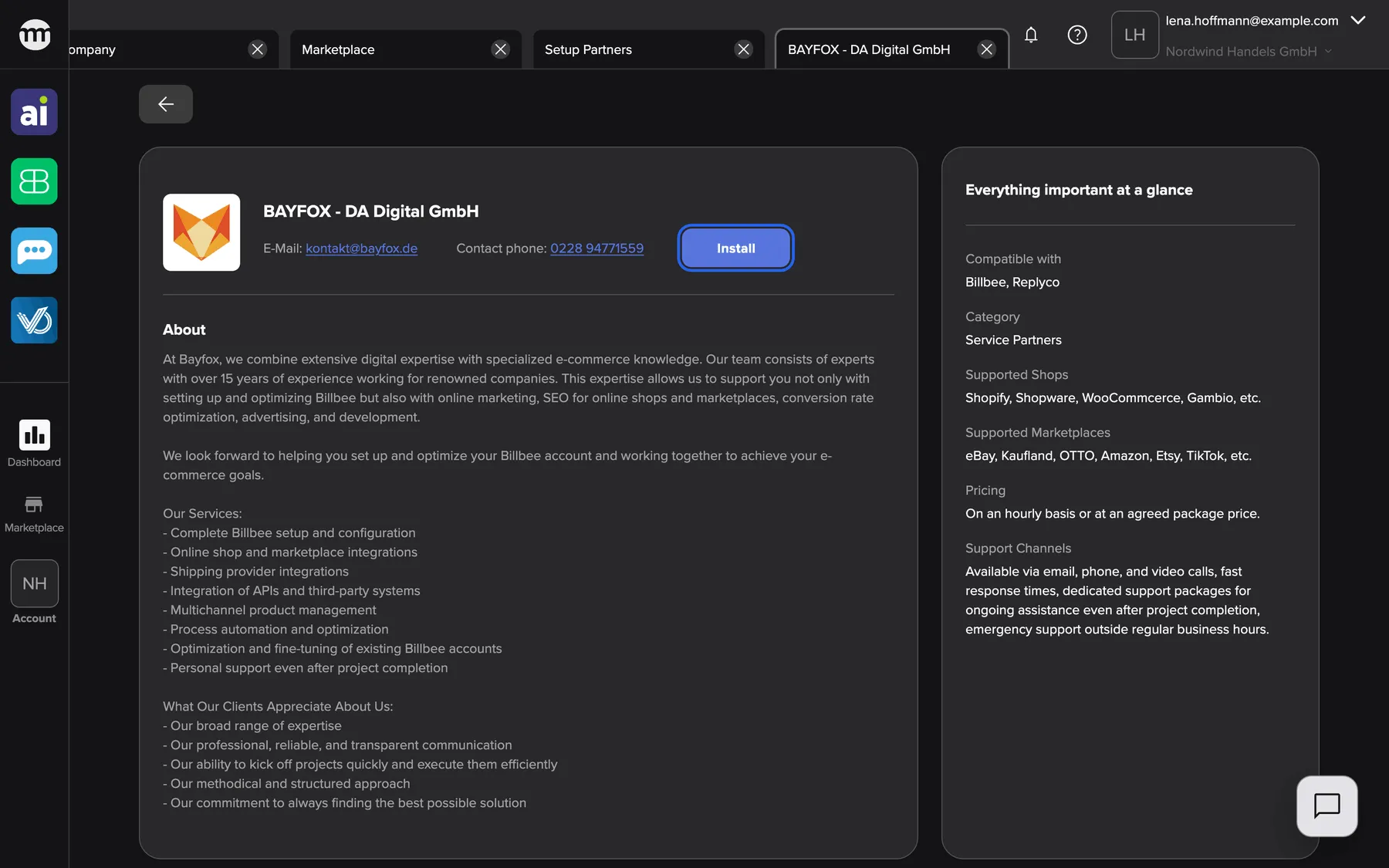
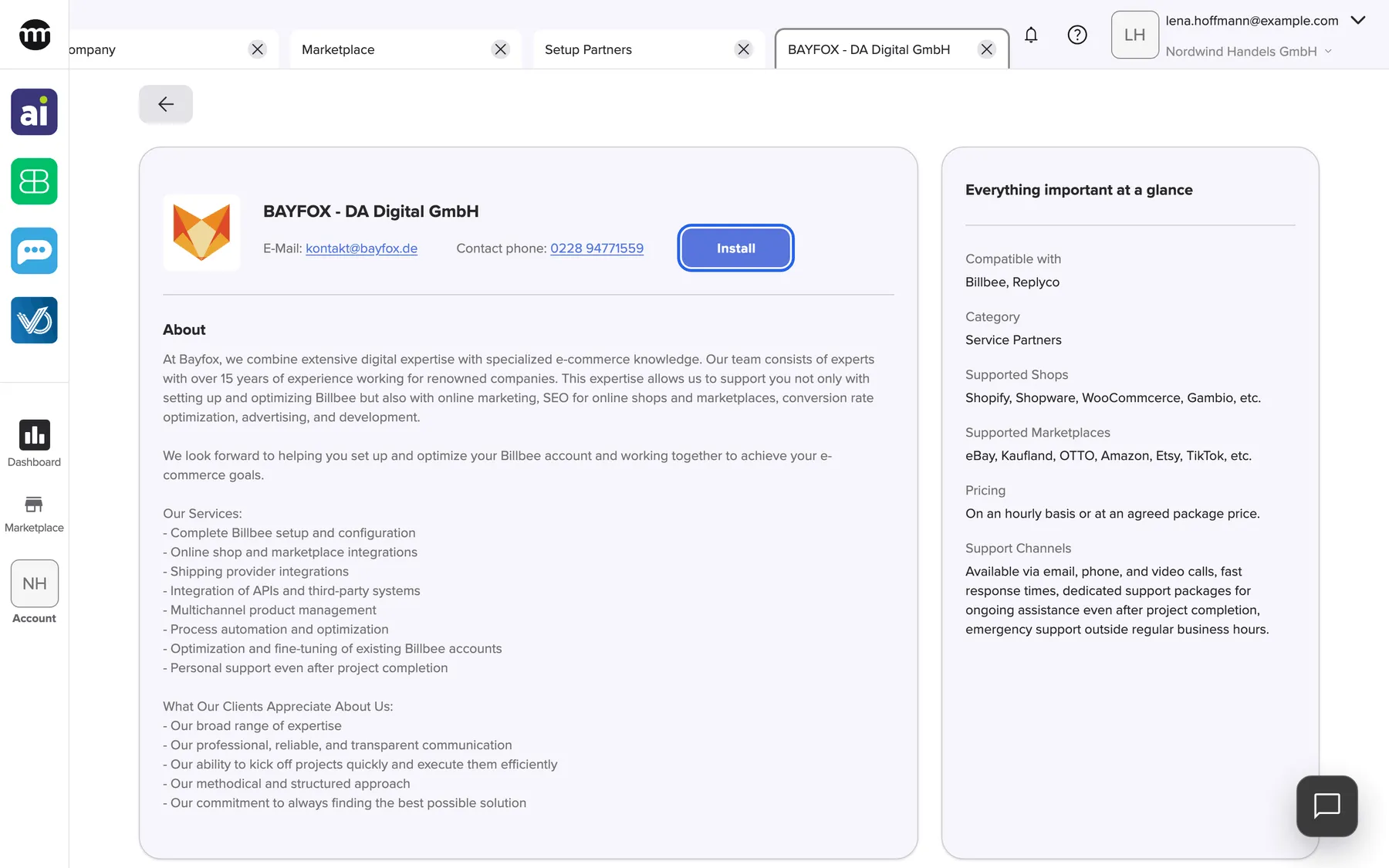
What this screenshot shows
- Screen
- BAYFOX - DA Digital GmbH
- Highlighted
- “Install”: installs the partner for the whole company at once, without a confirmation
- Also visible
- Logo or placeholder, name and contact details; About; Everything important at a glance
- Purpose
- catalog entry for the partner BAYFOX - DA Digital GmbH (listing under Setup Partners)
Who can install it
Section titled “Who can install it”Anyone can read this page, also visitors without an account. What you can do on it depends on your access:
- Without an account you see Log in to install in place of Install.
- With the Managing API connections permission you see Install, and once installed, Uninstall. Both act on the whole company.
- Company owners have the permission. Members and partners don’t have it by default.
BAYFOX - DA Digital GmbH has an app that signs in with comrce Hub. Until your company installs the partner, comrce Hub refuses the app’s sign-in for everyone in your company. The website link appears only after the install, so visitors never see it.
Installing costs nothing in comrce Hub and doesn’t notify the partner. Uninstall takes it back for the whole company.
Related
Section titled “Related”- Setup Partners – the service entry, with every partner that offers it
- A partner’s page – contact details, Install and Uninstall
- Install a partner
- Marketplace catalog – every service and partner