

Dashboard
Dashboard is a menu item in the left sidebar of comrce Hub, directly below the four tool icons. Selecting it opens the Dashboard tab. The tab shows no content yet. You see a placeholder card with the comrce logo and the page name, but no figures or data.
What you can do here
Section titled “What you can do here”- Open the Dashboard tab from Dashboard in the sidebar. The screen at a glance.
The screen at a glance
Section titled “The screen at a glance”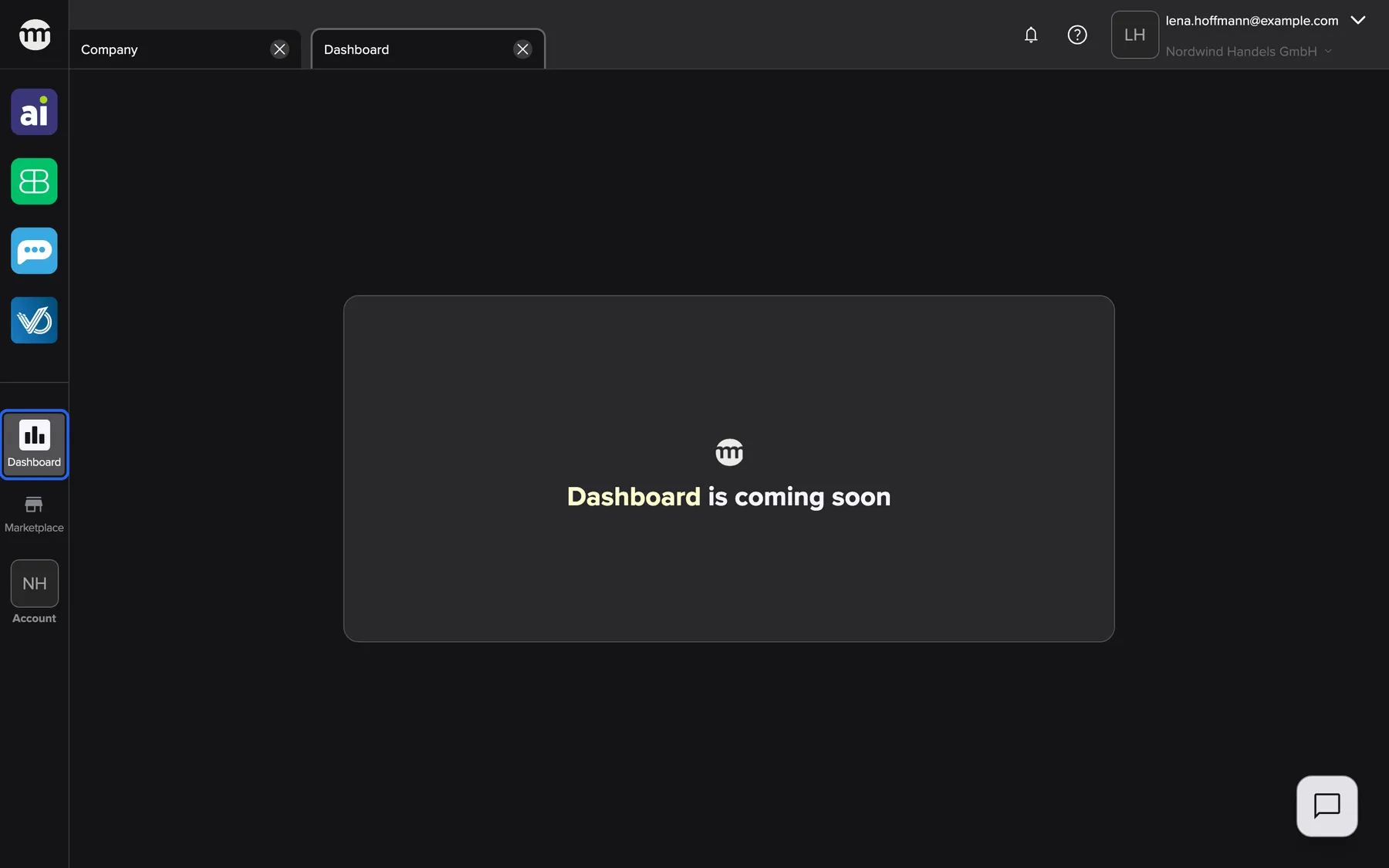
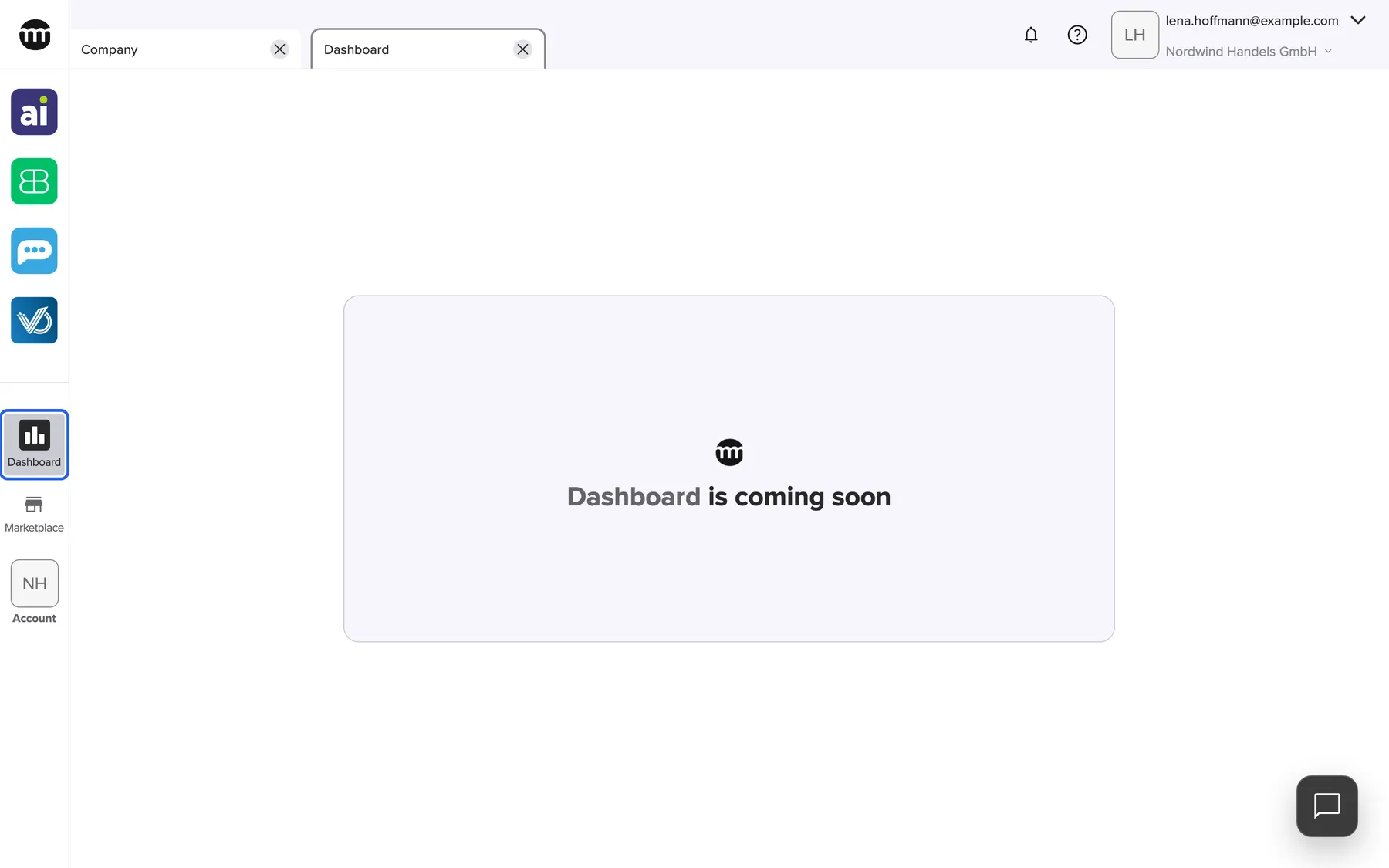
What this screenshot shows
- Screen
- Dashboard
- Highlighted
- “Dashboard”: opens the Dashboard tab
- Also visible
- Placeholder card, no data
- Purpose
- where the Dashboard menu item is
| Region | What it shows | What you do there |
|---|---|---|
| Sidebar | The Dashboard item, below the tool icons | Open the tab |
| Content area | A placeholder card, no data | – |
Every control, explained
Section titled “Every control, explained”
Every control, explained
Section titled “Every control, explained”Dashboard in the sidebar
Section titled “Dashboard in the sidebar”The left sidebar, below the tool icons and above Marketplace.
Opens the Dashboard tab, or switches to it if it is already open. The tab shows the placeholder card when you have at least one of these permissions:
- Reading Amainvoice dashboard
- Reading Billbee dashboard
- Reading Replyco dashboard
- Reading VentoryOne dashboard
Without any of them, the tab shows the access card with Request access.
You find the Dashboard in the same place in every company you work in.
Who sees what
Section titled “Who sees what”
Who sees what
Section titled “Who sees what”| Part | Shown when |
|---|---|
| The Dashboard item | You work in a company |
| The placeholder card | You have at least one tool dashboard permission. The roles Owner, Member and Partner have them by default. |
| The access card | You have none of the four tool dashboard permissions |
Frequently asked questions
Section titled “Frequently asked questions”
Frequently asked questions
Section titled “Frequently asked questions”General
Section titled “General”Why is the Dashboard tab empty?
Section titled “Why is the Dashboard tab empty?”The Dashboard tab in comrce Hub shows no content yet. It shows a placeholder card with the comrce logo and no figures. This is the same for every company and every permission.
Why does the Dashboard tab show a card asking me to request access?
Section titled “Why does the Dashboard tab show a card asking me to request access?”The tab needs at least one of the four tool dashboard permissions, such as Reading Billbee dashboard. Without any of them, it shows Request access, which sends a request to the company owner by email.
Troubleshooting
Section titled “Troubleshooting”
Troubleshooting
Section titled “Troubleshooting”| Symptom | What to check |
|---|---|
| The tab shows You don’t have access to this page. You can request access from your organization admin. | You have none of the tool dashboard permissions in this company. Use Request access or ask the company owner. |
| The Dashboard item is missing | Are you working in a company? Without a company, comrce Hub shows a reduced sidebar. |