

Every update for your tools, one click from your work
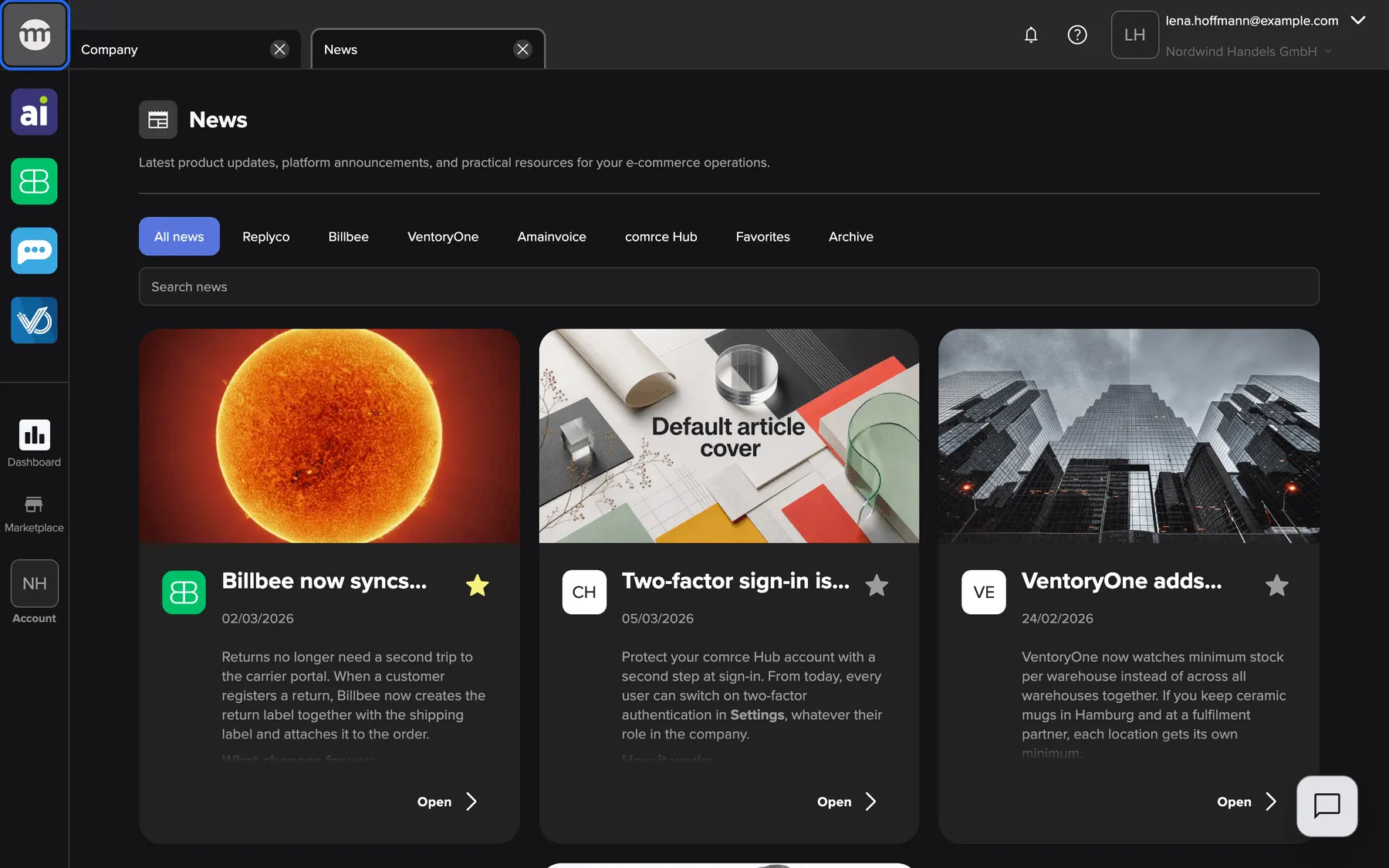
Product updates for your tools used to reach you in different places. The one about your everyday tool slipped through far too often. comrce Hub now has its own News tab. It brings every update for comrce Hub, Amainvoice, Billbee, Replyco and VentoryOne into one feed next to your work.
What’s new
Section titled “What’s new”- One feed for every tool. Select the comrce logo at the top of the sidebar, and News opens in a tab. You read the news without leaving the order or invoice you are working on.
- Filter by tool. One button per category, such as Billbee or comrce Hub, shows only what concerns the tool you care about today.
- Keep what matters. A starred article stays at the top of your feed and under Favorites. It stays there even after comrce moves it to the Archive.
- Find it again. The search looks through titles and full texts. An order number or a SKU you remember brings up the article that mentions it.
- Share with a link. Every article opens in its own window with its own address. Send it to a colleague, and the same article opens for them, nothing to forward or attach. They read it in their language when a translation exists.
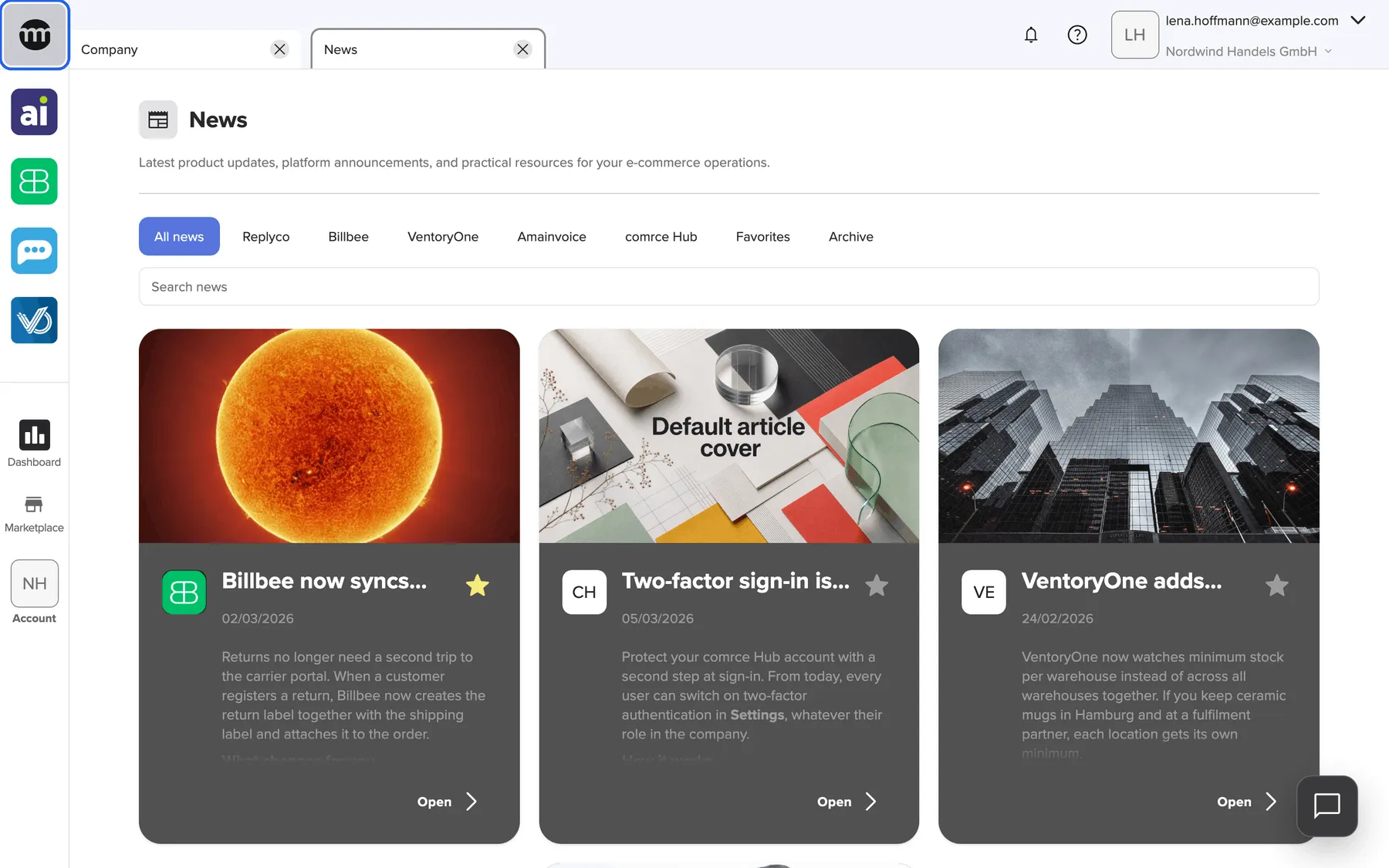
What this screenshot shows
- Screen
- News
- Highlighted
- opens the News tab
- Also visible
- Heading News with the introduction text; Filter buttons: All news (selected), one per category, Favorites, Archive; Search news field; Article cards: cover image, category logos, title, publish date, preview, star button, Open button
- Purpose
- hero of the News release note; the feed as it first opens
Why it matters
Section titled “Why it matters”When Billbee changes how return labels work, the person who packs returns needs to know that day. Not after the first support ticket. With News in comrce Hub, the update is one click away from the tools your team opens every morning. A starred article keeps the instructions at hand until everyone has read them.
Get started in three steps
Section titled “Get started in three steps”-
In the left sidebar, select the comrce logo at the very top. The News tab opens with All news selected.
-
Select the button of the tool you use most, for example Billbee, to see only its news.
-
Open an article with Open on its card and star the ones you want to keep. The News feed guide shows every step.
Availability
Section titled “Availability”- Who: everyone signed in to a company in comrce Hub, in every role. No permission is needed to read, filter, search or star.
- Favorites: personal to you. Your colleagues keep their own.
- Languages: English and German. Articles appear in your comrce Hub language when comrce has translated them, otherwise in their original language.
- Where: in comrce Hub in your browser, on large and small screens.
Learn more
Section titled “Learn more”- The News feed: filters, favorites, archive, search and the help cards
- Read an article: the article window and how to share an article
- Keep an article as a favorite
- Search the news
Best, your comrce team